Jump to content
View in the app

A better way to browse. Learn more.

Enpass Discussion Forum

A full-screen app on your home screen with push notifications, badges and more.

To install this app on iOS and iPadOS
  1. Tap the Share icon in Safari
  2. Scroll the menu and tap Add to Home Screen.
  3. Tap Add in the top-right corner.
To install this app on Android
  1. Tap the 3-dot menu (⋮) in the top-right corner of the browser.
  2. Tap Add to Home screen or Install app.
  3. Confirm by tapping Install.
  • Search By Tags

    Search will match any tag entered
  • Search By Author

Content Type

Forums

  • General discussion
    • Hot topics
    • Enpass Support & Troubleshooting
    • Registration and Purchases
    • Autofilling and Desktop Browser Extensions
    • Data Security
    • Announcements
  • Help us improve Enpass
    • Feature requests
    • Enpass Beta
    • Localization
  • General discussion

Find results in

Find results that contain...

Date Created

  • Start

    End

Last Updated

  • Start

    End


Filter by number of...

  • Minimum number of replies

  • Minimum number of views

Found 1 result

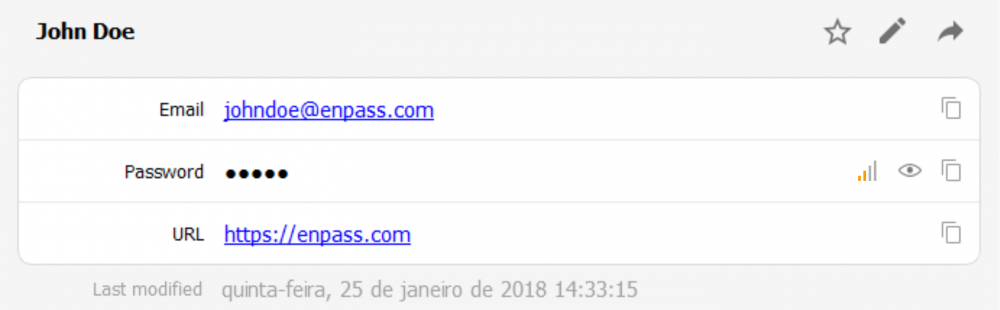
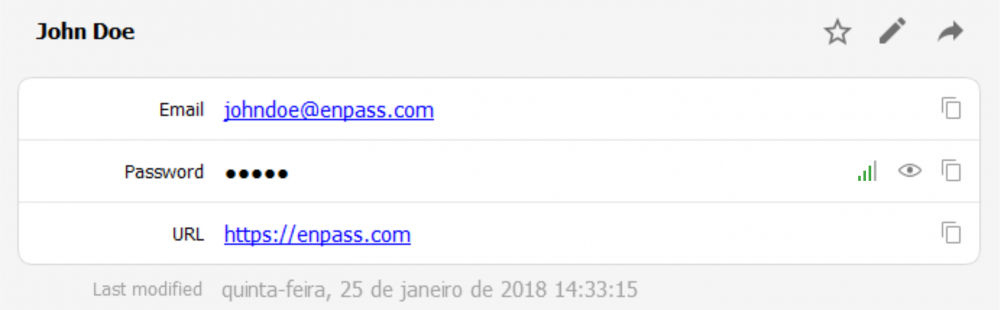
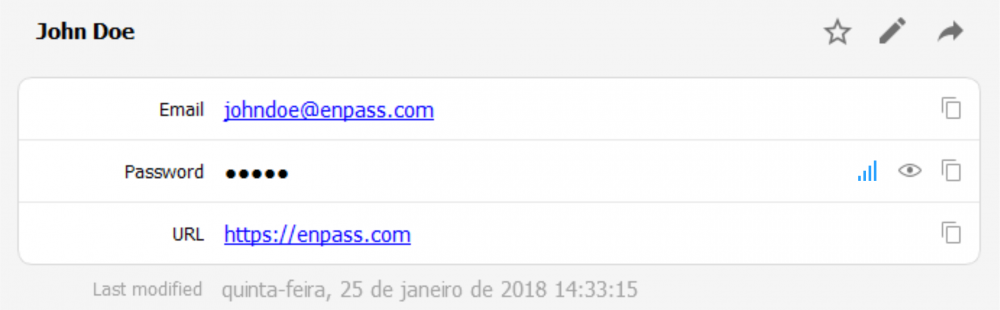
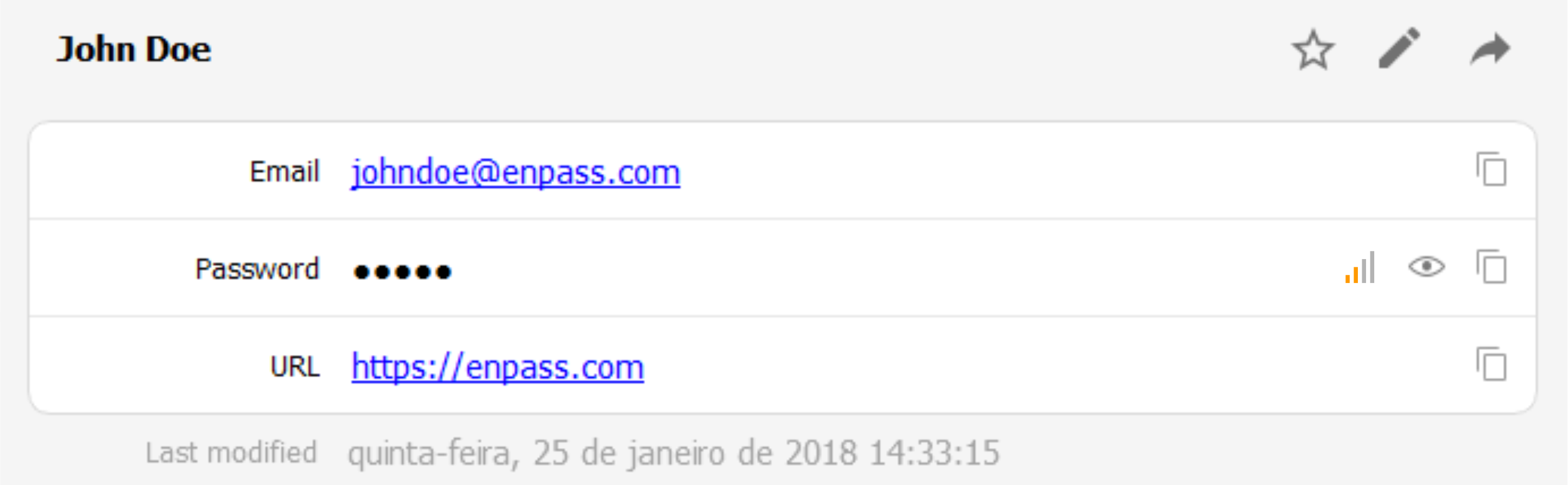
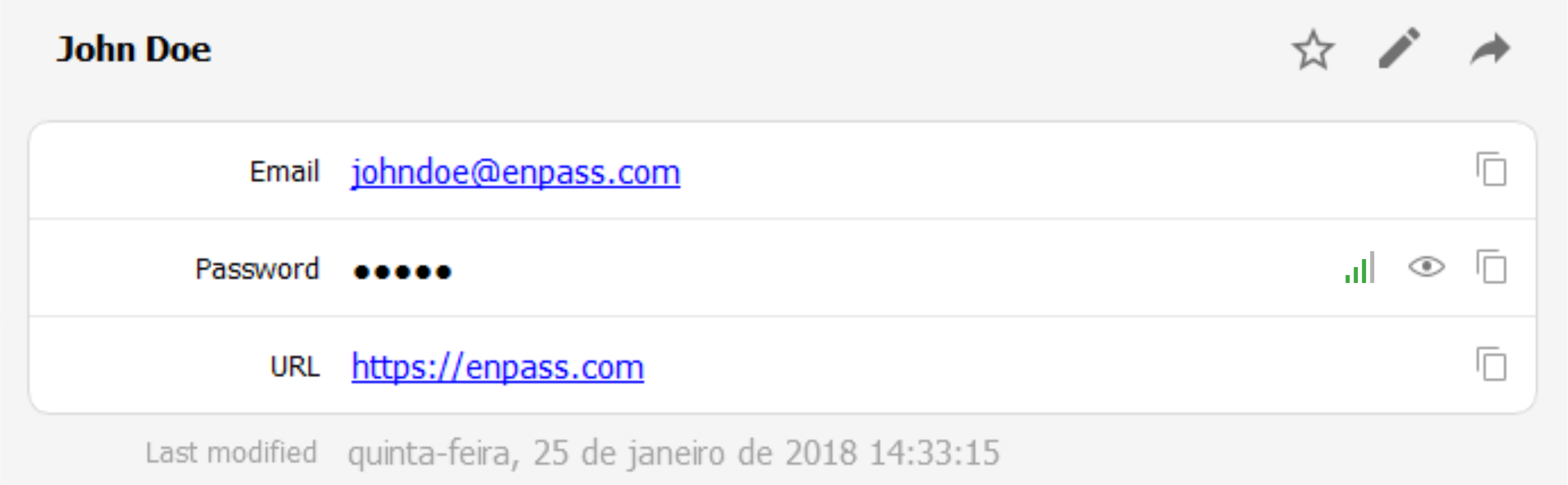
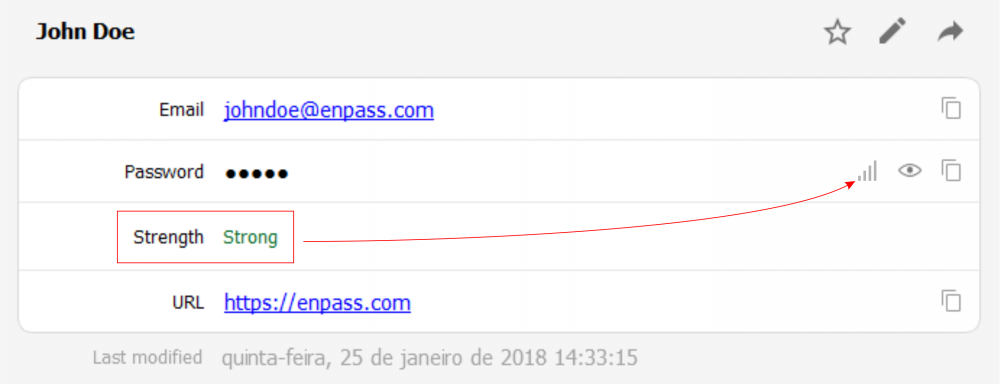
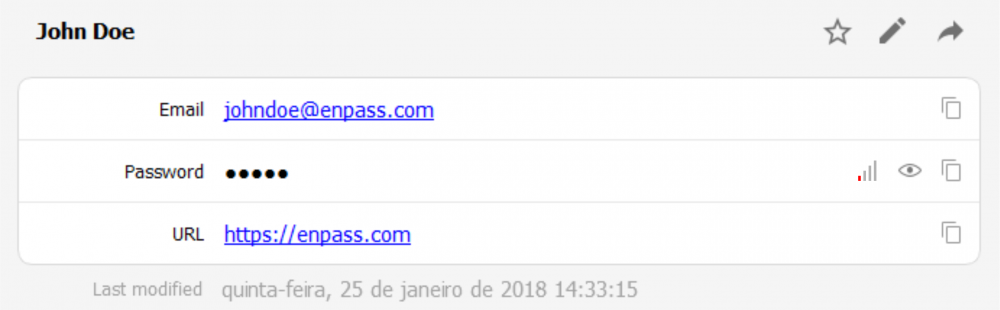
  1. Hi! First of all, Enpass is awesome and legen... wait for it... dary! At the login entries, there is a box with lines like this: Email johndoe@... Password ******** Strength Strong (or Weak or whatsoever) URL https://.... I think it would be nicer (and cleaner) if password strength appeared at the same line that password is. Near the little eye and the copy icons. It should be the whole word (similar to what is right now) or even an icon indicating password strength. Maybe something colorful like red for weak, yellow for fair, green for strong, blue for super strong etc. Please, see attached files.
Account

Navigation

Search

Configure browser push notifications

Chrome (Android)
  1. Tap the lock icon next to the address bar.
  2. Tap Permissions → Notifications.
  3. Adjust your preference.
Chrome (Desktop)
  1. Click the padlock icon in the address bar.
  2. Select Site settings.
  3. Find Notifications and adjust your preference.