Leaderboard
-
voyager
Members3Points3Posts -
s-bahn
Members2Points1Posts -
AndreasN
Members1Points6Posts -
Alwin Unmuth
Members1Points1Posts




Popular Content
Showing content with the highest reputation on 11/02/21 in all areas
-
3 pointsAnd to add to what @Discordantsaid, if you're using Gmail or Google Apps and let's say your email is user@gmail.com, you can create aliases on the fly. Say you're registering at BBC website, then you can write your email is user+bbc@gmail.com and every email sent to that email will arrive to your user@gmai.com email. Of course, you will not be able to send an email from user+bbc@gmail.com, but you will receive all sent to it.3 points
-
2 pointsI've created a ticket and they sent me the following link with the newest release 2.4.2. For me it's working again without any further changes (Windows ACLs,...). Finally! https://supfiles.synology.com/fsdownload/cJ5c835mF/KI431172 points
-
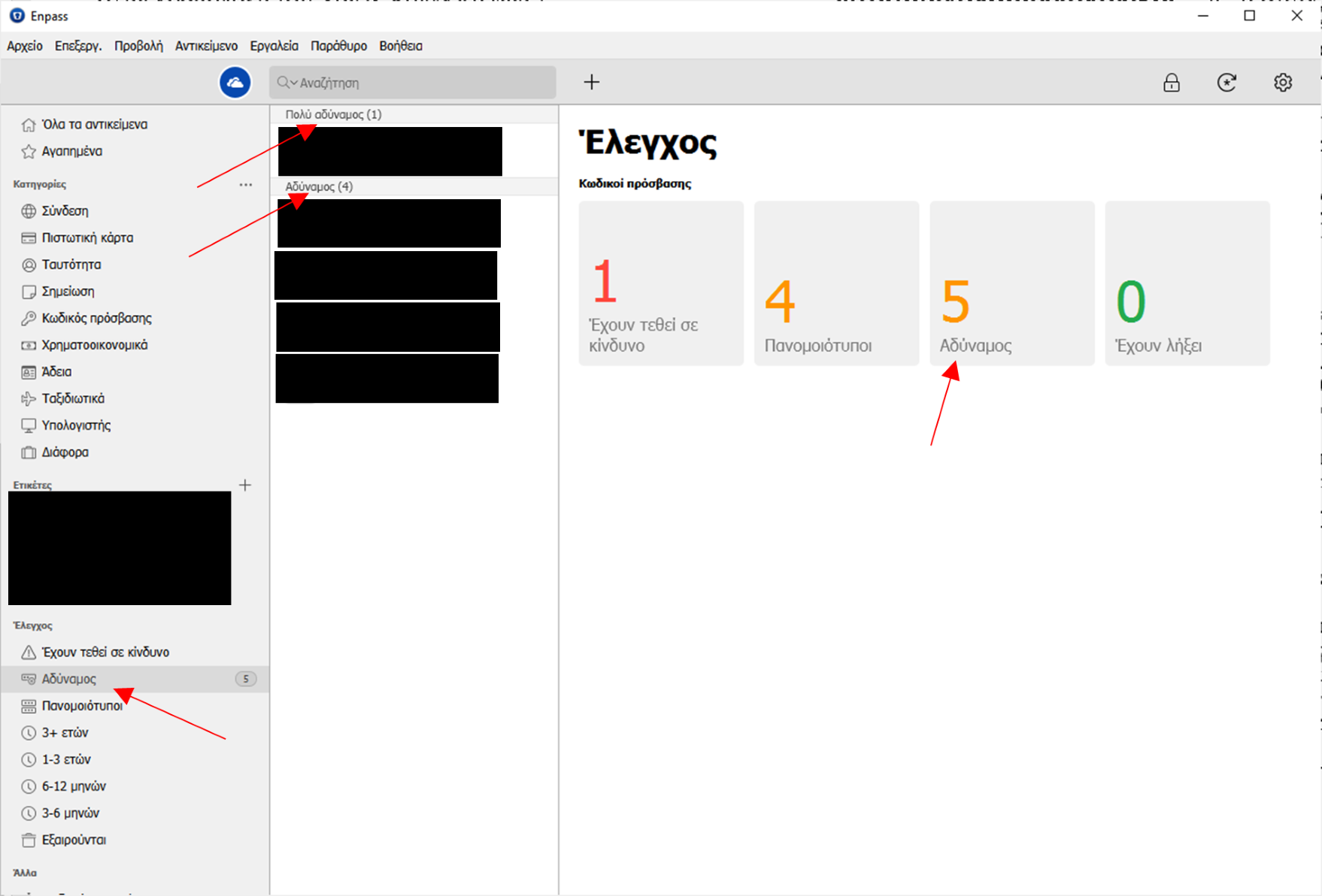
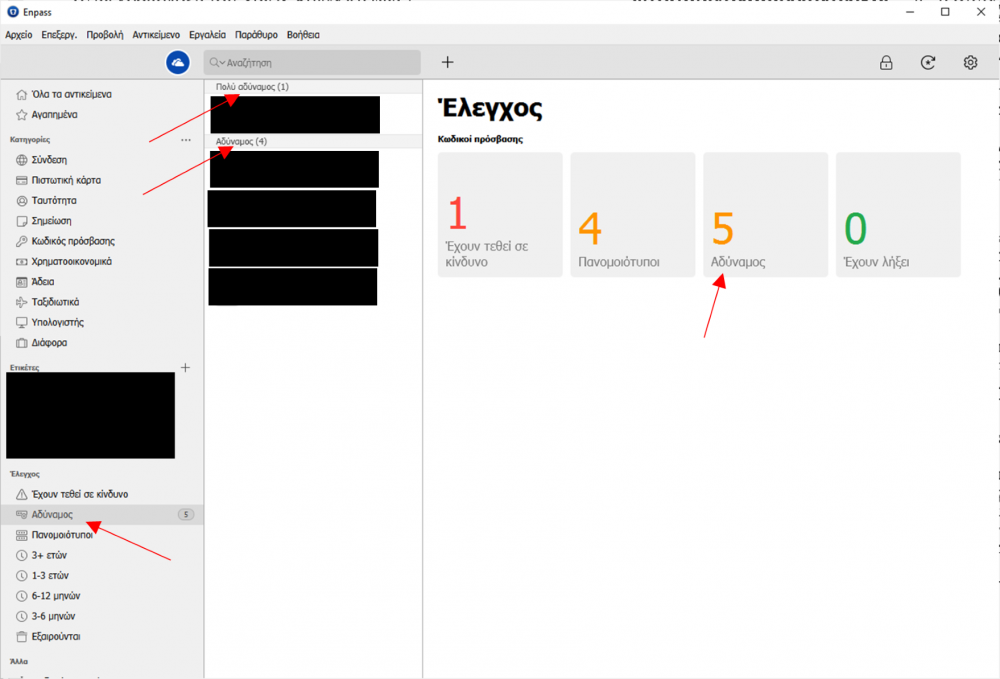
1 pointThe Greek translation is great. I would only like to point out this error: It seems that in these 4 instances the word "Αδύναμος" (and "αδύναμος") escaped the attention of your translators and was written in singular. So there is an inconsistency with all other tiles, which are in plural (and this is the correct). It must be corrected to "Αδύναμοι" (and "Πολύ αδύναμοι" in the upper instance of the middle column).
 1 point
 -
Ich suche nach einer Deutschen Fassung des Handbuches. Habe ich Tomaten auf den Augen oder gibt es eine solche nicht?1 point