OLLI_S
Members
-
Joined
-
Last visited
Everything posted by OLLI_S
-
Hello @Anshu kumar, I read in the German c't magazine that there were new password collections found in the web. They called them Collections #2 to Collections #5. Details see here: https://www.heise.de/security/meldung/Neue-Passwort-Leaks-Insgesamt-2-2-Milliarden-Accounts-betroffen-4287538.html In the article they write that 2.2 billion accounts are affected. So it is very important that Enpass helps us to find out if we are affected. You should check like the HaveIBeenPwnd plugin for KeePass the following ways: Site/Domain based Username based Password based Best regards OLLI
-
-
-
-
-
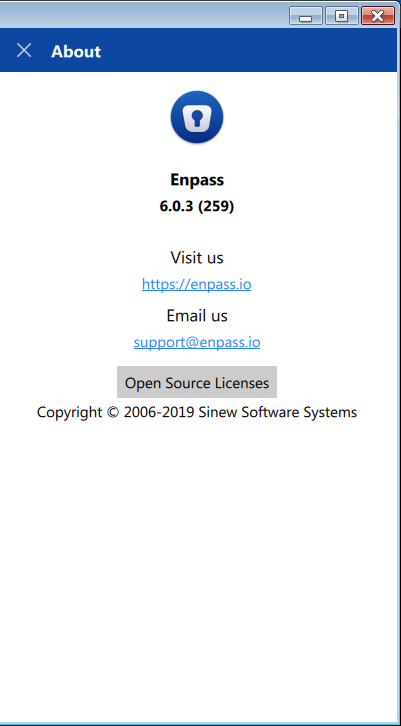
Hello, when I started Enpass this morning at work then Enpass told me that the update to 6.0.3.259 is available. I downloaded and installed it. I also printed out the Release Notes to see what has changed (and here I also see 6.0.3). And 20 mintes ago I installed 6.0.3.1 for Android. Here at home I also have Enpass Traditional Win32 installed but here no update is offered. So I went to the download page but here only 6.0.2 is available. I tried different browsers and also deleted the cache in the browsers. Also at the Release Notes I just see 6.0.2. So did you withdraw the new update? Why? Best regards OLLI
-
-
Hello, I have some improvements for the Password Generator in Enpass. Include Symbols Currently you allow to Exclude certain symbols in the password generator. It would be very helpful when I could include certain symbols (like the _ or the #) because some websites don't accept all symbols. When users include symbols then only those symbols should be used. Allow to adjust generated passwords When I generate a password please allow me to adjust it (in the green heading where I see the generated password). This way I can remove a single character from the password and replace it with an other character. But I also can enter a password and check how secure it is. I have some "special" colleagues and family members that use unsafe passwords and this way I can convince them that they should use Enpass. Best regards OLLI
-
I mean a way where you download the Favicon of multiple entries with just one mouse click. Like "Menu -> Tools -> Download all Favicons". But it should also be possible to download the Favicon of one or many selected entries. So I can select 1 or more entries in one Tag and download the Favicons just for these entries.
-
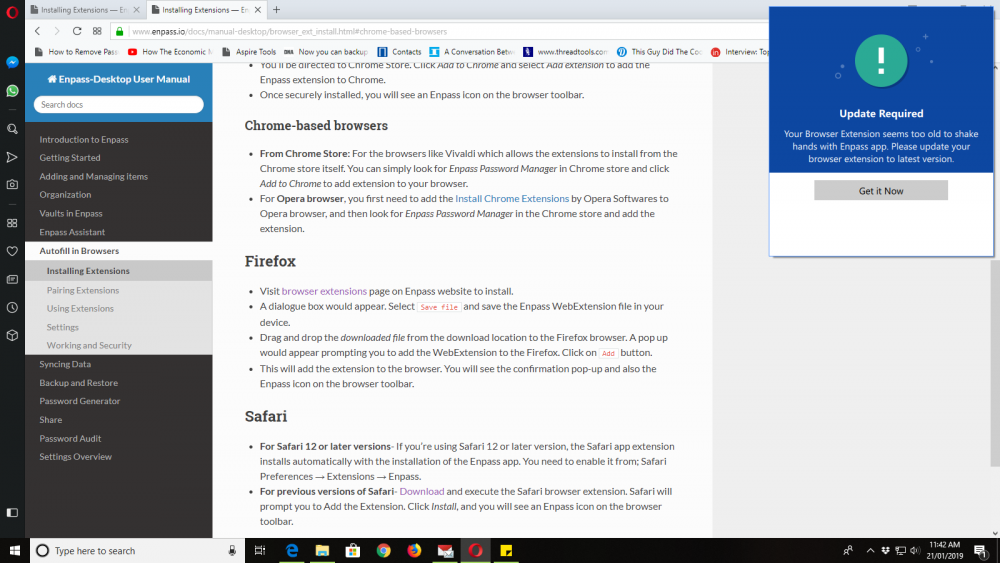
Hello, I have filled an identity in Enpass (also the email address and the birthday). The birthday is in format dd.mm.yyyy. When I go to the German Facebook page (https://de-de.facebook.com/) and fill the page with the identity, then only the first email address is filled. And the birthday and the gender are also not filled. Bes regards OLLI
-
-
At the developers of Enpass: Will this feature be implemented?
-
One annotation: In KeePass the expiry date is a date and time value: <ExpiryTime>2019-01-15T18:41:19Z</ExpiryTime> So you should also store a date (Year, Month, Day) and not just the number of days. You should also show a date in the UI instead the number of days. A much better way to display/edit the expiry date would be to show it as a separate field in the UI (below the password). When the user edits the entry, show behind the password field a calendar icon where you open a calendar control to pick the date from. But the user should also be able to enter the date in the expiry field manually. Best regards OLLI
-
Hello, Meantime I found the solution in the manual: I have to click on the label "Password" when I edit the entry. Under usability aspects this is not intuitive! This way the feature is hidden to the user. A much better way would be to show the expiry date as a separate field in the UI (below the password). When the user edits the entry, show behind the password field a calendar icon where you open a calendar control to pick the date from. But the user should also be able to enter the date in the expiry field manually. Best regards OLLI
-
Meantime I created a new topic:
-
Hello @Anshu kumar, it would really fantastic if I can use Enpass to generate the 2FA codes for Steam. Then I can get rid of the Steam Android app.
-
-
Hello @Anshu kumar, I work at Software-Ergonomics, Usability, UX and Accessibility. So my ideas will also help improve the usability and UX. I really love Enpass and want to help improving it. Best regards OLLI
-
-
Hello @Anshu kumar, thank you for forwarding it! I really love Enpass and want to help improving it. Best regards OLLI
-
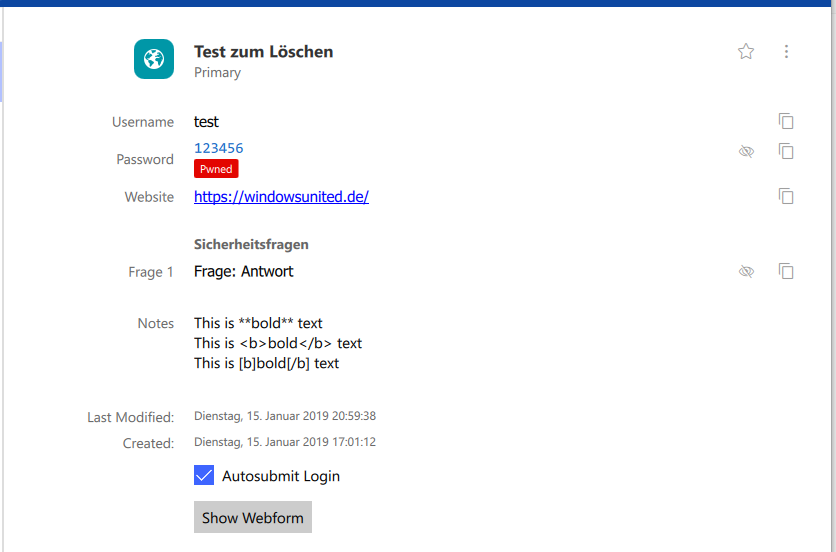
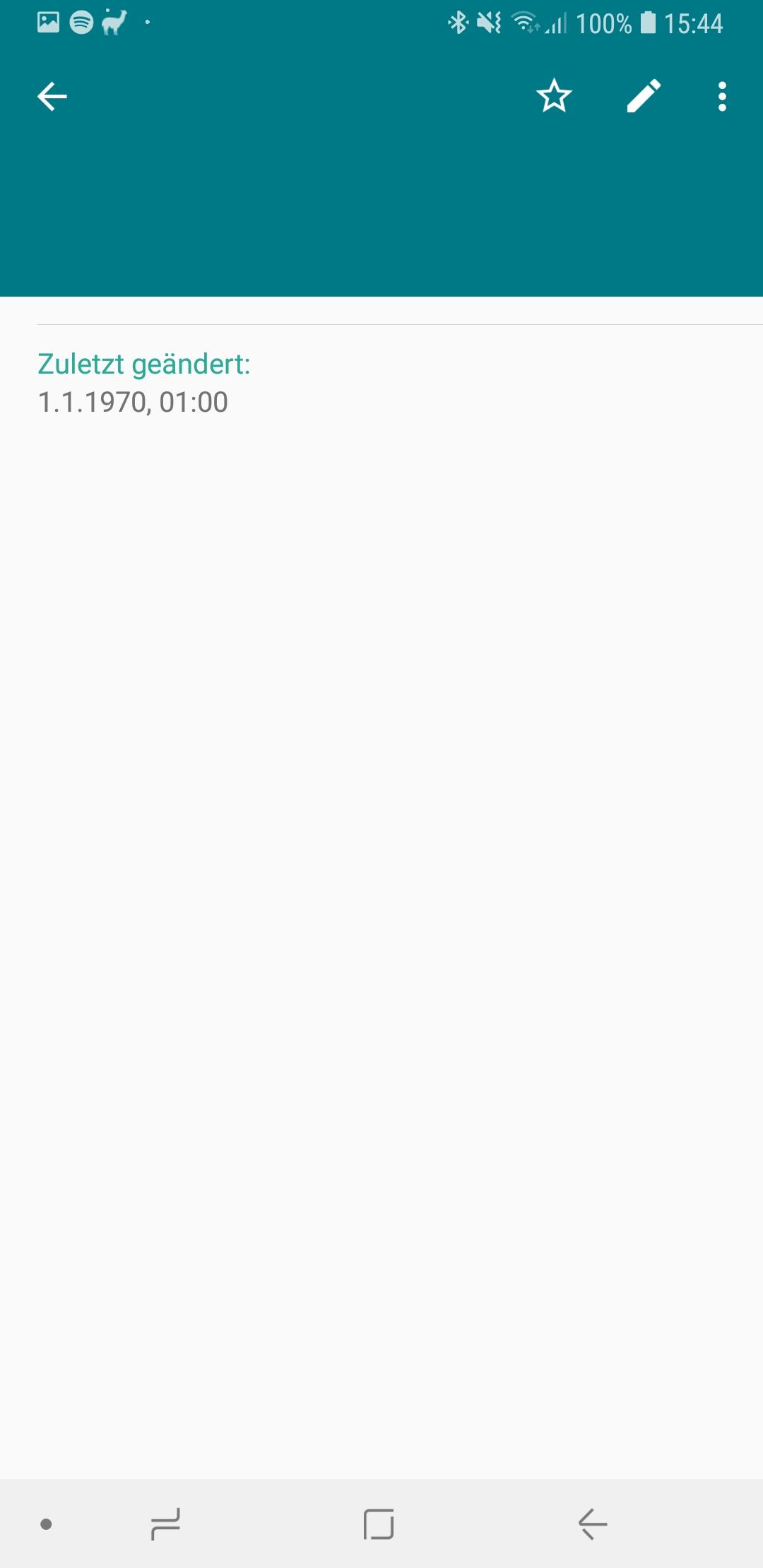
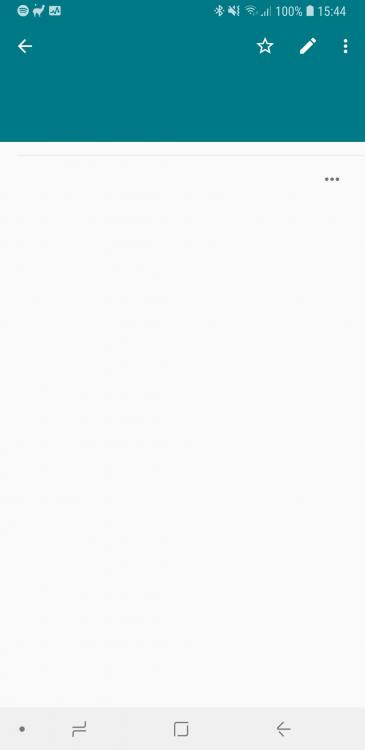
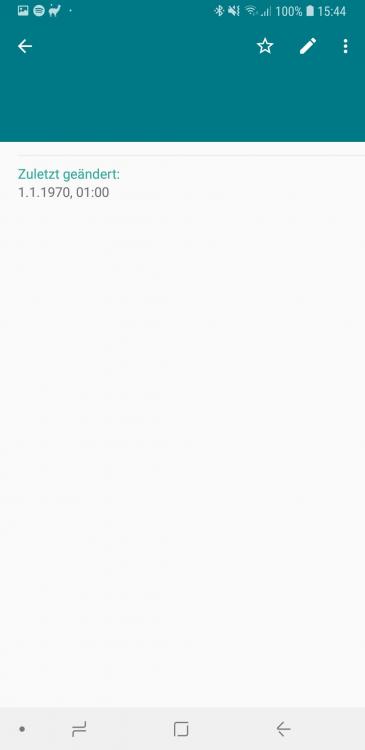
Hello, In Enpass for Windows I added test-entry that contains only test-data (so no real data): the password 123456 (to test the "Check for Pwned passwords" feature a custom Group called "Sicherheitsfragen" a custom sensitive field called "Frage 1" of "Text" type with the value "Frage: Antwort" in the notes I entered some text to test if Enpass can display formatted text: This is **bold** text This is <b>bold</b> text This is [b]bold[/b] text When I sync this entry to Android, then I see an empty entry that just contains the password history. See attached images. If you want to I can also send a screen shot of the entry in Enpass. It contains only dummy data so I have no problem sending it. Best regards OLLI
-
Hello, in Enpass I have created an Identity and also filled many fields. But some fields can not be filled when I select the identity. Suggestion: A very comfortable way would be to right-click in a form field and select "Enpass -> Fill Identity -> " and here a sub-menu with all fields of the identity are shown. So I can for example select “Enpass -> Fill Identity -> Street” and Enpass fills in the street that is stored at the identity. Best regards OLLI
-
-
Is there any feedback from the Enpass Team if this feature is planned?
-