Garima Singh
Enpass team member
-
Joined
Everything posted by Garima Singh
-
Hey @andrew.g.scott@sky.com Welcome to the forum! You can download Enpass App from the store in your Chromebook. Please let us know have you enable Auto-fill in Enpass setting? If no, have a look in our user manual and revert to us if you have any queries. Thanks!
-
Hey @WillWord There is, but a tedious workaround to safely transfer items from Enpass and create a new master password. To know that, please have a look at this forum post. You can print the data from Enpass on a desktop by following the below steps- Open Enpass --> Click on 'File' from Enpass Menu --> Tap on 'Print' --> Select the item or vault --> Print. Thanks!
-
Hey @hudsonh Welcome to the forum! Try opening Enpass from the Start Menu on the system rather than the MS Store. See if there's any difference. Additionally, run command wsreset in the command prompt(cmd) to clear Windows Store cache and try to launch Enpass. If you still see an error, follow the below steps: Take a backup of Enpass data present in the directory C:\Users\[username]\AppData(HiddenFolder)\Local\Packages\SinewSoftwareSystems.EnpassPasswordManager_fwdy0m65qb6h2\LocalState\ After backup, try reinstalling the app from Store. Thanks!
-
Hey @SunnyDuitch & @Zyr0 Could you please confirm if you wish to delete respective accounts on the forum?
-
Hey @Bemybookmarks & @frso80 & @IdemIsDito Sorry for the trouble. Our team is trying to analyze the issue, please co-operate with us in the meantime. Thanks!
-
Hey @Toronto We regret the inconvenience, but we're here for help. We did not come across such an issue while looking for the problem at our end. Is it possible for you to share a snapshot or a screen-record when the problem surfaces? Thanks.
-
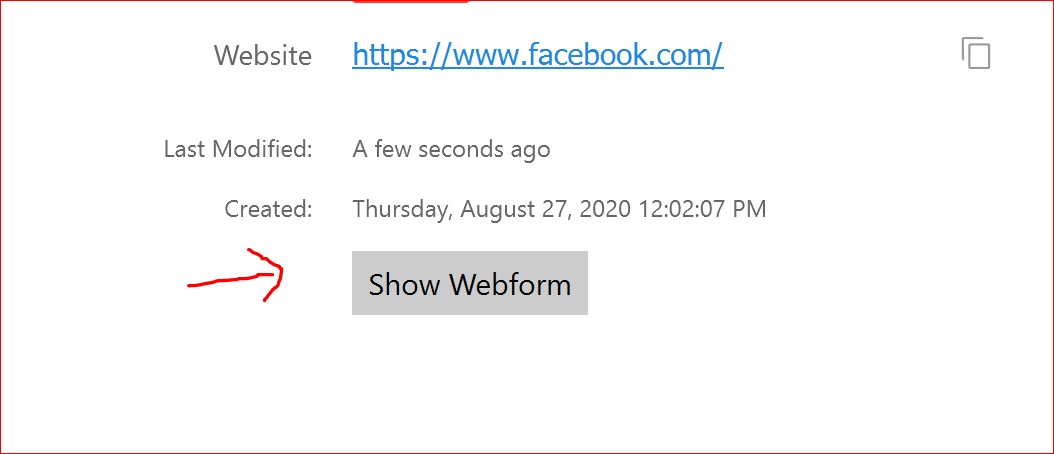
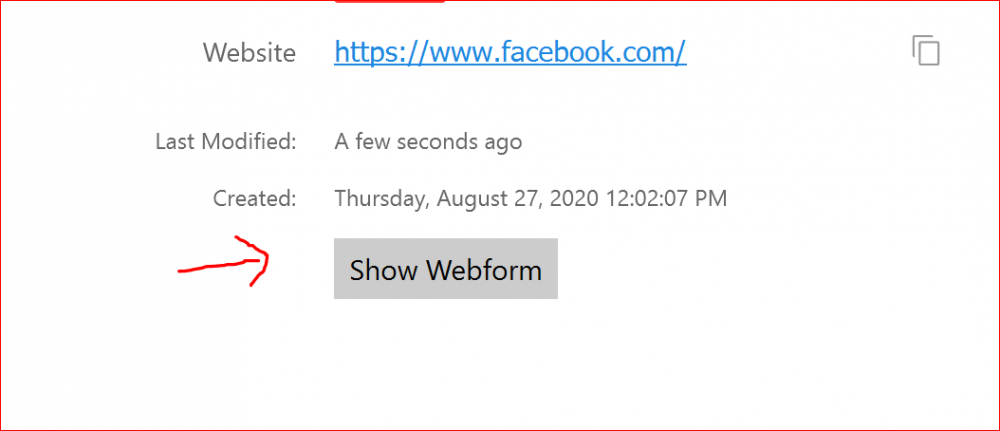
Hey @TREMOR Thanks for sharing this. One of the possible reasons might be these items (which you have mentioned) have more than one password field. To investigate further on this issue, we want a little input from your side. Could you please confirm if you are using the same database on the Desktop version of Enpass? If yes, please follow these steps and share your findings. Open Enpass on your desktop version of Enpass. Click on the "Show Web-form" of each item (which you have mentioned it is displaying Identical) on the info page and check if there is any password field having a similar password. For more details please refer the attached image. Thanks for your co-operation.
-
Hey @JoGraf Welcome to the forum! You are importing data from a very older version of 1Password. Is it possible for you to update 1Password to the latest version and import the data following the steps given in the link?
-
Hey @Monk32 Sorry for the trouble. Thanks for your reporting this issue. We have identified the issue at our end too and we'll work to fix it so it runs as expected.
-
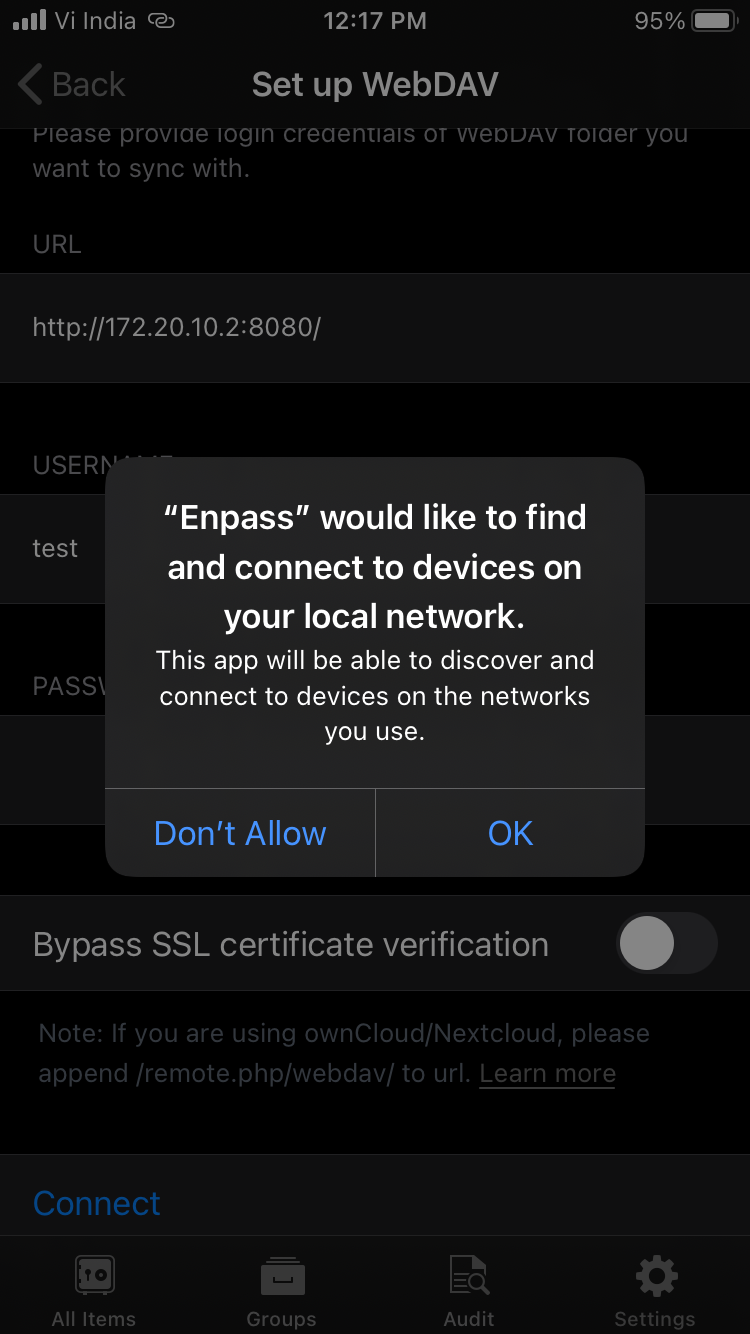
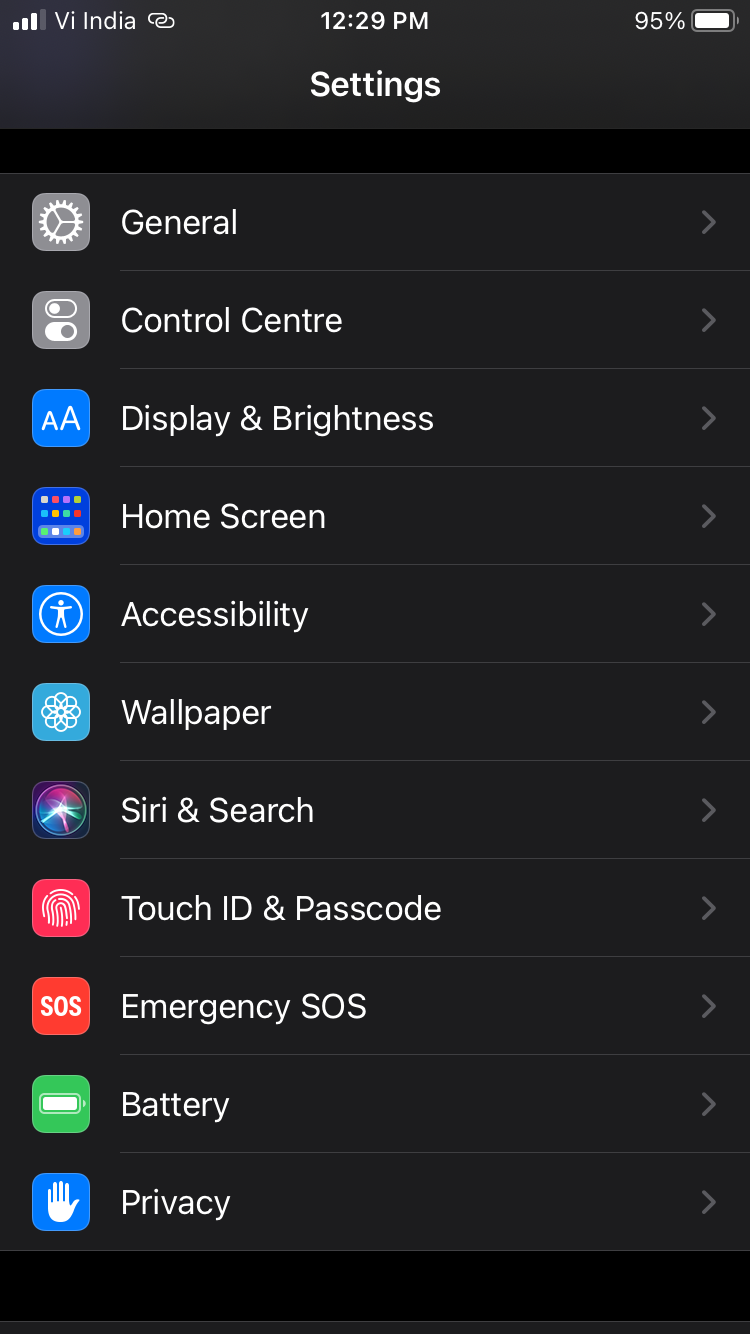
Hey @Enpass-UT Apologies for the delayed response. Please try the following steps: Go to iPhone Settings -> Privacy -> Local Network -> Enable Switch for Enpass. If Enpass is not visible in the list. Reconnect WebDAV sync and allow permission. Also, attached screenshots for your reference.
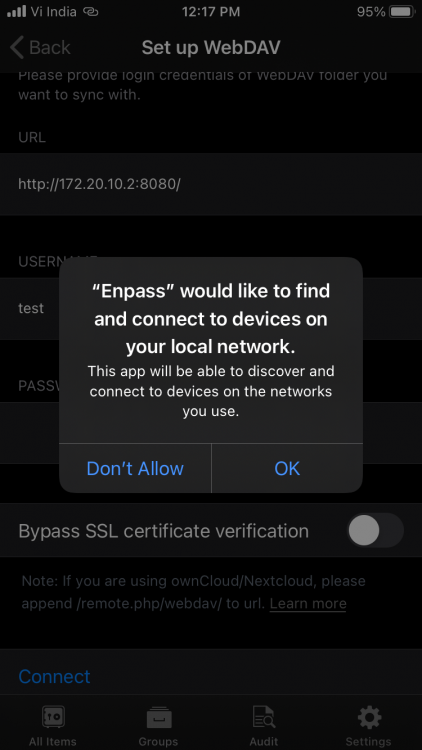

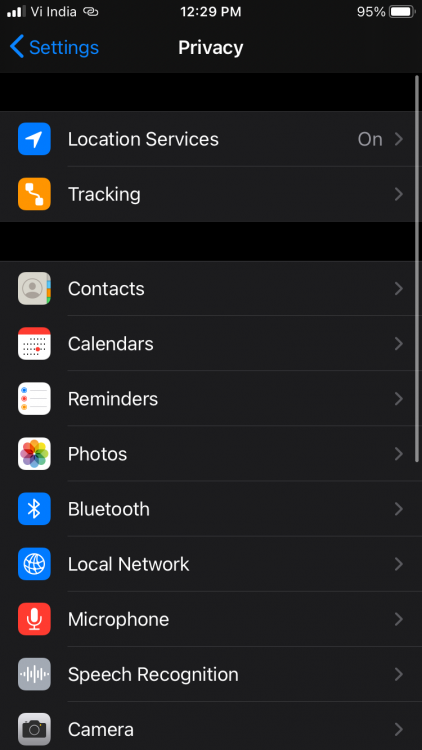
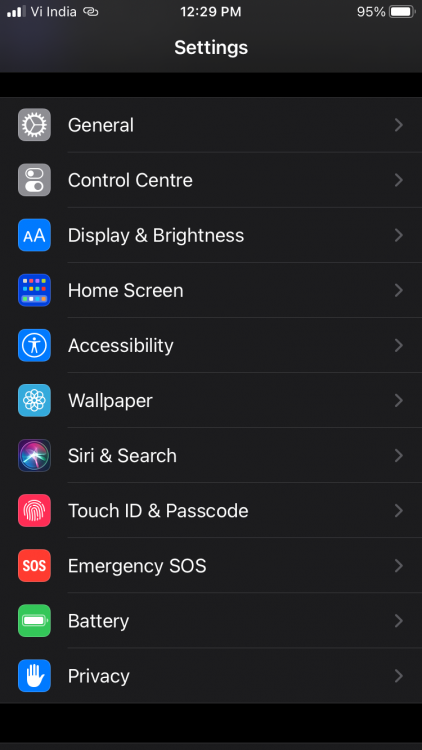
-
Hey, @PGTipz Sorry to say no, currently we don't have any plan to support for older TPM versions as the minimum requirement to use windows hello feature for full time is TPM 2.0. @Stahlreck Please try updating TPM drivers or check if resetting TPM helps. Thanks!
-
Hey @lzs It is a heuristics based detection by the Antivirus and most certainly a false positive. This executable is used to launch Enpass on system startup. It is perfectly safe to use. We have submitted a false positive ticket to the concerned team. Until then, please co-operate. Thanks!
-
-
-
Hey @WillWord It seems that you lost your master password and are unable to login into Enpass. Unfortunately, there is no way to recover your master password. Being an offline password manger, your master password is not saved anywhere, so there are no back doors to access your data.
-
Hey @Alessio Are you using any third-party extension(s) on Firefox? It might be blocking Enpass extension. If there's no other extension, try reinstalling the Enpass extension on Firefox browser and check again.
-
Hey @spinedoc777 Thanks for writing in. Enpass requires the master password in the following scenarios even if the PIN is enabled: when the app is closed manually. device is rebooted. when too many apps are active in the device background (in this case, OS automatically kills some apps to claim memory) Also, you can use the Fingerprint/Bio-metrics from the Enpass Security settings to avoid using Enpass master password altogether. However, make sure you remember the master password. Let me know if you have any queries. Thanks!
-
Hey @Saad Welcome to the forum! Thanks for using Enpass and writing to us. We really appreciate you for your exploring the app and giving time in finding this valuable suggestion. The suggestion has been noted for further consideration. Thanks for the suggestion!
-
Hey @psophis Welcome to the forum! Thanks for sharing your inputs and highlighting further.
-
Hey @ijh Welcome to the forum! You can retrieve the data from the trash. As you have not mentioned the device on which you are having this, thus I am sharing below the user manual links of all platforms so that you can find it easily. For desktop- Use this link. For iOS- Use this link. For Android- Use this link. Hope this helps!
-
Hey @Vital Thanks for your reply. We assume that it has something to do with the Malwarebytes installation on the system. Did you ever face the same problem before?
-
Hey @jpoet Thanks for sharing the details. We are looking into this and planning further. Your co-operation will be highly appreciated.
-
Hey @qvarq Thanks for writing in. The password required is the Enpass master password. It is essentially the password with which Enpass encrypts the database before a sync is set up on Google-Drive account. If you still face the same issue on entering the password, follow the steps given ahead- Take a manual backup of the Enpass data on all the devices. Disconnect the sync on all devices that are synced with Google-drive. Login to the same Google-drive cloud account on any device and delete the Enpass folder from Google-drive account. Re-set up the sync with Google-drive (where you are able to access all data) and remember the password you use while setting up sync. After successfully completing the above steps, set up sync again on all other devices as well. Let me know if you have any queries while doing so. Thanks!
-
Hey @Exolon Welcome to the forum! Enpass does not have any option to import from eWallet. You can, however, import data from other password managers and from a CSV file as mentioned in the user guide here.
-