Clander
Members
-
Joined
-
Last visited
Everything posted by Clander
-
-
Thank you @Garima Singh. I write the details below: -Enpass windows 10 version: 6.4.3.666 | vaults runing number: 3 -Enpass linux version: 6.4.1.643 (the lasted in the ppa) | vaults runing number: 2 -Yes, as I said before, I'm able to restore the third vault in windows 10 without any problem. I'm using this third vault in two more devices without any problem too, a second windows 10 laptop and one android 10 phone. -Yes, date and time is set to automatic updates in all de devices. -¿Where can I find " sync page"? I only see "last syncronized, a few seconds ago" but not the real date-time Thank you very much for your suppport.
-
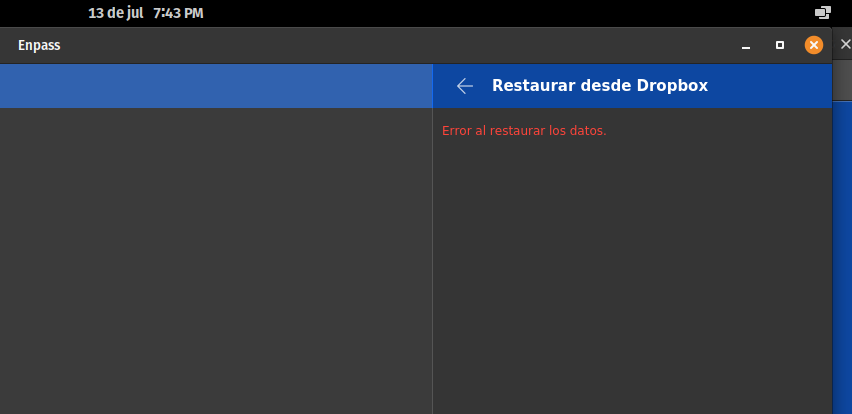
I'm using Enpass without problems on Linux (at present with Pop_Os 20.04 64 Bit, Ubuntu 20.04 based), Android 10 and Windows 10. In Linux, I'm running Enpass 6.4.1.643 from apt.enpass.io with two vaults attached, one restored from G Drive and one from Dropbox without any problem. Now I tried to add and restore a third vault from Dropbox. When I try to restore it, after permissions be granted from Dropbox page and the redirection happens back to Enpass I only get "error restoring data" in Enpass. I tried Firefox and Chromium with same result. I tried under Windows 10 and no problem at all, the vault is restored perfectly. I tried too to activate logging under Enpass options without succeed, not logs What's wrong?