Skip to content
View in the app

A better way to browse. Learn more.

Enpass Discussion Forum

A full-screen app on your home screen with push notifications, badges and more.

To install this app on iOS and iPadOS
  1. Tap the Share icon in Safari
  2. Scroll the menu and tap Add to Home Screen.
  3. Tap Add in the top-right corner.
To install this app on Android
  1. Tap the 3-dot menu (⋮) in the top-right corner of the browser.
  2. Tap Add to Home screen or Install app.
  3. Confirm by tapping Install.

muellermilchhans

Members
  • Joined

  • Last visited

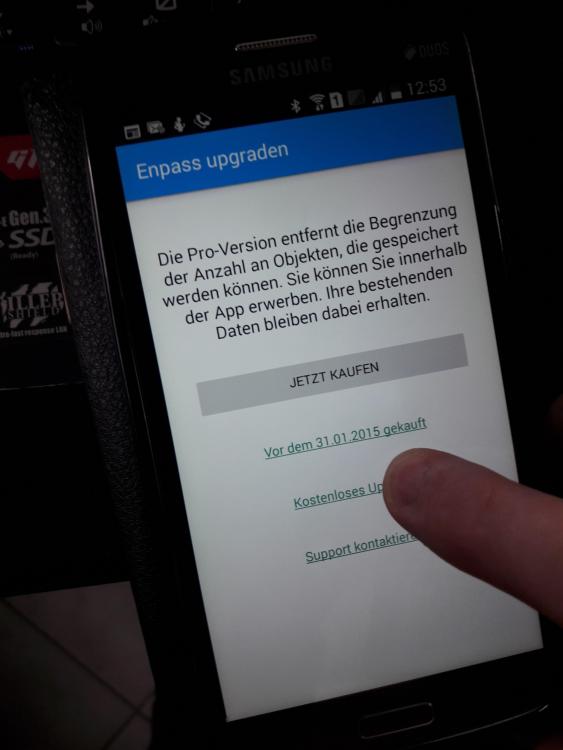
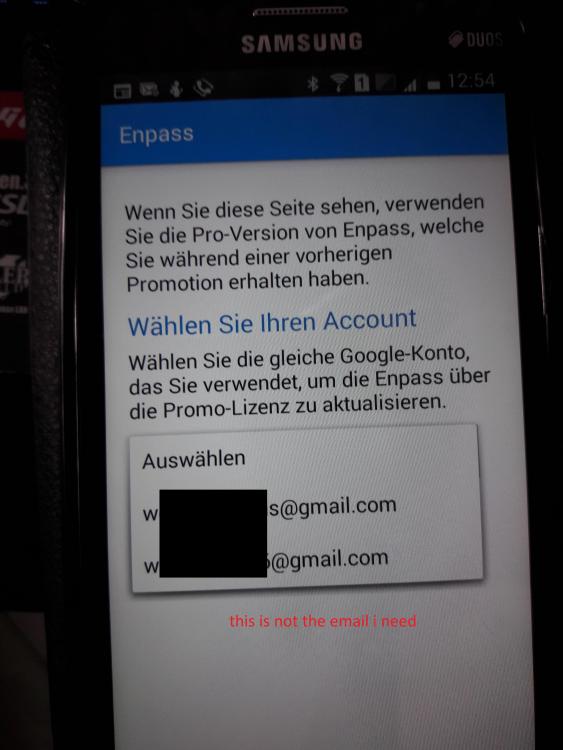
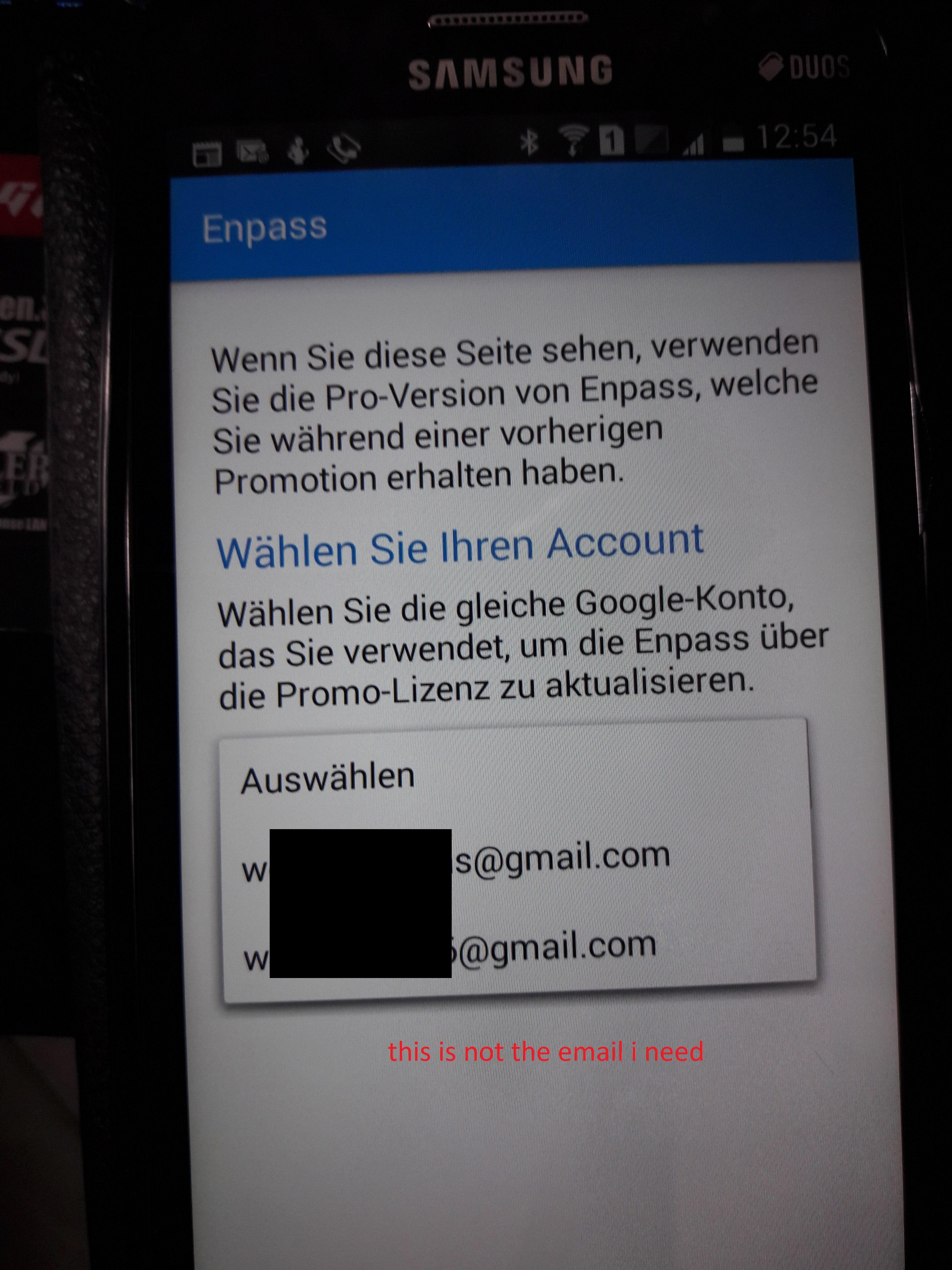
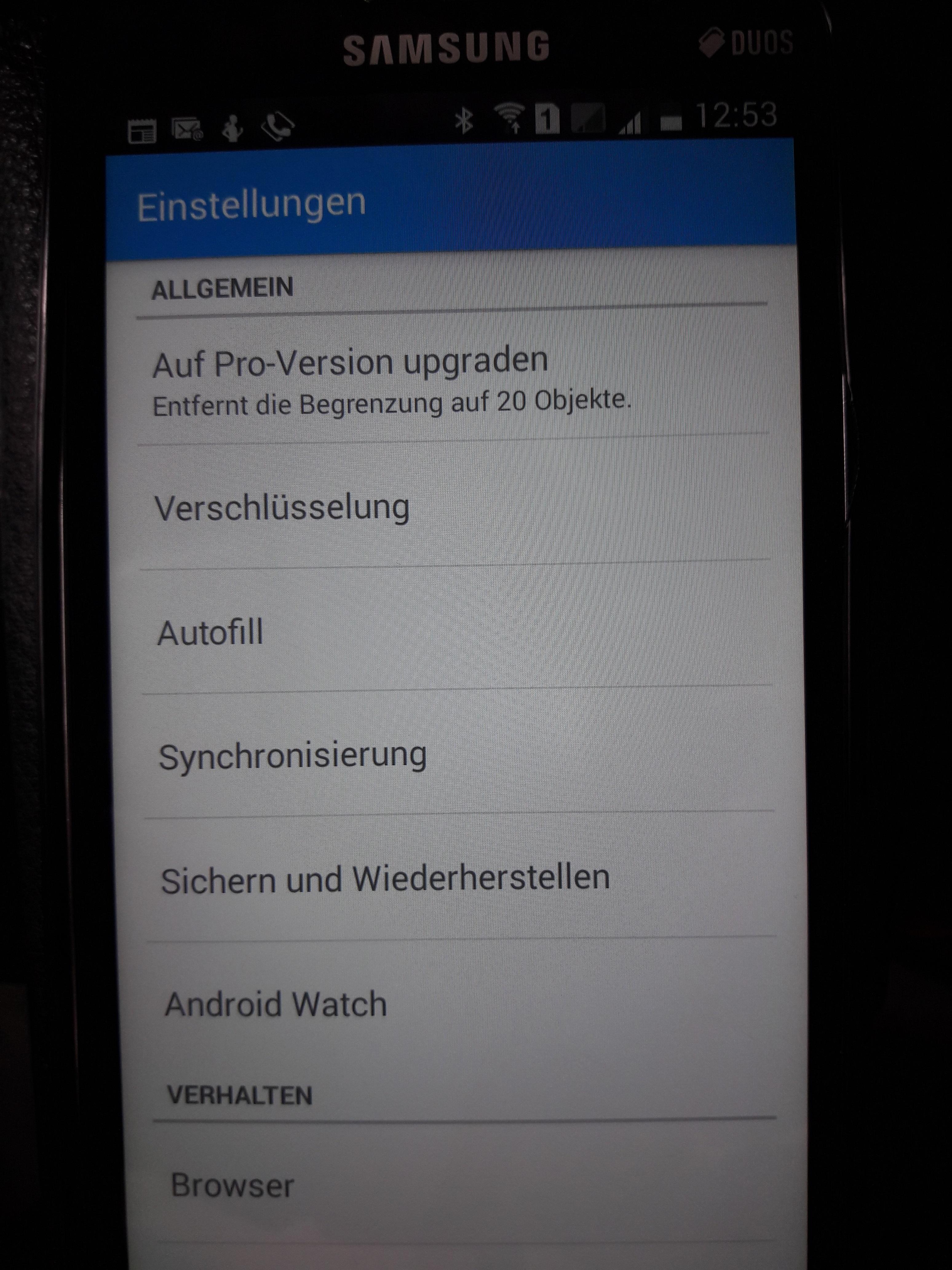
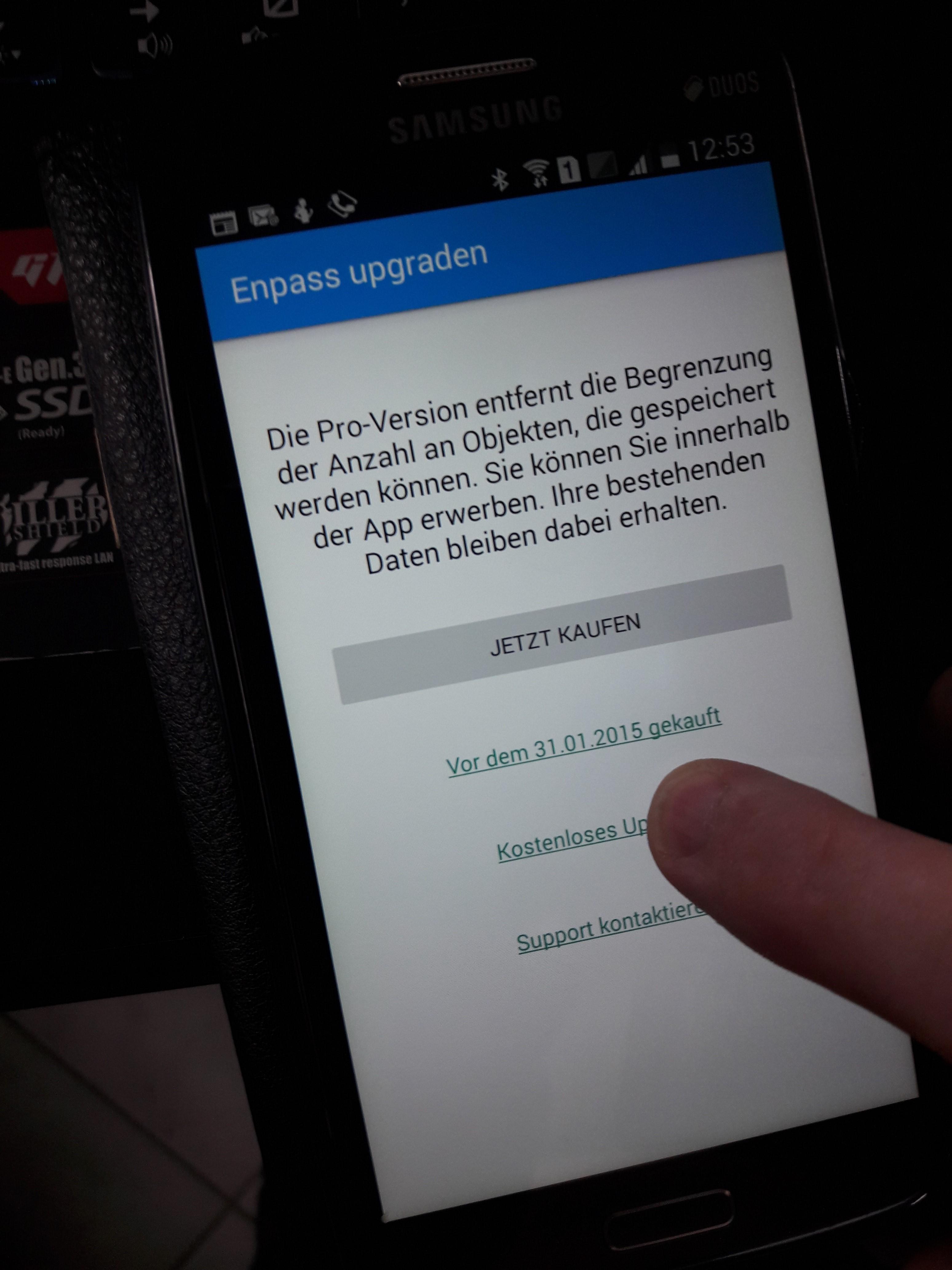
  1. Hello Garima, I have uploaded a few photos to show you what my problem is. I need the email xxx@web.de because I used it to pay for Pro upgrade. It does not appear here to request a code to activate Enpass. Either I need a link to order a code from Enpass or something like that. Thanks.
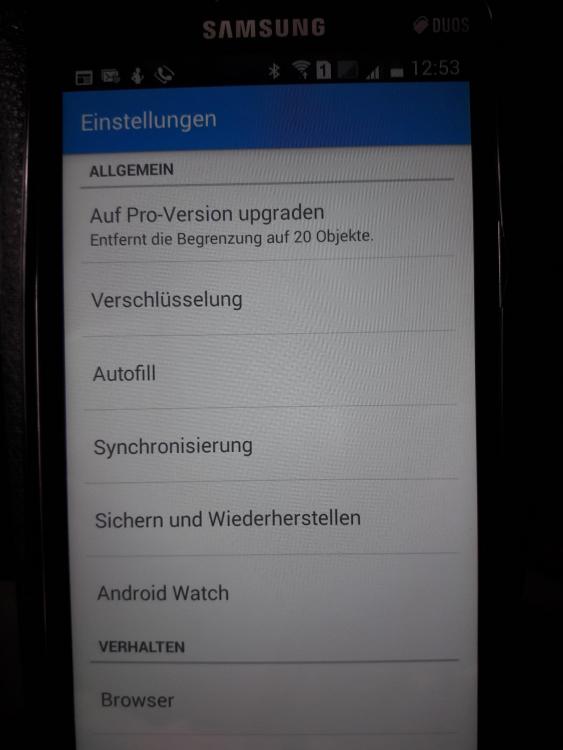
  2. Hello, I have an old Android 4.4.2 mobile phone that I want to use Enpass. I activated Enpass on Pro and now wanted to set it up on this mobile phone as well. But for unblocking, I only get G-Mail addresses displayed on the web.de, which I don't need. I have also added and synchronized the web mail address as an account, but it is not displayed in the e-mails for upgrading to the Pro version. Thanks in advance
Account

Navigation

Search

Search

Configure browser push notifications

Chrome (Android)
  1. Tap the lock icon next to the address bar.
  2. Tap Permissions → Notifications.
  3. Adjust your preference.
Chrome (Desktop)
  1. Click the padlock icon in the address bar.
  2. Select Site settings.
  3. Find Notifications and adjust your preference.