Skip to content
View in the app

A better way to browse. Learn more.

Enpass Discussion Forum

A full-screen app on your home screen with push notifications, badges and more.

To install this app on iOS and iPadOS
  1. Tap the Share icon in Safari
  2. Scroll the menu and tap Add to Home Screen.
  3. Tap Add in the top-right corner.
To install this app on Android
  1. Tap the 3-dot menu (⋮) in the top-right corner of the browser.
  2. Tap Add to Home screen or Install app.
  3. Confirm by tapping Install.

TEH3OP

Members
  • Joined

  • Last visited

  1. OS info:#uname -a Linux fedora 6.12.10-200.fc41.x86_64 #1 SMP PREEMPT_DYNAMIC Fri Jan 17 18:05:24 UTC 2025 x86_64 GNU/Linux ``` IssueWhen your app starts it show main window on Z=0 (over all other windows), and also password EDIT got blinking caret. BUT main window is not active and password EDIT have no focus. So when i write password - input sends to other window which have focus before enpass main window was shown. I noticed about this problem about 5 years ago, and yuo guys still can not fix it. OK! Can you please add color changing when main window become inactive? It is possible? Not long ago i send my password to public chat, so i decide to write you about it. PROBLEM IS CRITICAL! It affect security!
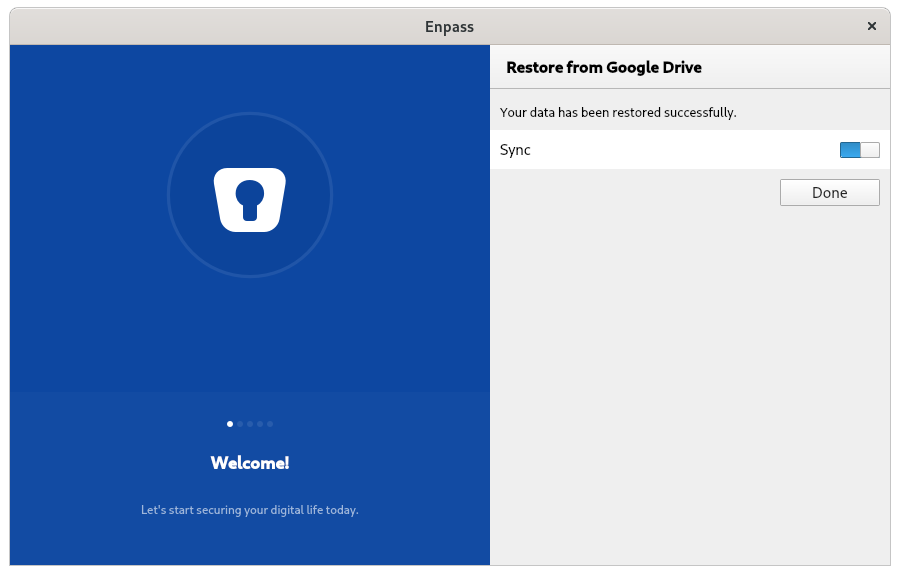
  2. Sync between linux feodora 33 (5.9.15-100.fc32.x86_64) machine and google drive is stuck at 50% (see progress bar on attached picture). The vault were created on win 10 machine. Network is on-line, Google disk accessible. Two hours passed - "Sync" still at 50%.

Account

Navigation

Search

Search

Configure browser push notifications

Chrome (Android)
  1. Tap the lock icon next to the address bar.
  2. Tap Permissions → Notifications.
  3. Adjust your preference.
Chrome (Desktop)
  1. Click the padlock icon in the address bar.
  2. Select Site settings.
  3. Find Notifications and adjust your preference.