

Skip to content
View in the app

A better way to browse. Learn more.

Enpass Discussion Forum

A full-screen app on your home screen with push notifications, badges and more.

To install this app on iOS and iPadOS
  1. Tap the Share icon in Safari
  2. Scroll the menu and tap Add to Home Screen.
  3. Tap Add in the top-right corner.
To install this app on Android
  1. Tap the 3-dot menu (⋮) in the top-right corner of the browser.
  2. Tap Add to Home screen or Install app.
  3. Confirm by tapping Install.

Su30MKI

Members
  • Joined

  • Last visited

Everything posted by Su30MKI

  1. Yes an audit with a good well recognized audit company ! not a corrupted one !
  2. Great! but I I will mount a team of specialists and we will have a deeper look in your app ! stay tuned !
  3. Great ! But when ? Enpass should read the clipboard only when I call “paste” function inside the app.
  4. No I’m sorry but no apps has to behave like this. if there is something in the clipboard and I do not want to share it with Enpass ? i will contact AppStore and Google PlayStore to alert them about your app.
  5. Yes but no thanks. The read of the clipboard should be done if and only if I use the function “PASTE” within Enpass. I do not want the data being read out of my will. in Europe, when apps were caught red handed, they immediately updated their apps and fixed the issue ! but here in India.. it’s normal.
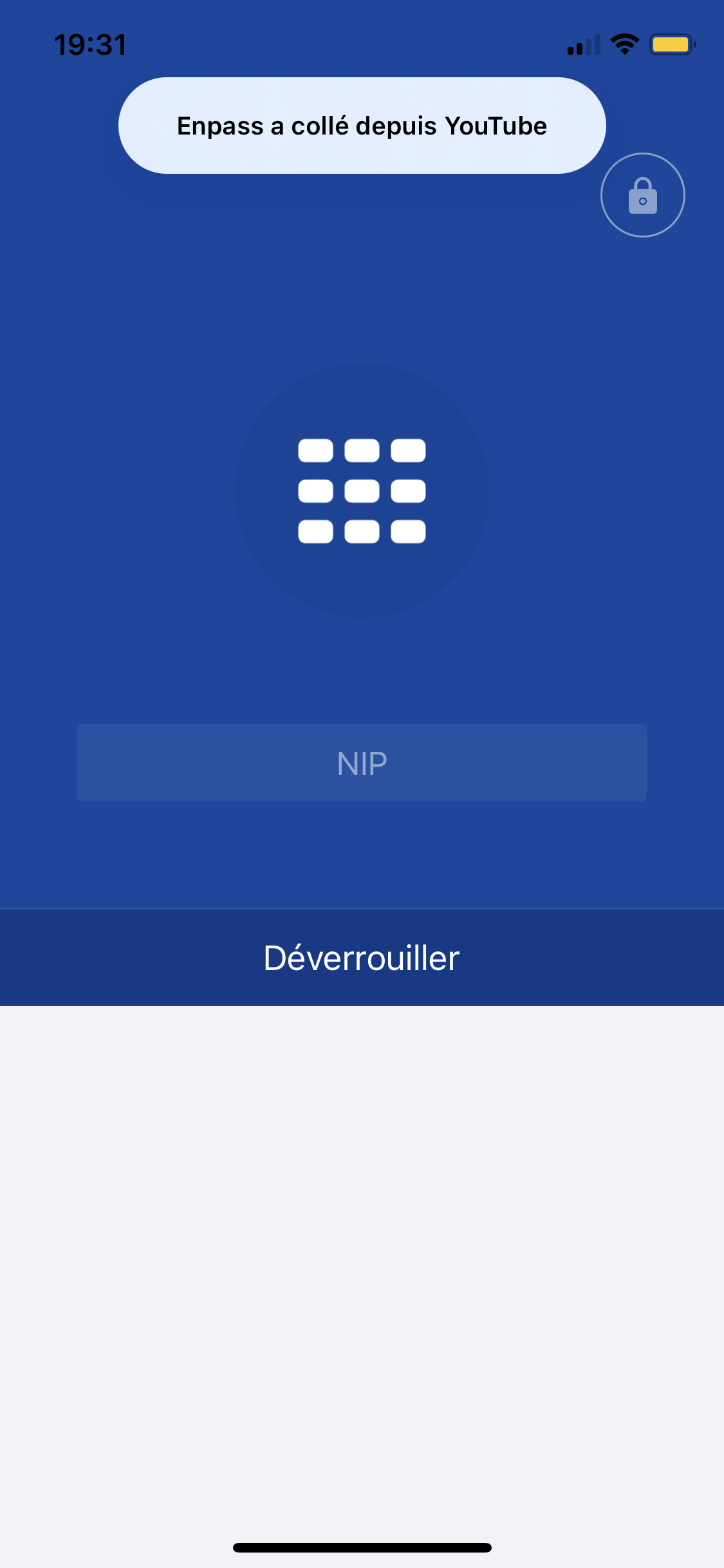
  6. I have evidence : it’s in french « Enpass a collé depuis YouTube » Translation : « Enpass has pasted from YouTube » The scenario was the following : Copy a link from YouTube then send it to any of your contact then open Enpass app. you will get the message that Enpass pasted the data from the clipboard. For information I’m using iOS 14.4 now imagine I had pasted sensitive data from any apps on my device and started Enpass app immediately after ?
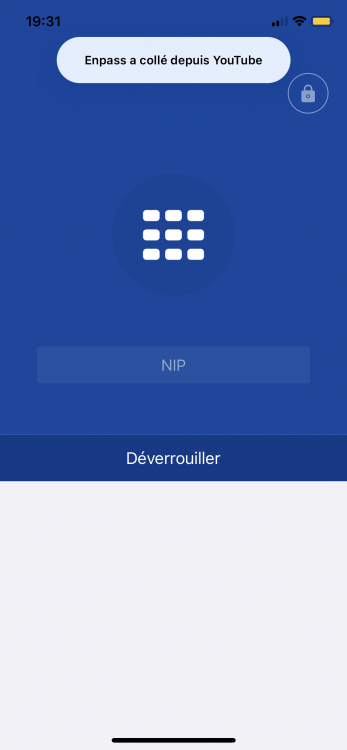
  7. This is not welcomed behaviour from you Enpass app !!! deactivate this reading !!! How many data have you collected by this mean ? As many Chinese apps are linked to Chinese government and so were rightly banned, your app also could be linked to Indian government !!! now I will start to lunch a compaign on social media, on tech website etc.
Account

Navigation

Search

Search

Configure browser push notifications

Chrome (Android)
  1. Tap the lock icon next to the address bar.
  2. Tap Permissions → Notifications.
  3. Adjust your preference.
Chrome (Desktop)
  1. Click the padlock icon in the address bar.
  2. Select Site settings.
  3. Find Notifications and adjust your preference.