AnonyMouss72
Members
-
Joined
-
Last visited
-
Hello @Tarun Singh Rawat, do you have a progress percentage to share with us?
-
News please
-
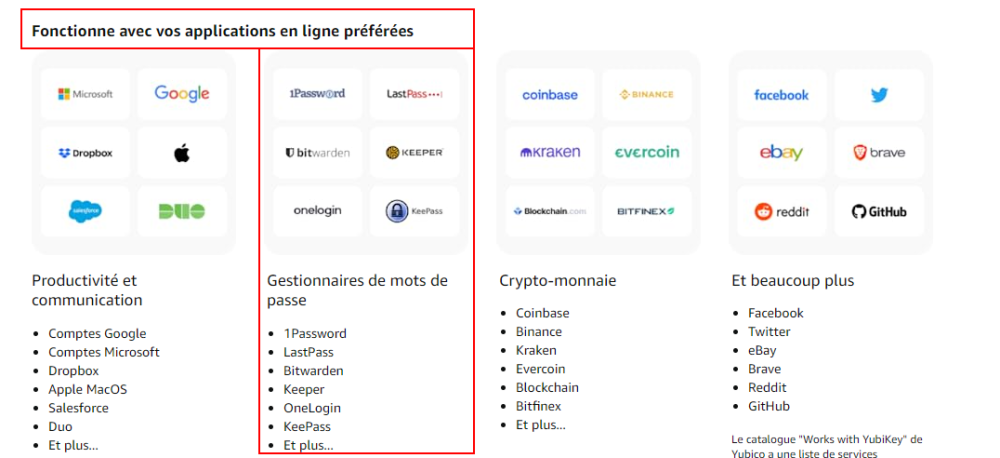
Hi, What's wrong with fido2? We've been begging you for this feature for 2 years now. Is it that complicated for your developers? I really like your interface and I'm sure your developers can put this option as your competitors have done My key work with your competitors Thank you for your future response.
-
Do you have any news for me? Thanks.
-
where are the employees supposed to answer us ... ?
-
up up up
-
up
-
Hi, do you have any news ?
-
Thank you @Garima Singh, i will wait impatiently.
-
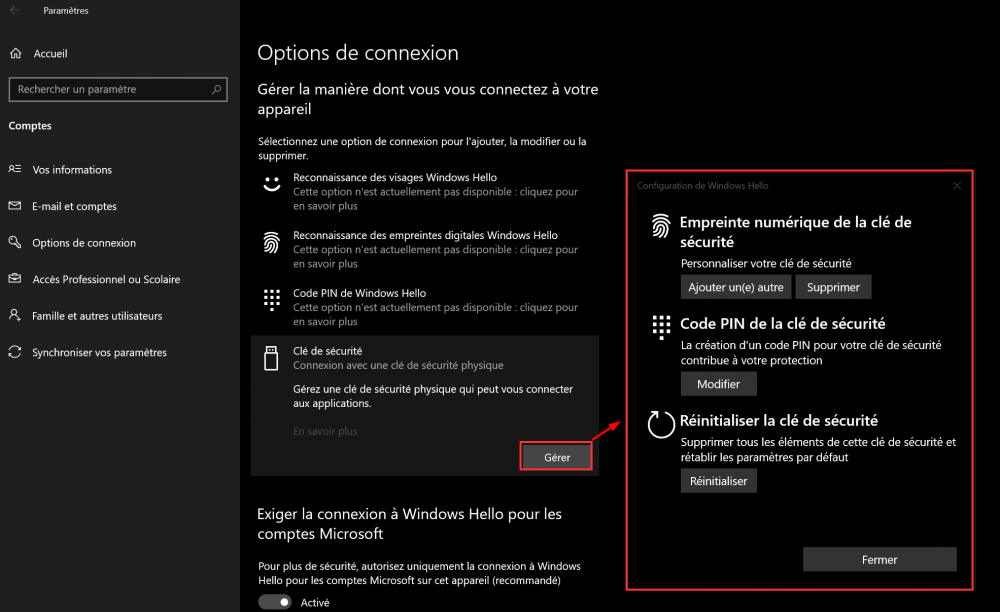
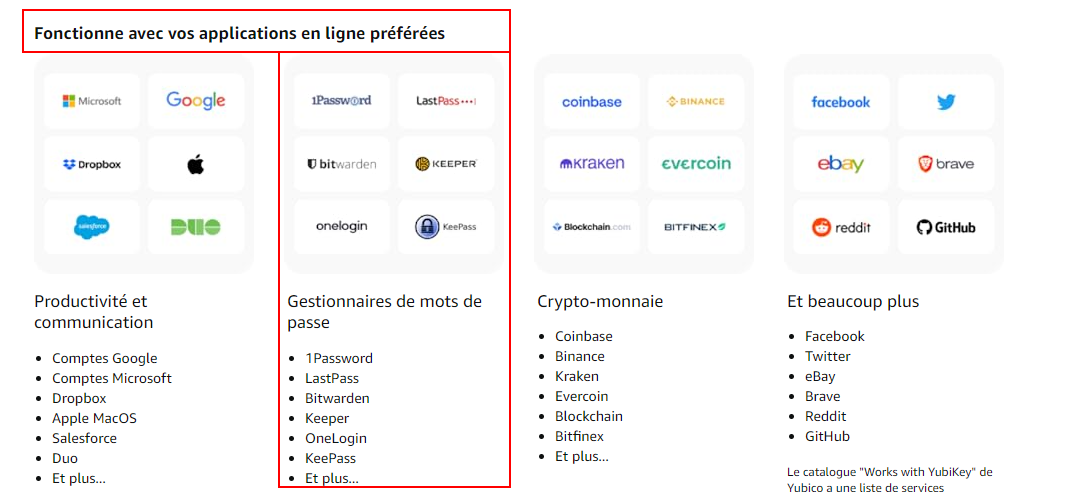
Good morning all, I am French and have been a loyal Enpass user for several years. Today I just received a usb-c fingerprint key and the first thing I did is set it up with Enpass but ... it doesn't work. I read the manual for the key and in fact it is not recognized as a windows hello device but as a usb security device. One of your serious competitor offers operation with this key. Are you thinking of bringing an update in order to offer this option yourself? Thank you in advance for your future reply. Below is a link to setting up the key with a competitor. Link Bonjour à tous, Je suis français et fidèle utilisateur de Enpass depuis plusieurs années. Aujourd'hui je viens de recevoir une clé d'empreinte digital usb-c et la première chose que j'ai faite est de la mettre en place avec Enpass mais... cela ne fonctionne pas. J'ai lu le manuel de la clé et en faite elle n'est pas reconnu en tant que périphérique windows hello mais comme un periphérique de sécurité usb. Un de vos concurrent sérieux propose le fonctionnement avec cette clé. Pensez-vous apporter une mise à jour afin de proposer vous aussi cette option ? Merci par avance pour votre futur réponse. Ci-dessous voici un lien vers la configuration de la clé avec un concurrent. Link