Bent
Members
-
Joined
-
Last visited
-
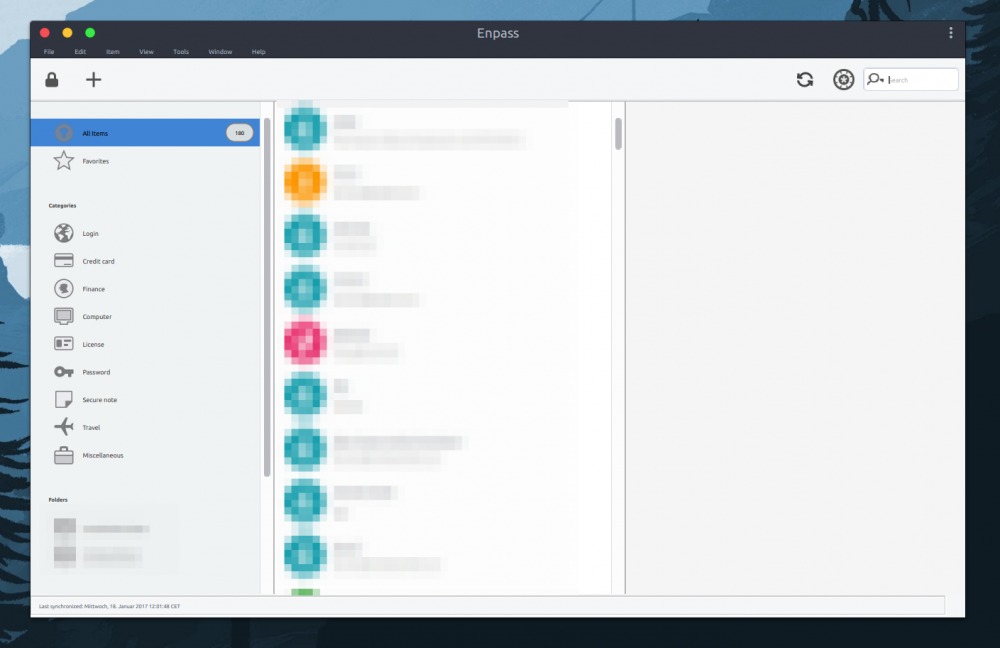
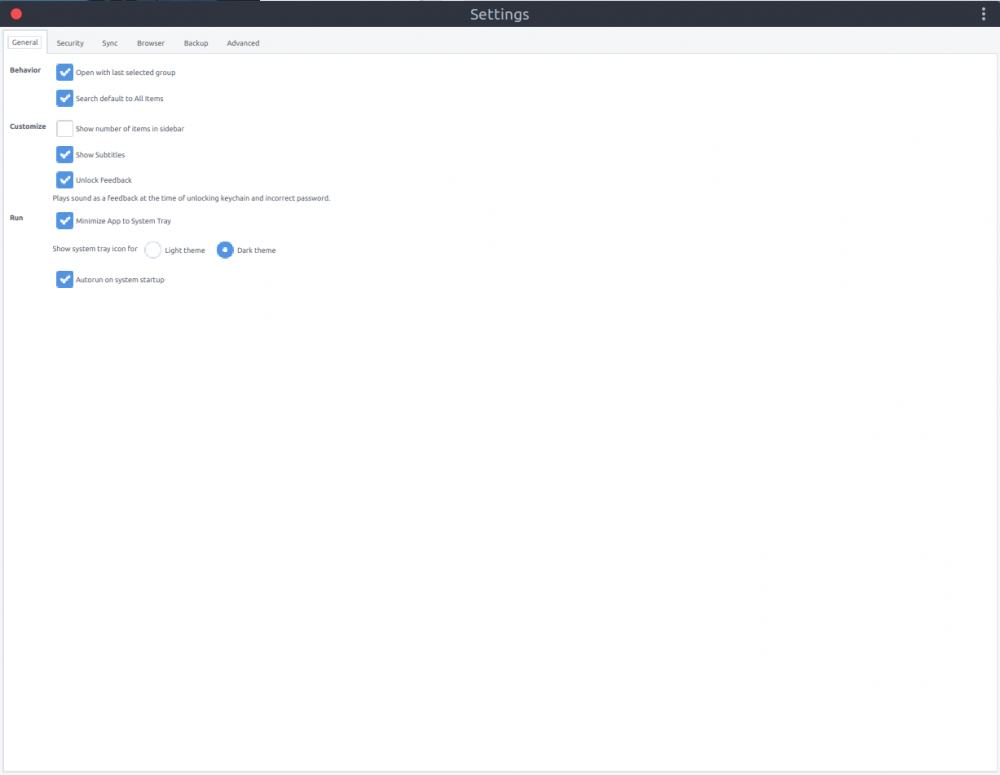
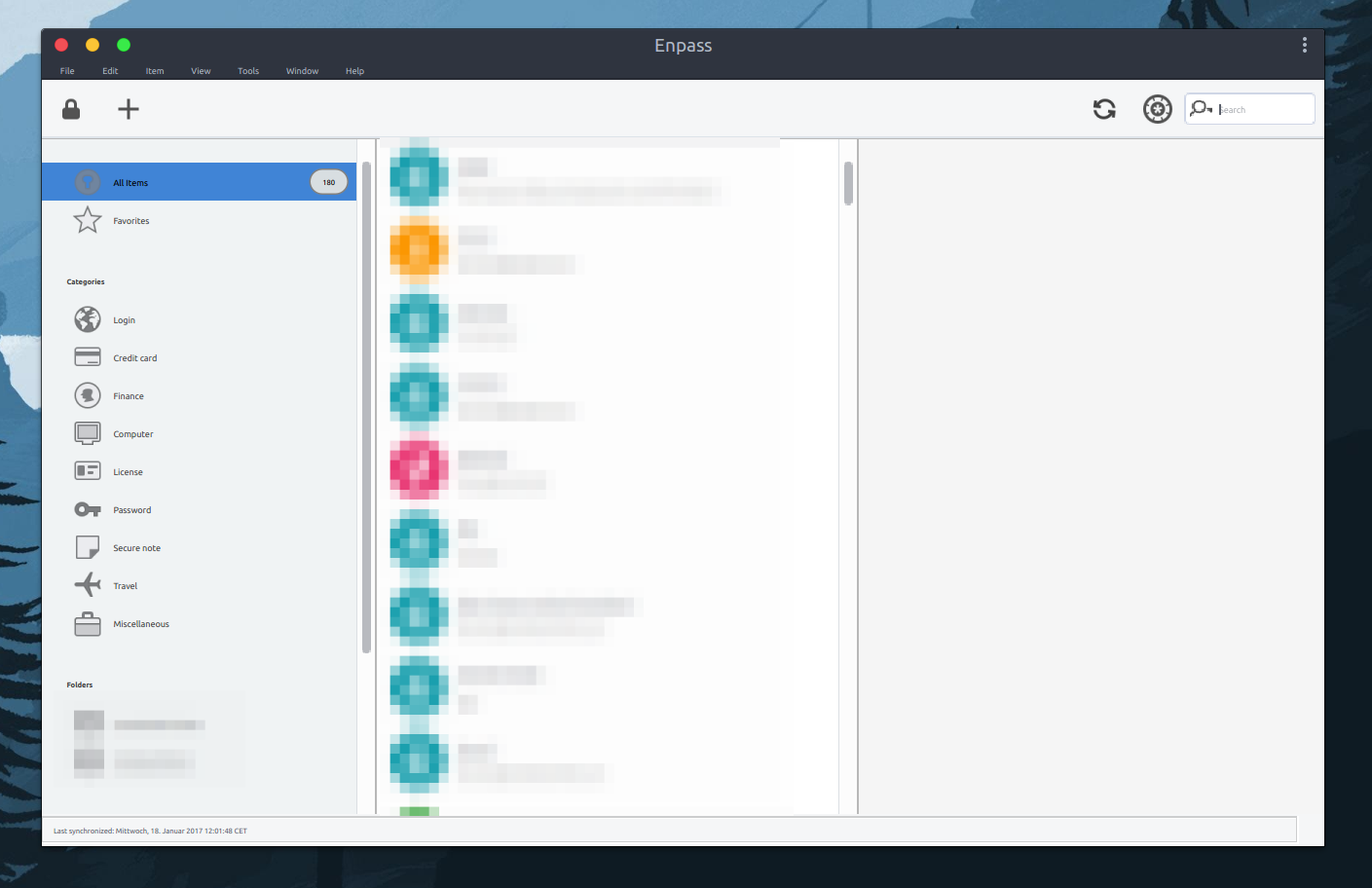
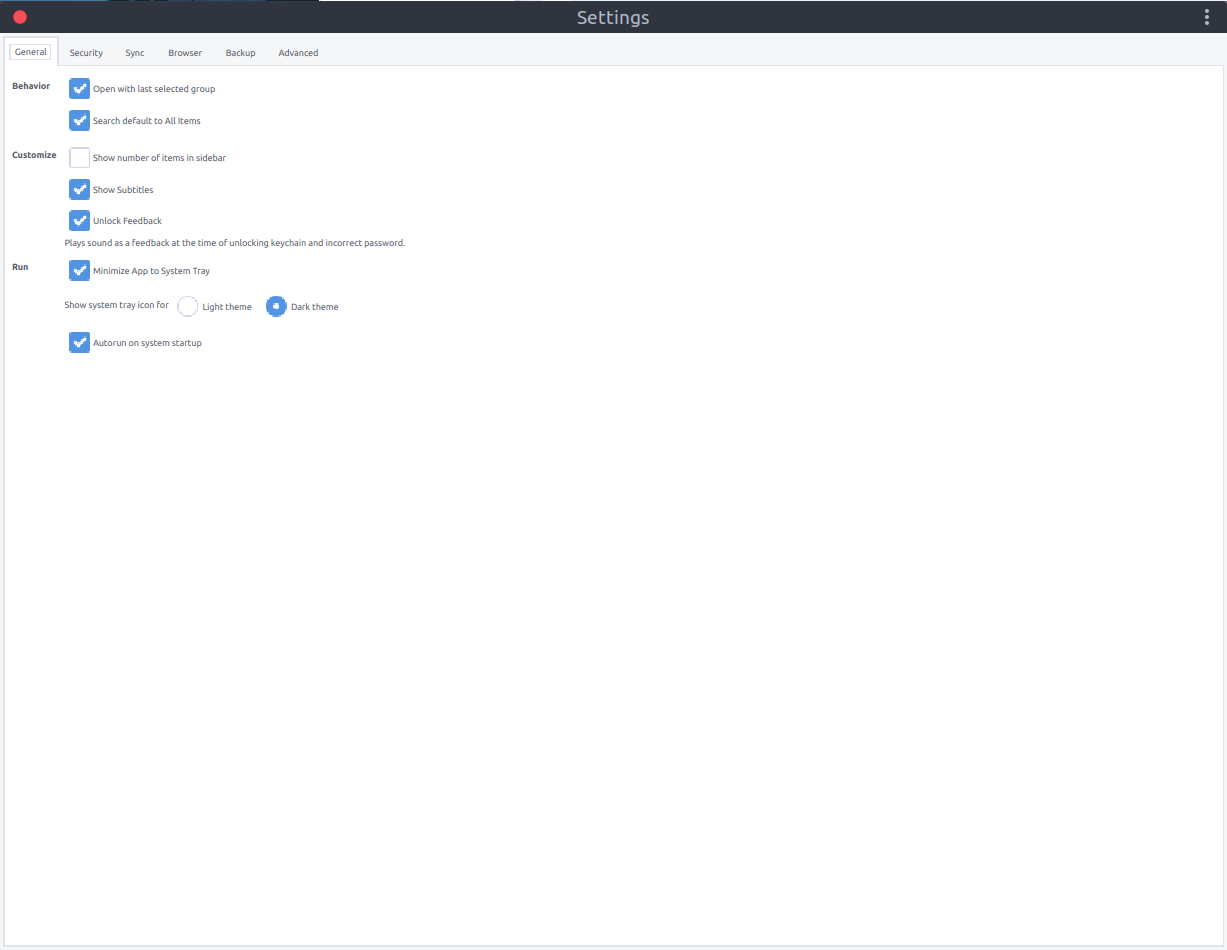
First of all the new gui is nice and does not suck That out of the way, I was also affected by this.I am using Ubuntu 18.04.1 LTS (community theme "yaru") on a 1080p laptop (X11, not wayland). As a workaround I followed the suggestions in the FAQ and created the following file: /opt/enpass/enpass_launcher containing export QT_AUTO_SCREEN_SCALE_FACTOR=0 export QT_SCREEN_SCALE_FACTORS=1 /opt/enpass/Enpass %U after this I made the file executable chmod +x /opt/enpass/enpass_launcher and changed the desktop launcher in ~/.local/share/applications/enpass.desktop to look like this [Desktop Entry] Version=1.1 Type=Application Name=Enpass GenericName=Enpass Password Manager Icon=enpass Exec=/opt/enpass/enpass_launcher Actions= MimeType=x-scheme-handler/enpassauth;x-scheme-handler/enpasscard;x-scheme-handler/enpassstart;x-scheme-handler/enpass;x-scheme-handler/cloudkit-7adb8cc6tf.in.sinew.walletx;application/enpasscard; Categories=Utility; make sure to completely close Enpass (including the tray applet). After re-opening, the scaling should be back to normal. --- It would be great if future versions of Enpass improved the resolution detection to avoid fiddling with system files which is not for everyone. If you need any additional info about my setup to help you improve your software let me know! @Vinod Kumar
-
Using: export QT_AUTO_SCREEN_SCALE_FACTOR=0 export QT_SCREEN_SCALE_FACTORS=1.5 on Ubuntu Gnome 16.04.1 with Enpass Beta v 5.5.0 on 4k (3840x2160). Seems to kind of hit-or-miss. It worked well until I rebooted, now I get: Fonts are really tiny while the rest of the UI is pretty large. Also, some of the elements don't seem to be 4k (HDPI) ready yet and become really pixelated. I hope this will be addressed in future releases.