Karabasan
Members
-
Joined
-
Last visited
Everything posted by Karabasan
-
1. Press start. 2. Type “add or remove programs” and press enter. 3. Search for the msstore version. 4. Click unistall.
-
@JillB, I had the same issue. I could not see the setting. Untill I removed the Microsoft store version and download the “website version” you can find the download link for your respective OS on this page https://www.enpass.io/downloads/#desktop just scroll down to the section where is says “download from website”. hope this helps! It fixed it for me.
-
Nevermind! I fixed it myself! I had the Windows store version installed! Installing the website version of the app fixed this whole issue! Jeez I have been living a lie all the time!
-
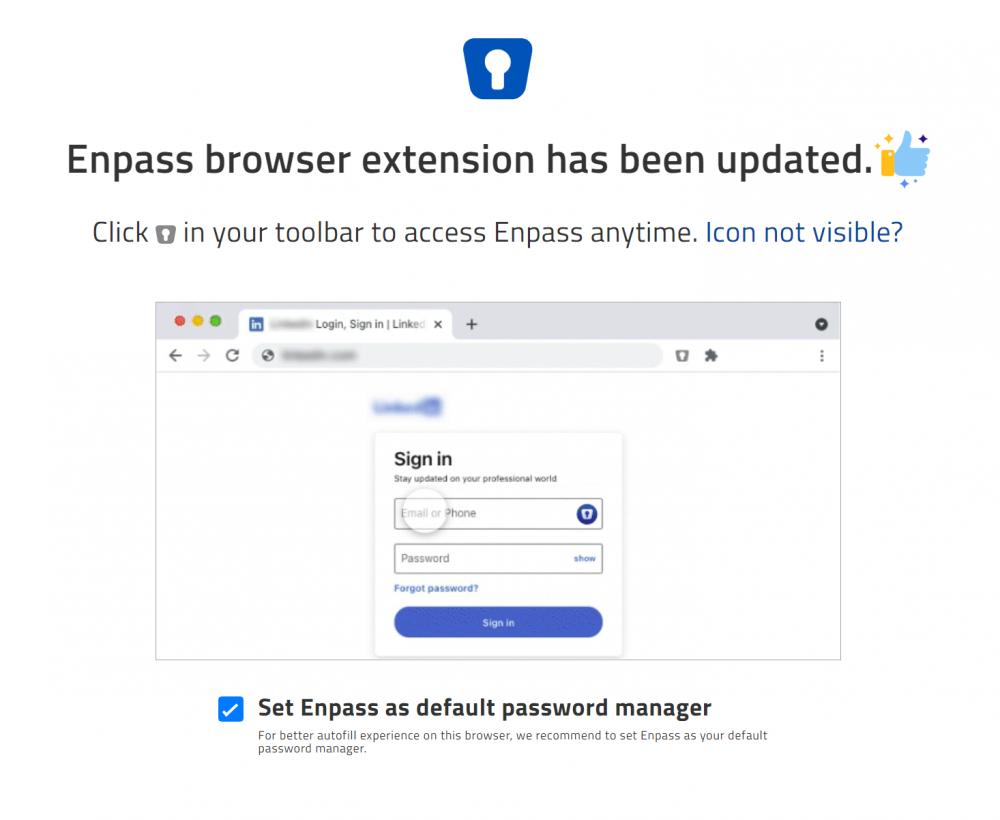
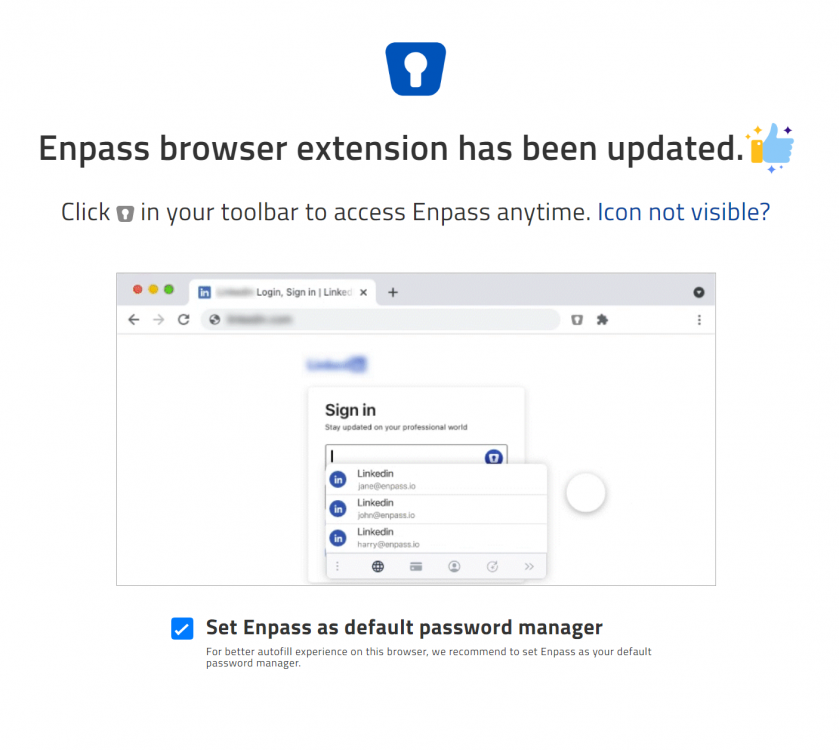
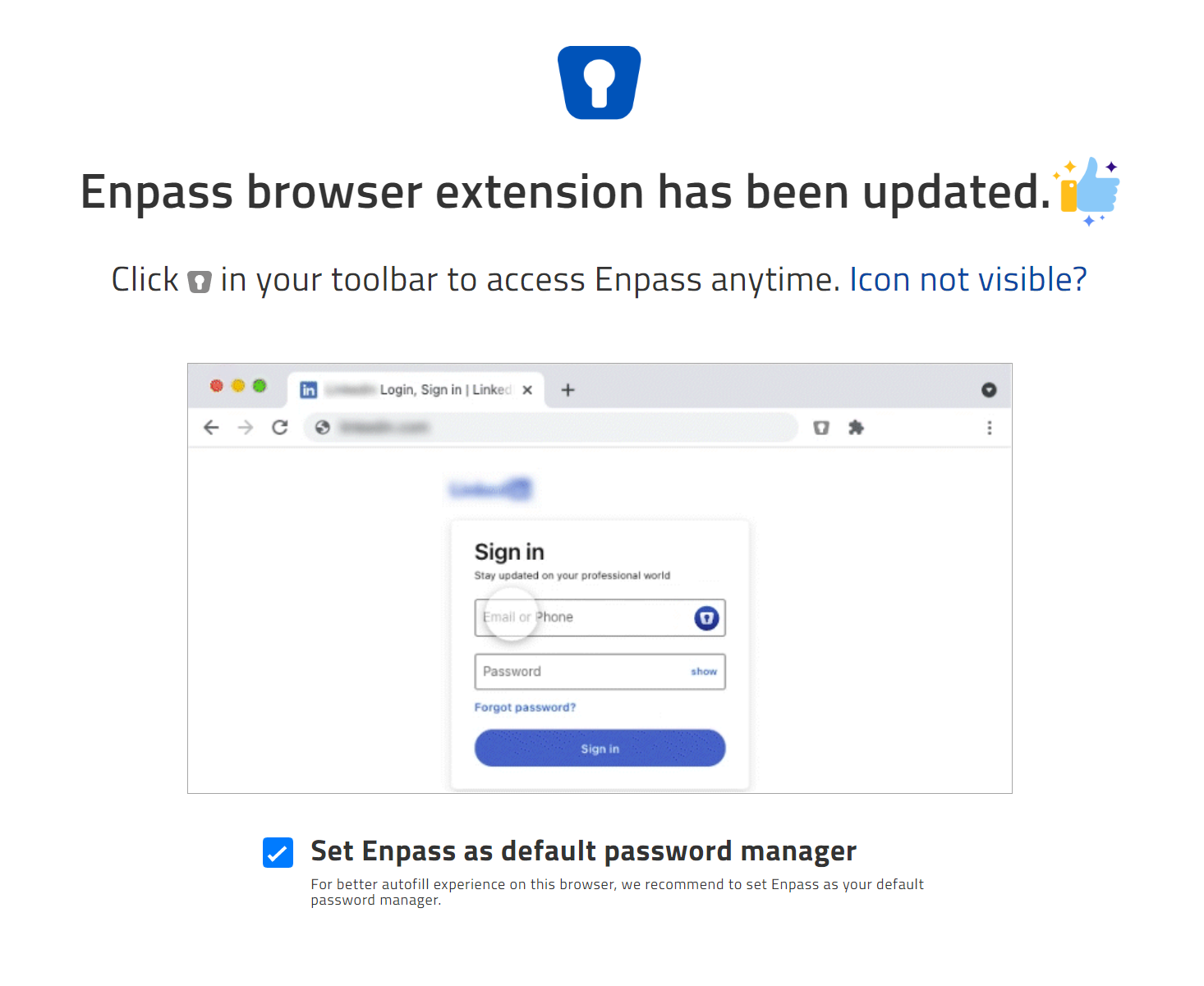
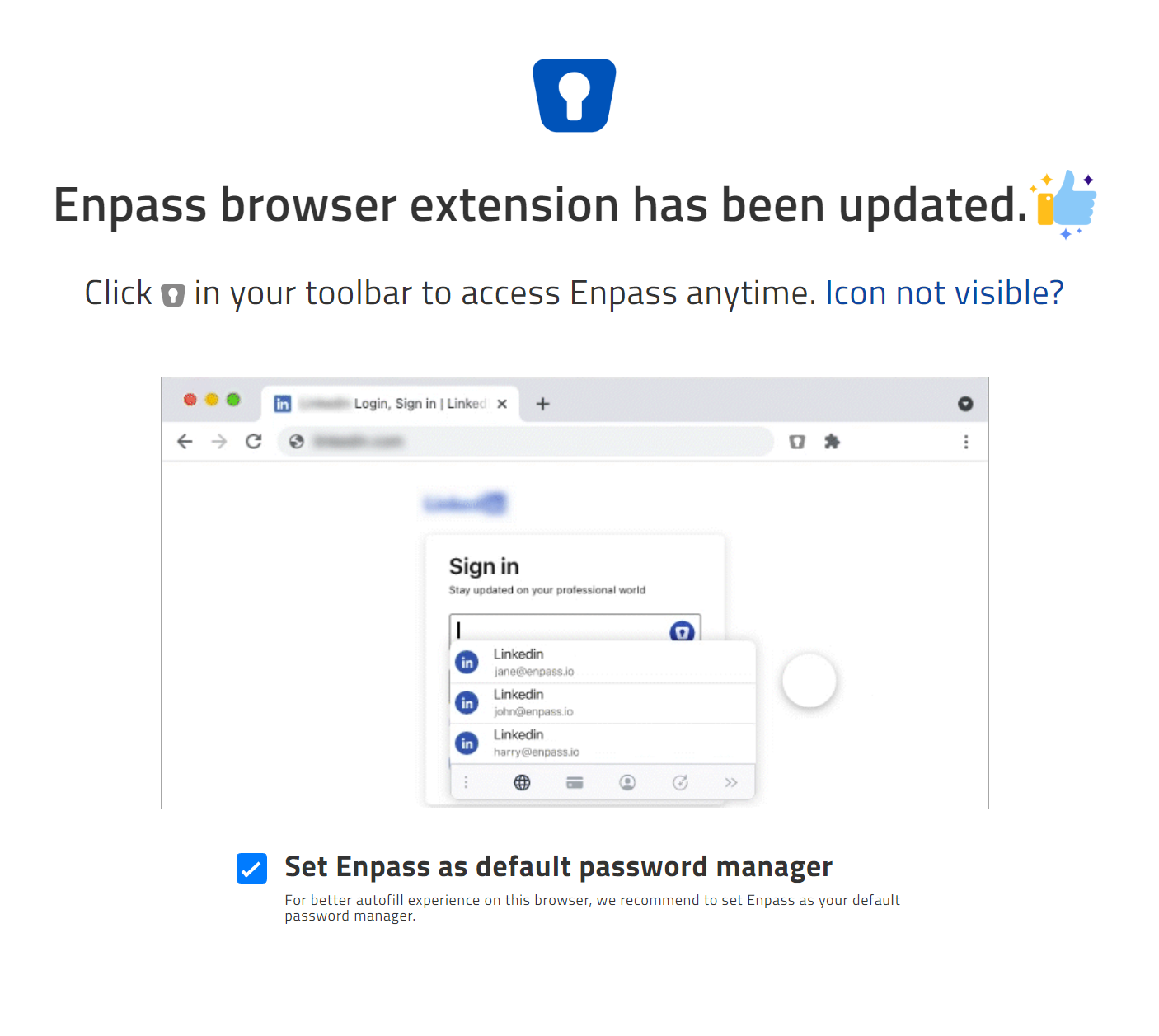
Hi, My browser just auto updated enpass tot the latest version. Now I am getting an 'ad' showing a brief video (see screenshots down below). In this video Enpass had an inline field icon with prefill selections. I want this! How do I enable this on my extention. I have been a pro user for ages now and I would like to stay that way :)... The current way I am using is via the extention icon in the toolbar of Chrome.. This is sometimes cumbersome. Thanks in advance