Skip to content
View in the app

A better way to browse. Learn more.

Enpass Discussion Forum

A full-screen app on your home screen with push notifications, badges and more.

To install this app on iOS and iPadOS
  1. Tap the Share icon in Safari
  2. Scroll the menu and tap Add to Home Screen.
  3. Tap Add in the top-right corner.
To install this app on Android
  1. Tap the 3-dot menu (⋮) in the top-right corner of the browser.
  2. Tap Add to Home screen or Install app.
  3. Confirm by tapping Install.

SRY

Members
  • Joined

  • Last visited

Everything posted by SRY

  1. Great, thanks.
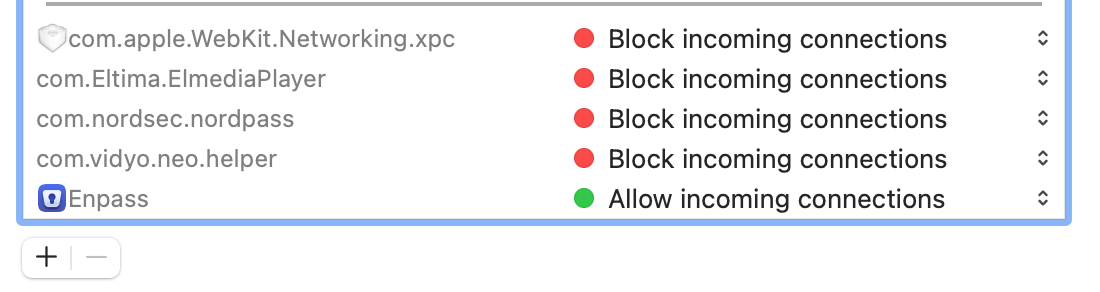
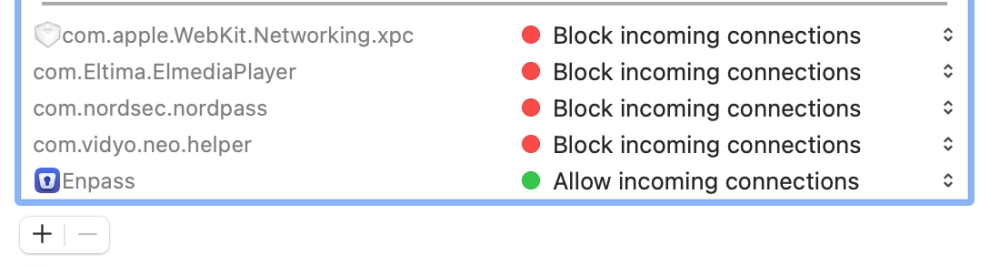
  2. Hi Manish - Thanks for quick response I am able to add the sync server to firewall but not progress. Please see more details below. I have VPN but I turned it off while trying the sync. So far I only tried Wi-Fi sync No error, it is keep spinning on my iPhone, I waited for at lest 35 min, where as Wi-Fi server running on Mac and both are in same network. It is installed from from Apple App store - version 6.8.1 (1060)
  3. Hi Manish, Any resolution to this issue, I do face the same issue. I am using system with below configuration Mac Book Pro - OS - Big Sur - 11.6.6 When I open system preference and navigate to security & privacy -> Firewall , I do not see any application/process running with name "wifisyncserver_bin" . Pleas help.

Account

Navigation

Search

Search

Configure browser push notifications

Chrome (Android)
  1. Tap the lock icon next to the address bar.
  2. Tap Permissions → Notifications.
  3. Adjust your preference.
Chrome (Desktop)
  1. Click the padlock icon in the address bar.
  2. Select Site settings.
  3. Find Notifications and adjust your preference.