Skip to content
View in the app

A better way to browse. Learn more.

Enpass Discussion Forum

A full-screen app on your home screen with push notifications, badges and more.

To install this app on iOS and iPadOS
  1. Tap the Share icon in Safari
  2. Scroll the menu and tap Add to Home Screen.
  3. Tap Add in the top-right corner.
To install this app on Android
  1. Tap the 3-dot menu (⋮) in the top-right corner of the browser.
  2. Tap Add to Home screen or Install app.
  3. Confirm by tapping Install.

songsong

Members
  • Joined

  • Last visited

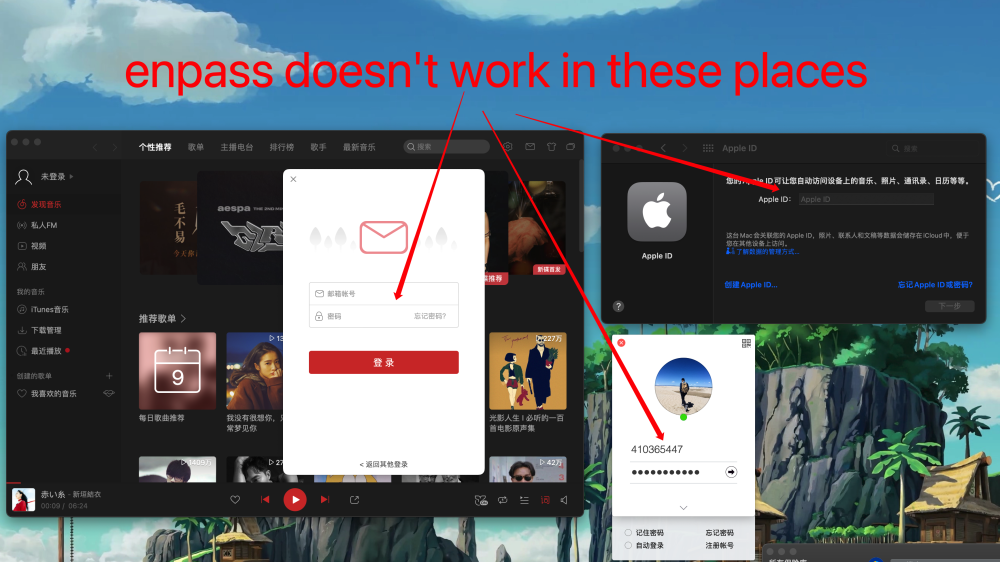
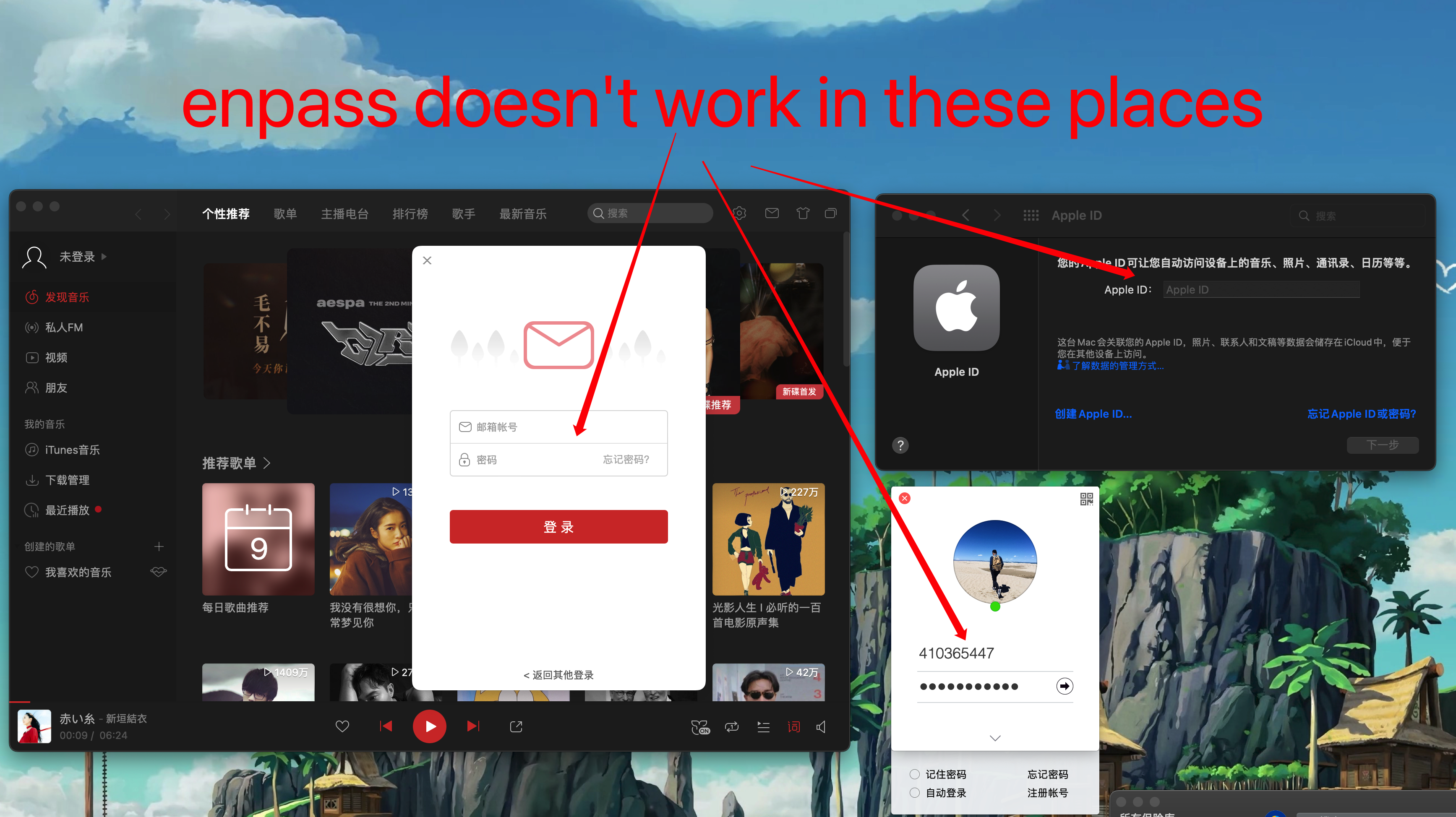
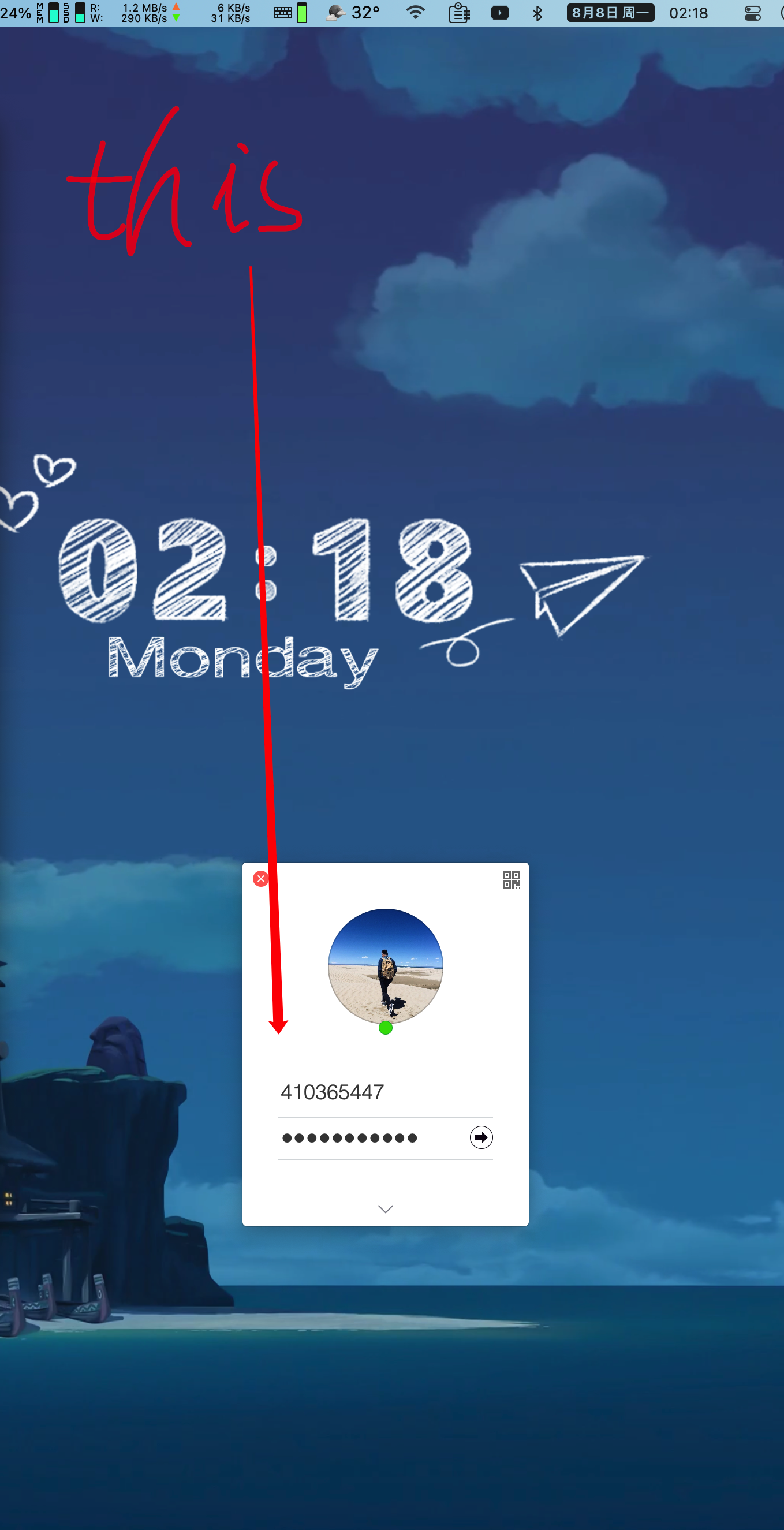
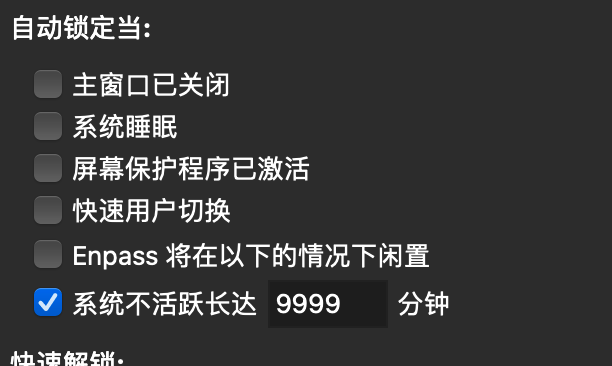
  1. Sorry, maybe I didn't express clearly, I'm talking about the desktop APP, not the web page, the web page is filled normally and very easy to use, I mean the app login pops up, the enpass will not be filled automatically, or even not work, it can only be used on the web page It runs on the above, I don’t know if the translation will make you understand. The elpass I know has this function. I hope you will add it in the future. It will be really perfect. Another feature I want to add is to add never lock which can give the user one more choice
  2. 我指的是这里不能自动填充,网页端会的,APP不支持填充,app可以做到填充的话真的很完美,希望以后添加上就完美了,elpass就可以填充,但是他们没有安卓客户端,所以我放弃了
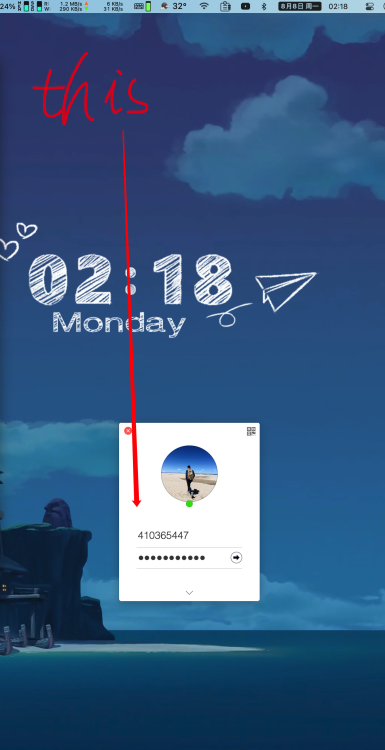
  3. 希望添加mac桌面端APP自动填充账户密码功能

Account

Navigation

Search

Search

Configure browser push notifications

Chrome (Android)
  1. Tap the lock icon next to the address bar.
  2. Tap Permissions → Notifications.
  3. Adjust your preference.
Chrome (Desktop)
  1. Click the padlock icon in the address bar.
  2. Select Site settings.
  3. Find Notifications and adjust your preference.