

Skip to content
View in the app

A better way to browse. Learn more.

Enpass Discussion Forum

A full-screen app on your home screen with push notifications, badges and more.

To install this app on iOS and iPadOS
  1. Tap the Share icon in Safari
  2. Scroll the menu and tap Add to Home Screen.
  3. Tap Add in the top-right corner.
To install this app on Android
  1. Tap the 3-dot menu (⋮) in the top-right corner of the browser.
  2. Tap Add to Home screen or Install app.
  3. Confirm by tapping Install.

Backer

Members
  • Joined

  • Last visited

Everything posted by Backer

  1. I'll be damned, didn't know that. Thank you very much xarekate.
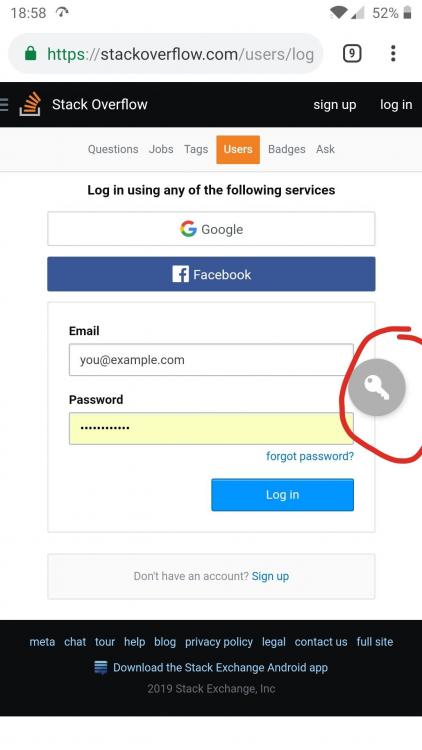
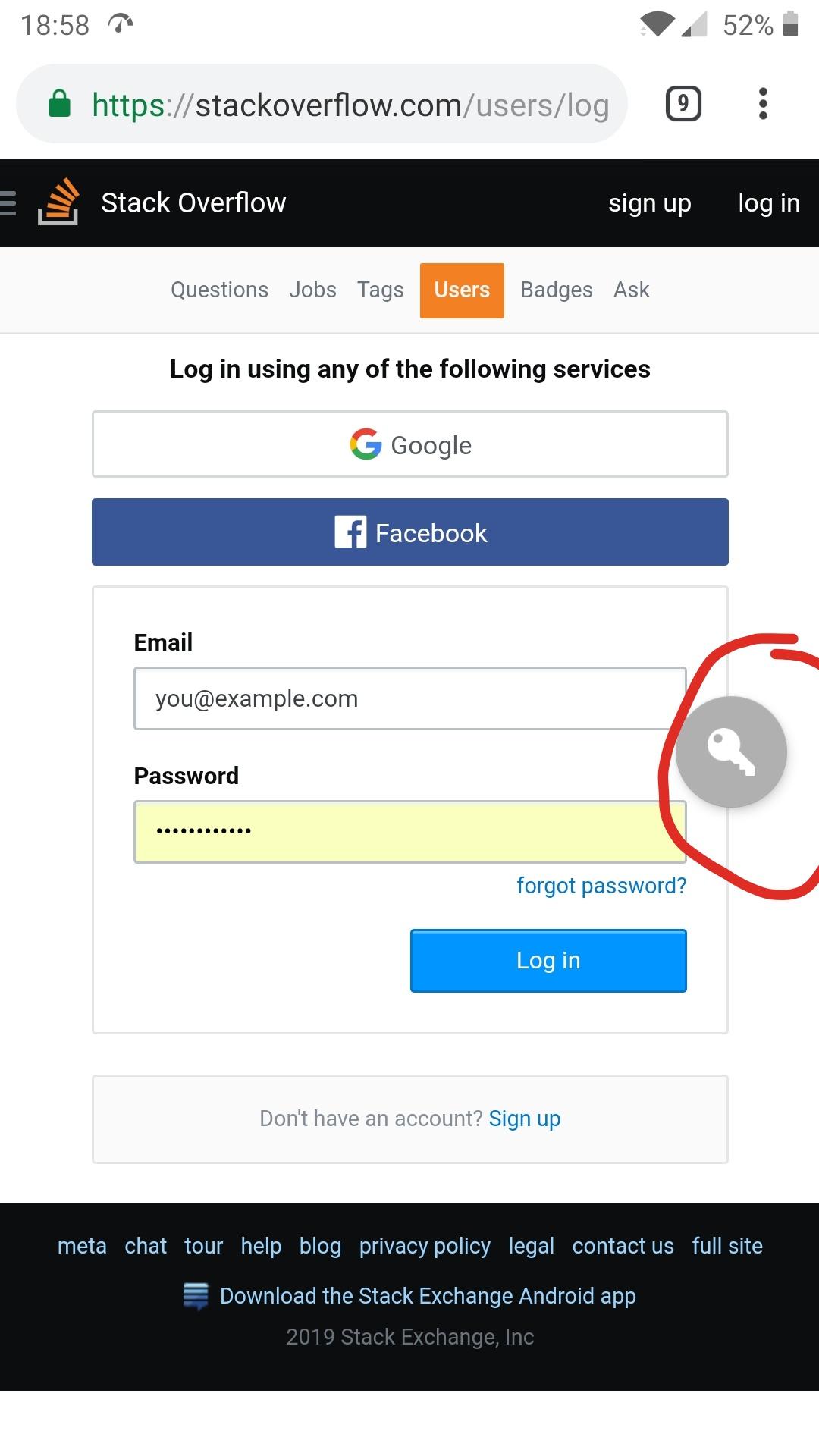
  2. Hi, First of all, really great app but what I think would make it really amazing is to display, on mobiles, an overlay icon on login pages. Right know when I want to log in into a website on the phone I have to go to the login page, minimize it, open Enpass, unlock it, find the corresponding item, copy the password, go back to the login page and paste the password. A looong process. It would be awesome if there would appear some kind of icon where you can easily access Enpass item from within the browser on phone. Avast password has this functionality if you want some inspiration :p best regards, A happy customer
Account

Navigation

Search

Search

Configure browser push notifications

Chrome (Android)
  1. Tap the lock icon next to the address bar.
  2. Tap Permissions → Notifications.
  3. Adjust your preference.
Chrome (Desktop)
  1. Click the padlock icon in the address bar.
  2. Select Site settings.
  3. Find Notifications and adjust your preference.