diegoisok
Members
-
Joined
-
Last visited
-
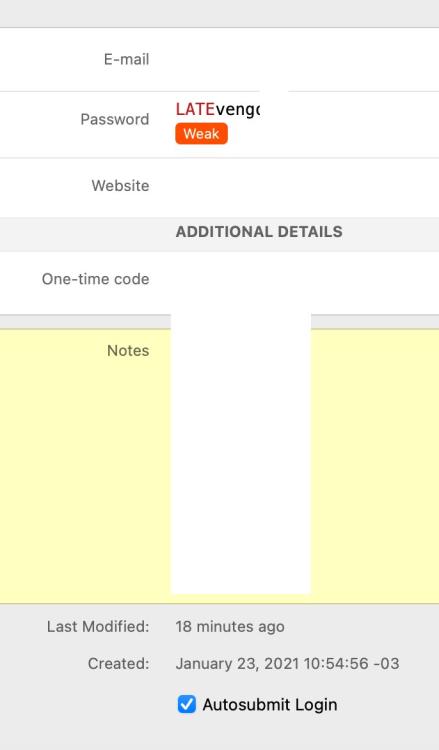
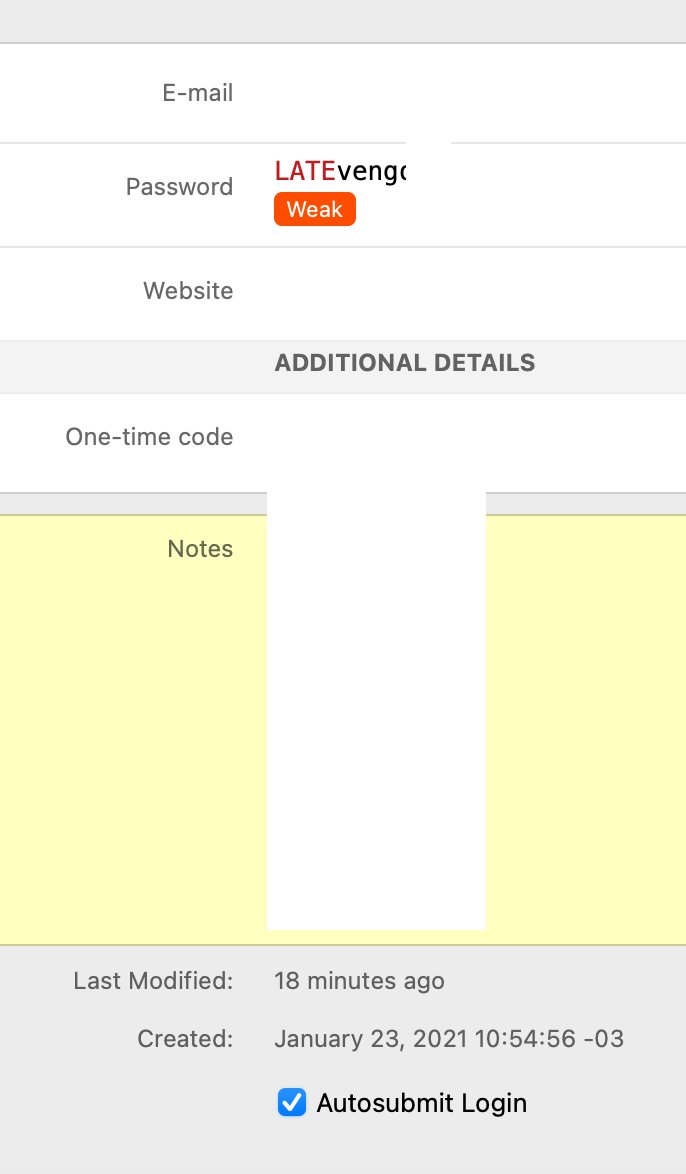
Glad I just found this. I sent a message to Enpass Twitter account on June 16 discussing this issue. A day before I changed near 70% of my passwords. On June 16 I tried to login on my bank account and got a wrong password message. I then checked and saw that several of my passwords had reverted back to the old ones. I'm syncing using iCloud between my Mac and my iPhone. Both versions are the latest. I already erased both apps and also deleted and recovered the vault. It's a bug that has been recently introduced, never happened to me before in years of using the app. Today it happened again. I used my Mac to create a new login, Added the record and saved it. Edited again and saved some notes. A few minutes later I checked my iPhone and the notes were gone. Opened the Mac app and gone as well. It's a dangerous bug and you should work seriously on it. Something that I noticed: The time/date of the record it's correctly updated (so the app knows that the record was modified and change the timestamp), however the fields are reverted. I most saw this behavior with the passwords fields. However, I got a note deleted today, so I not longer sure if thats true. I'm attaching a screenshot of one affected record. The password displayed is old (from January 23) and not the new one that I saved in the app, but the record show that it has been modified 18 minutes ago.