Skip to content
View in the app

A better way to browse. Learn more.

Enpass Discussion Forum

A full-screen app on your home screen with push notifications, badges and more.

To install this app on iOS and iPadOS
  1. Tap the Share icon in Safari
  2. Scroll the menu and tap Add to Home Screen.
  3. Tap Add in the top-right corner.
To install this app on Android
  1. Tap the 3-dot menu (⋮) in the top-right corner of the browser.
  2. Tap Add to Home screen or Install app.
  3. Confirm by tapping Install.

Chewy007

Members
  • Joined

  • Last visited

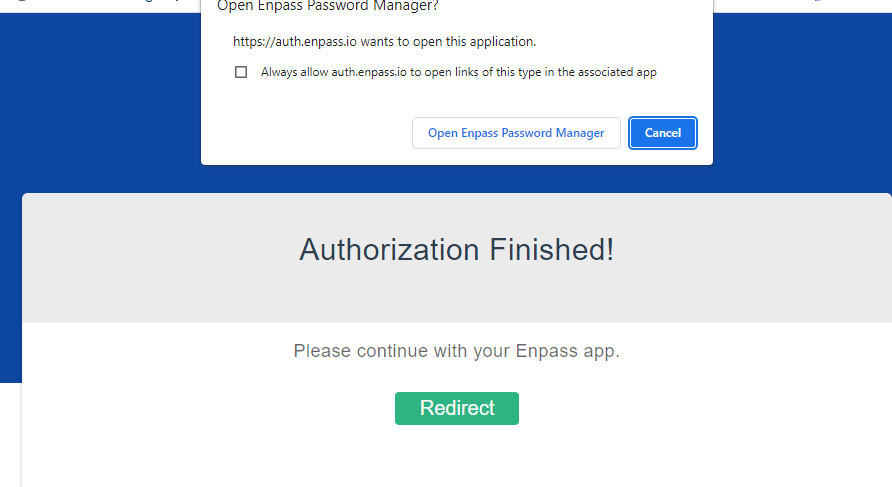
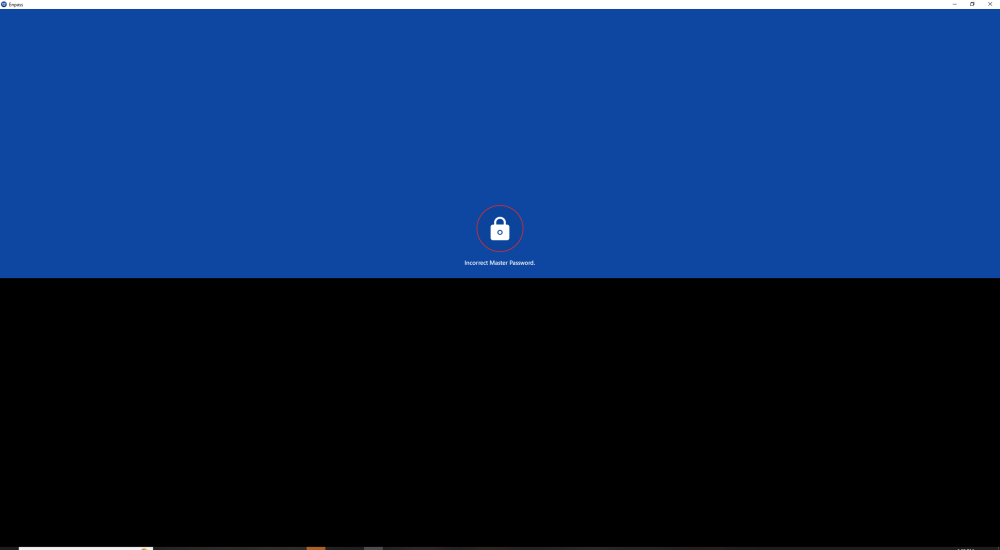
  1. I have a similar issue as I noticed my iphone version of Enpass was no longer syncing with the desktop version. It doesnt matter which way I try to set up sync )dropbox, icloud, google drive etc) it always redirects me to the Enpass sign in screen (see screenshot) When I try to enter my master password it always says its incorrect (see screenshot below). However I know it is not incorrect as the same password works when I use it on both the phone and desktop version of the app so I dont understand what is happening. I need help!
Account

Navigation

Search

Search

Configure browser push notifications

Chrome (Android)
  1. Tap the lock icon next to the address bar.
  2. Tap Permissions → Notifications.
  3. Adjust your preference.
Chrome (Desktop)
  1. Click the padlock icon in the address bar.
  2. Select Site settings.
  3. Find Notifications and adjust your preference.