

Skip to content
View in the app

A better way to browse. Learn more.

Enpass Discussion Forum

A full-screen app on your home screen with push notifications, badges and more.

To install this app on iOS and iPadOS
  1. Tap the Share icon in Safari
  2. Scroll the menu and tap Add to Home Screen.
  3. Tap Add in the top-right corner.
To install this app on Android
  1. Tap the 3-dot menu (⋮) in the top-right corner of the browser.
  2. Tap Add to Home screen or Install app.
  3. Confirm by tapping Install.

randomusername

Members
  • Joined

  • Last visited

Everything posted by randomusername

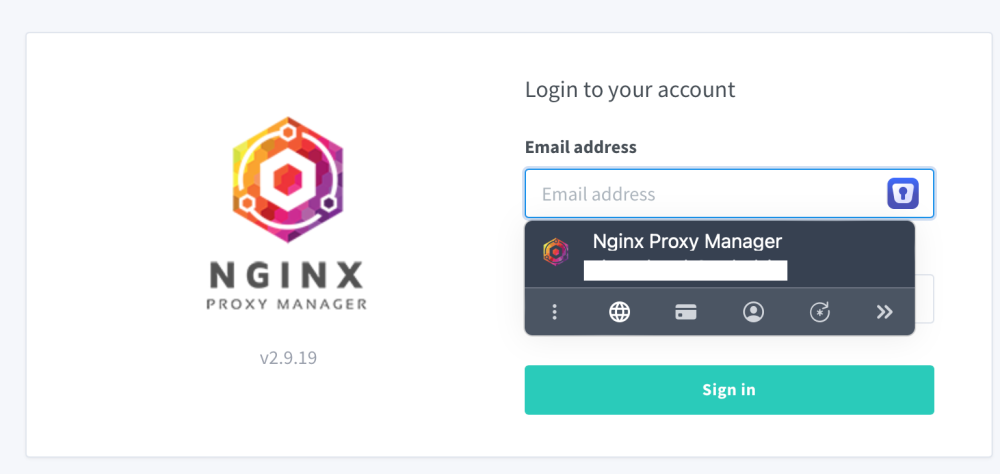
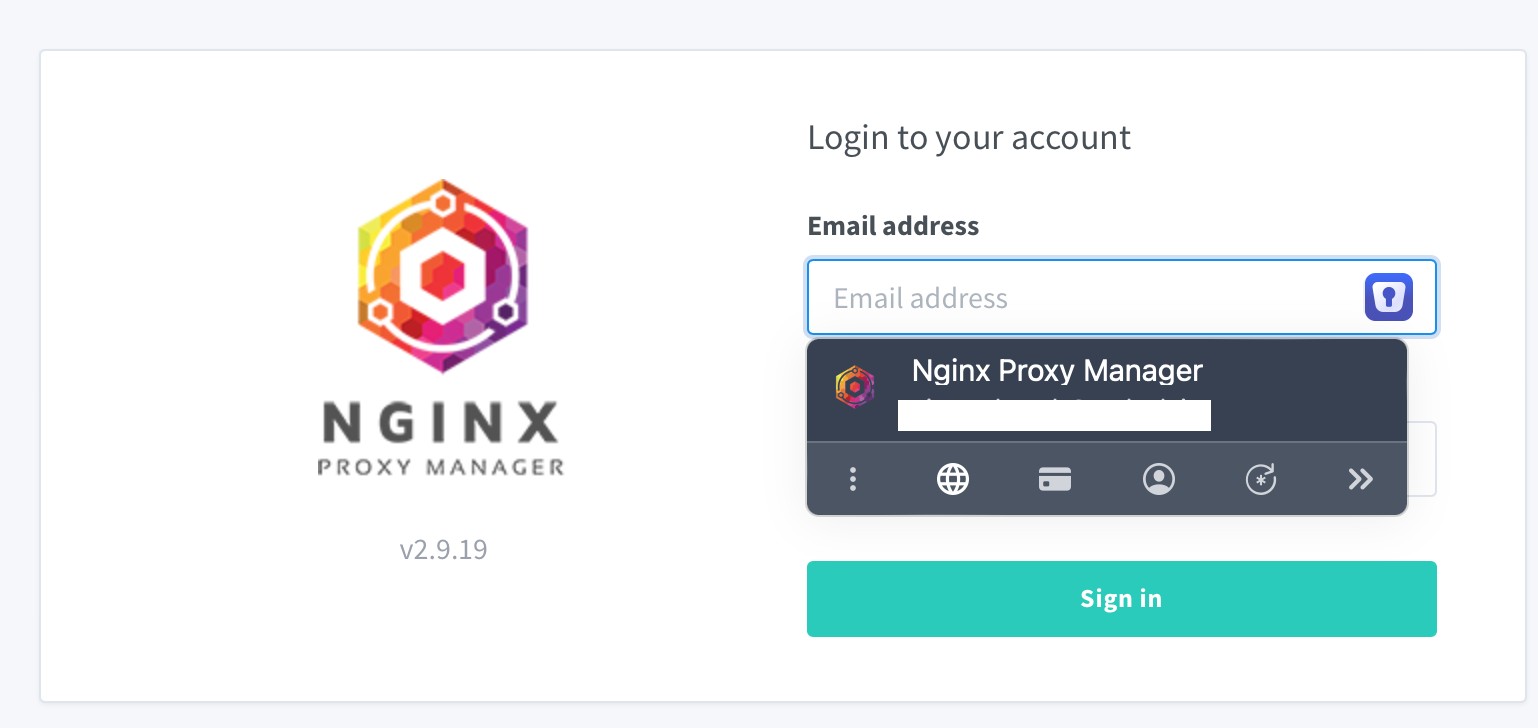
  1. I have a couple local services (Portainer and NGINX Proxy Manager) that require username and password. Their hostname is in the form of http://hostname.lan:someport When i try to use Enpass with those websites it simply won't fill the form and i have to manually copy paste my credentials. When i expose those same services with https everything works. As you can see the credentials are saved and recognized, but when i click on those the form is not filled. This problem appears in every browser/desktop OS combination, but everything works fine on mobile (safari + ios)
Account

Navigation

Search

Search

Configure browser push notifications

Chrome (Android)
  1. Tap the lock icon next to the address bar.
  2. Tap Permissions → Notifications.
  3. Adjust your preference.
Chrome (Desktop)
  1. Click the padlock icon in the address bar.
  2. Select Site settings.
  3. Find Notifications and adjust your preference.