Dominic Drees
Members
-
Joined
-
Last visited
-
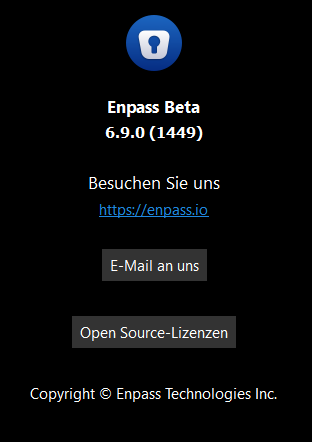
Issue still persists on the latest Version 6.9.0 (1449)
-
Seems to be OS version independent, as it behaves the same on multiple ( UpToDate ) systems ( Windows 11, Windows 10, macOS 14.0, ... ). It also seems to be network and hardware independent ^^' --- More Informations: Its weird that Enpass doesnt recognize the username Input Field, because it even contains the autocomplete="username" tag easily identifying it as such: <input type="text" name="<randomstring>" id="<randomstring>" value="" class="nbf-text-input" maxlength="16" autocomplete="username" placeholder=" "> Maybe the absence of the password field on the page prevents the autofill from working? As soon as you input the right username the page will partially reload itself and display the password input type="password": <input type="password" name="<randomstring>" id="<randomstring>" value="" autocomplete="off" class="has-inline-icon nbf-text-input format-password-show" maxlength="38" placeholder=" "> As soon as that happens Enpass instantly shows its Popup underneath the input field. Ironically Enpass ignores the autocomplete="off" property completely XD
-
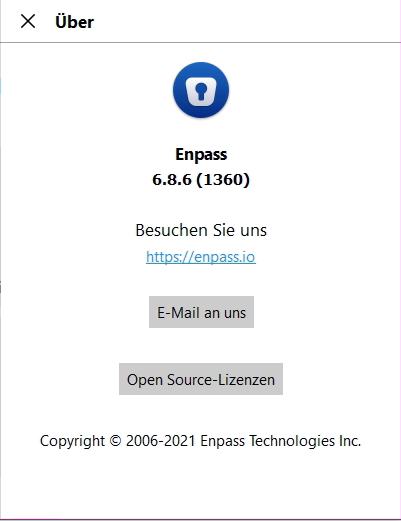
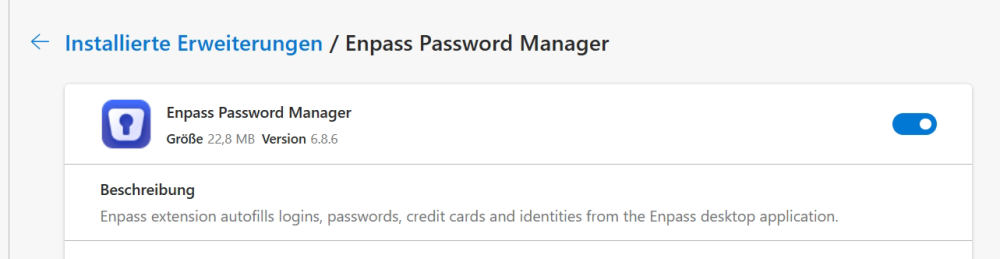
The Enpass Extension Version: 6.8.6 ( see Attachment ) The Enpass Version: 6.8.6 (1360) I dont know any other websites that dont work except for the one in question ^^'
-
Dominic Drees changed their profile photo
-
Hey there. My bank recently updated their login page and now autofill is no longer fully working. After submitting the username manually a new page gets loaded. On that page you are required to input your password. Somehow autofill still works fine on that second page. Extra Information: - The base url stays the same throughout the process: url: https://www.stadtsparkasse-haltern.de/de/home.html - Browsers Ive tried ( Enpass v6.8.6 on both): edge ( Version 114.0.1823.82 (Offizielles Build) (64-Bit) ) chrome ( Version 114.0.5735.199 (Offizieller Build) (64-Bit) - Already cleared the webform data ( inside the enpass entry ) and removed and created a new enpass entry from scratch to no avail. - Enpass autofill is working fine on all other websites, thats why i suspect that the bank changed something under the hood. thanks for the help have a nive day Dominic