MaxKraft
Members
-
Joined
-
Last visited
Everything posted by MaxKraft
-
Enpasse suddenly works again and synchronises with the folder, I didn't change anything. I am happy about that, but I will search for another solution in the long term.
-
I don't use any Firewall and Antivirus software. I have the problem on all three devices now (including my Android phone). I tried to connect to WebDAV, also no success. I am not very happy with that. My passwords are scattered on three devices, it makes life worse than without this software. I will discontinue the use and try another provider.
-
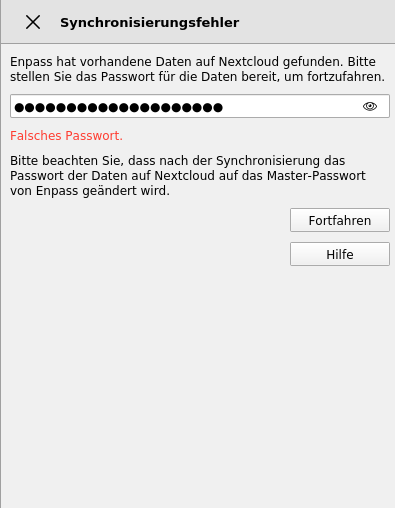
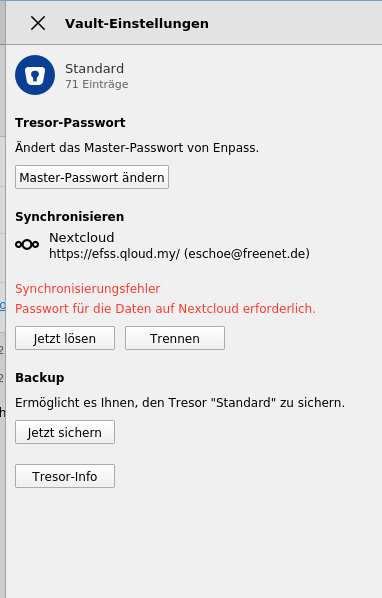
Hello, I have the problem that Enpass doesn't synchronise with the tresor in Nextcloud. I set everything as usual, using my password, but it doesn't work. I attached some screeshots. I don't know when this happened, but it worked before, with the same credentials. I can access Nextcloud without any problems via browser. It is not the password, I checked it 100 times. Since I paid for this app and I rebooted my desktop system and lost a lot of passwords or can't access them now, I am not very happy about that.
-
I finally found the issue! My Firefox was set to delete all cookies after shutdown, so basically a private mode. For the Enpass extension the option "Work with private mode" was disabled, so it couldn't work on my browser. Problem solved, thanks a lot to everyone for the patient help.
-
Here you are: Enpass: 6.9.0 (1467) OS: Ubuntu 22.04.3 LTS
-
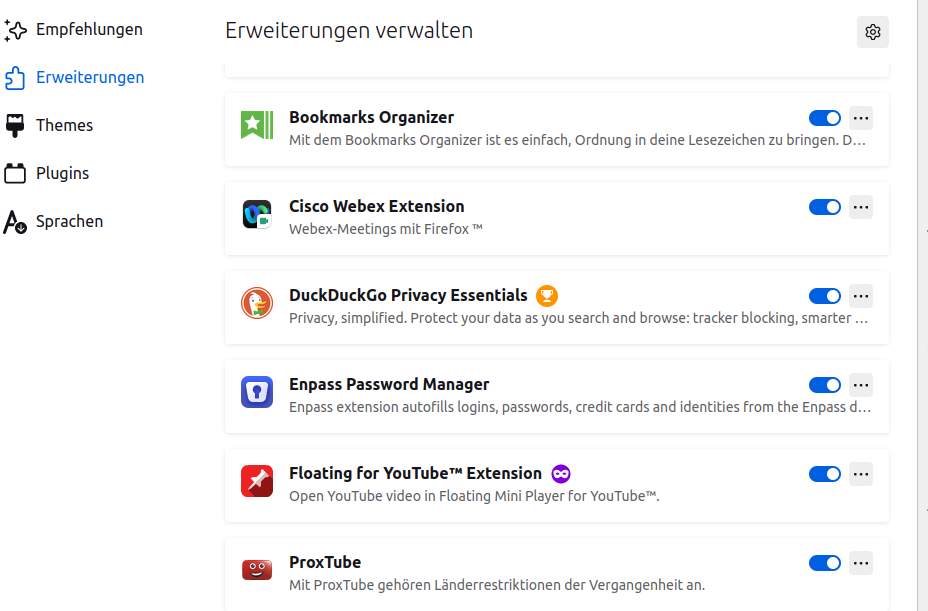
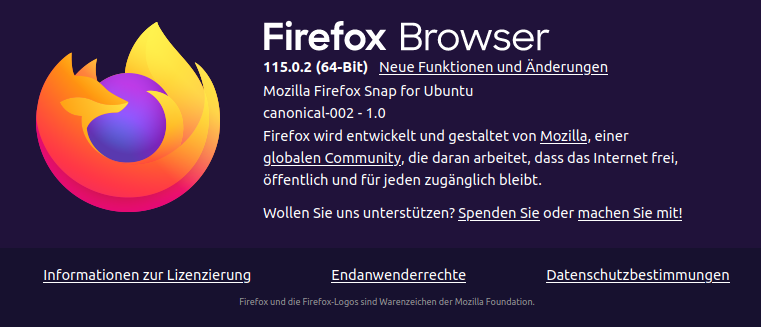
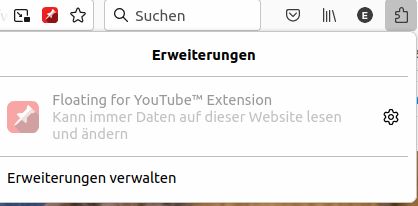
Hi, I have the newest version of Firefox: Enpasse is not under the puzzle icon: It is, however, listed under the extension, refer to the screenshot before.
-
This is how my extension button looks like: In the symbol area are no extensions to choose. By the way, I have the same problem with Firefox on Android.

-
Hello, I am trying to use Enpass, but right now I am not able to get it started with firefox. The installed extension is attached. That's it. There is not button in the browser, and there wasn't any prompt to confirm the account. I also installed it in Chrome, but there everything was fine.