Zbigniew
Members
-
Joined
-
Last visited
Everything posted by Zbigniew
-
Once more thank you for the effort! Copying the link worked, although I don't have any idea how. Thanks!
-
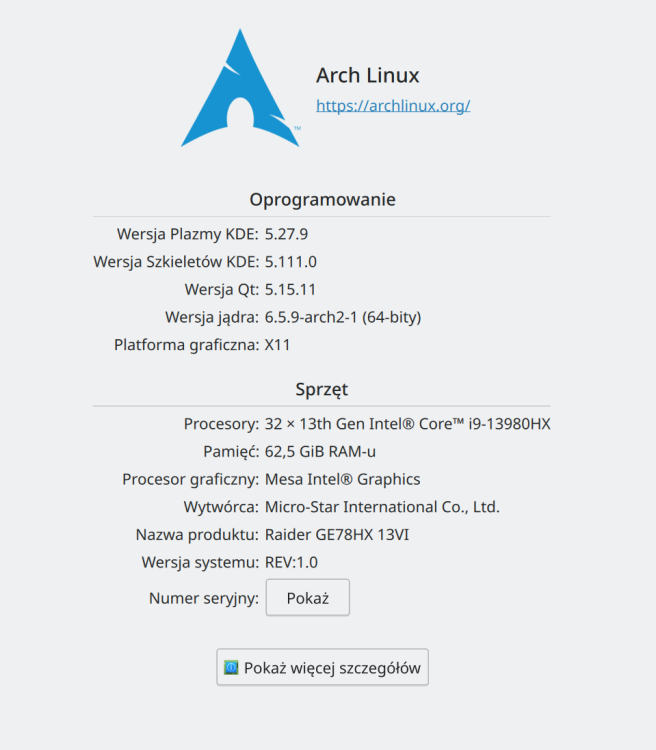
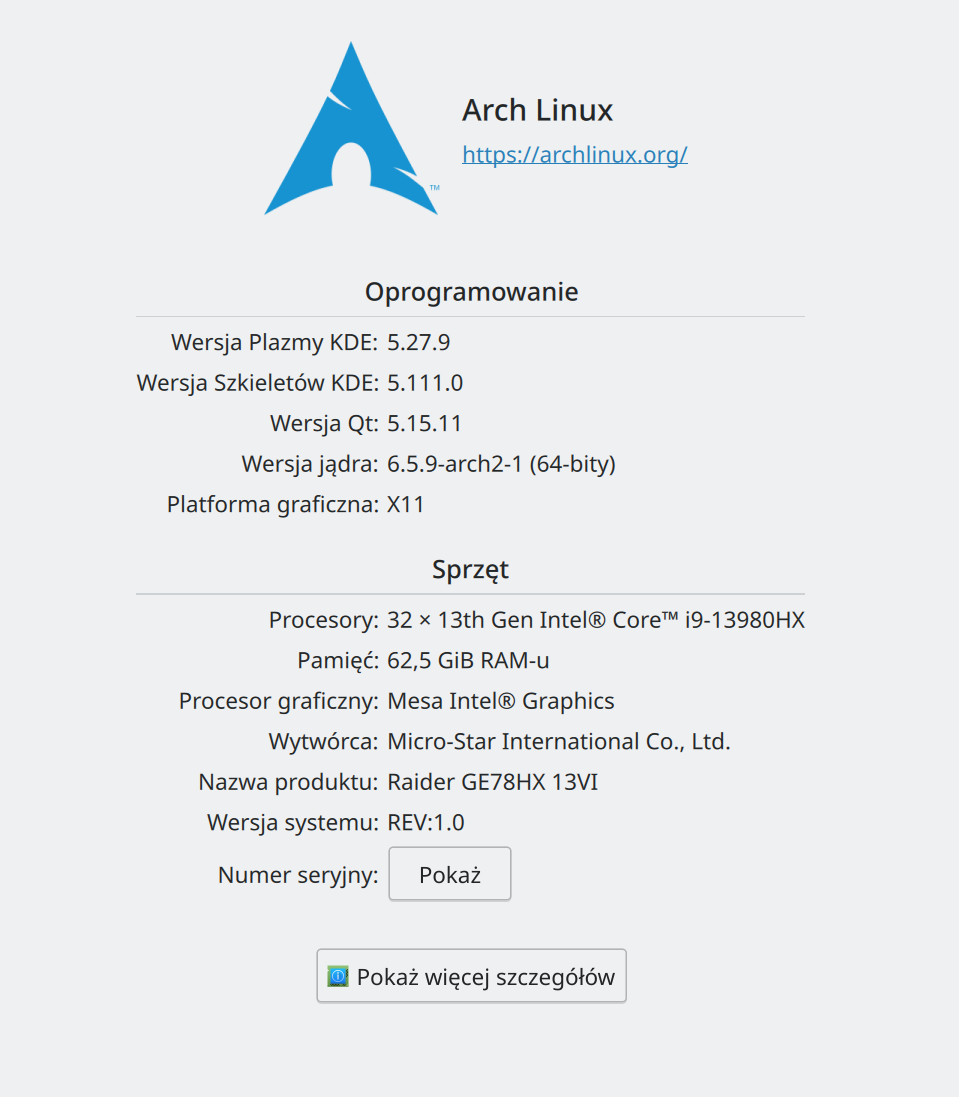
Thank you for your interest. Product: Enpass Version: 6.9.1.1511 System: Arch Linux Device Name: MSI-Arch Locale: pl_PL
-
Hello, Some time ago I've noticed, that my Linux instance of Enpass is out of sync, so I've tried to reconnect it to my Dropbox. On all other devices (Windows 11, Android, iPad OS) the syncing is working, but on Linux I'm stuck with an error "The request timed out when trying to connect to Dropbox". Now I did a lot of Internet searching and reading and I've already addressed some issues like: * trying different browsers to authenticate * setting automatic time check (NTP through systemd-timesyncd.servic) * disabling firewall and VPN Nothing is working for me. I'm not sure if it's a KDE nad XGD-dependent problem (as someone stated on the Web), but on my configuration the browser seems to properly pass the authentication info to enpassauth, but unfortunately nothing happens. Any ideas?