Spooky Kipper
Members
-
Joined
-
Last visited
-
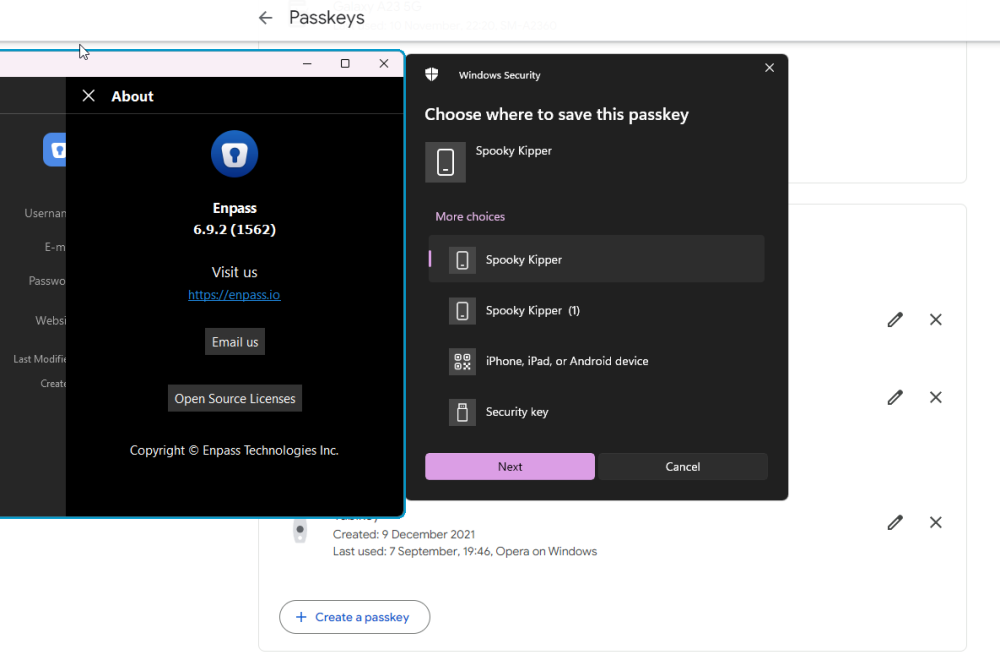
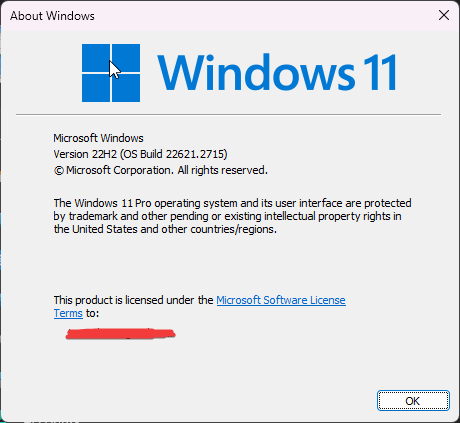
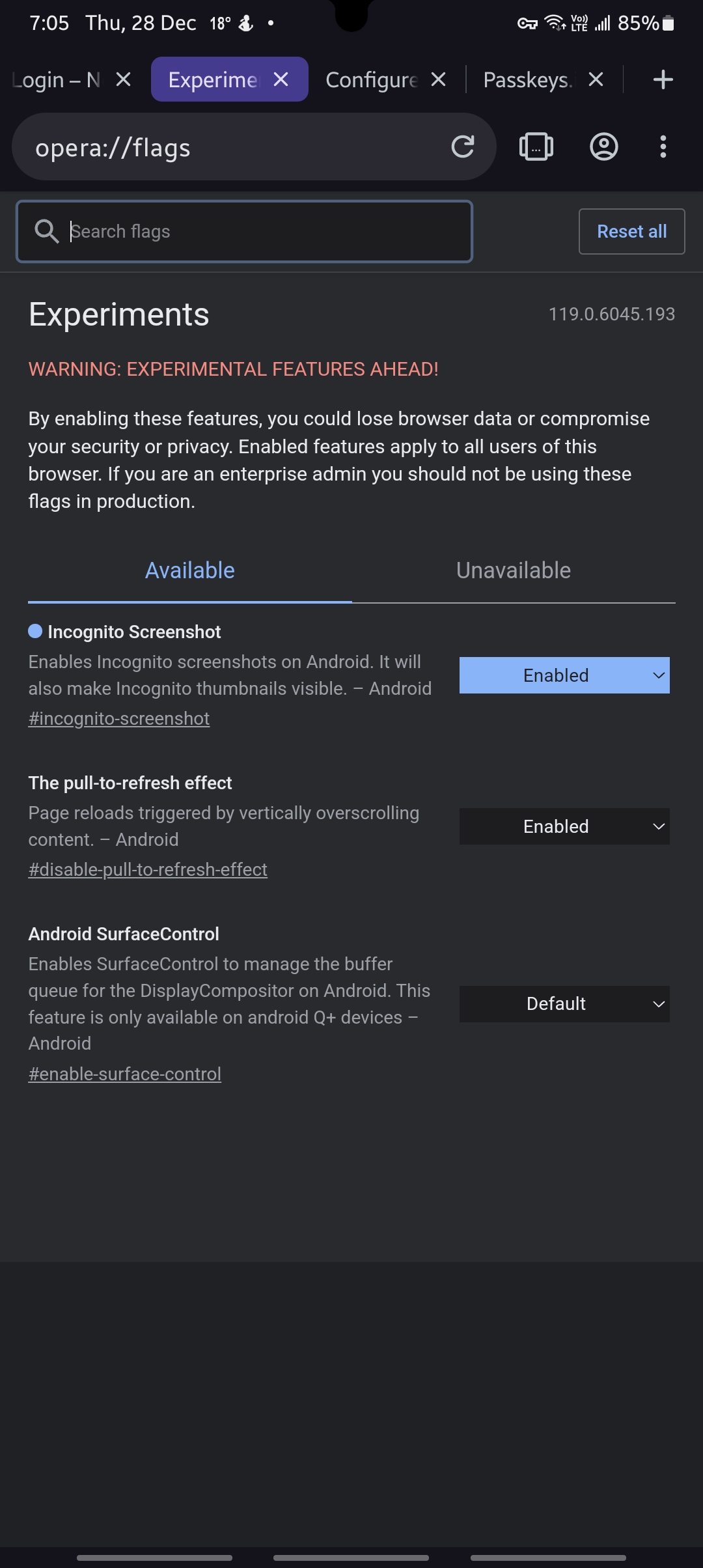
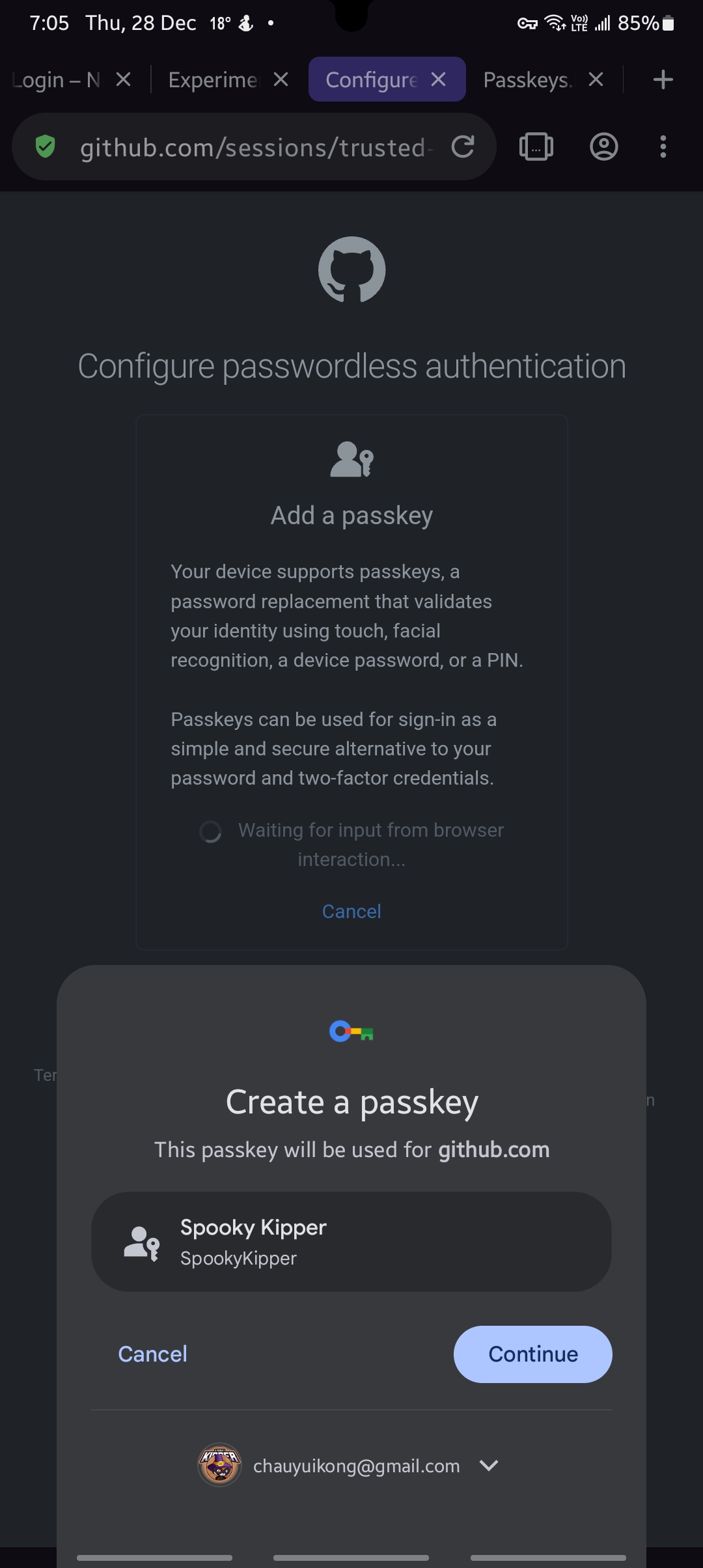
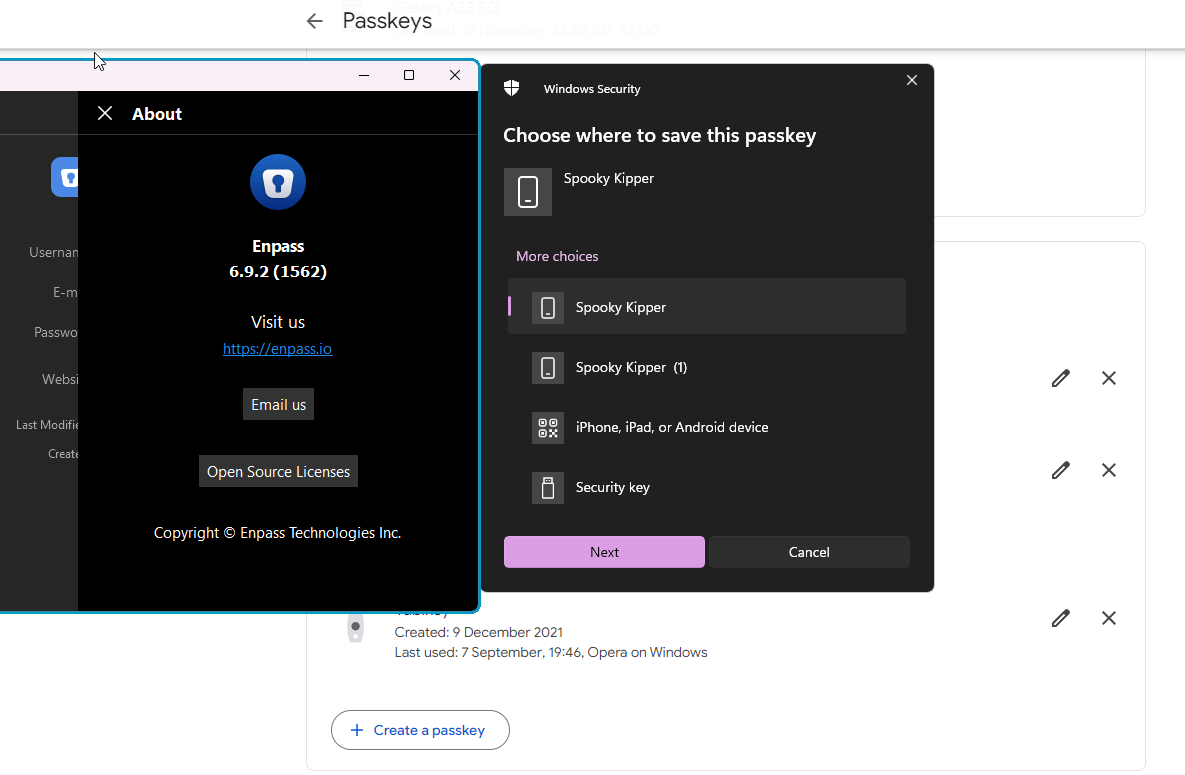
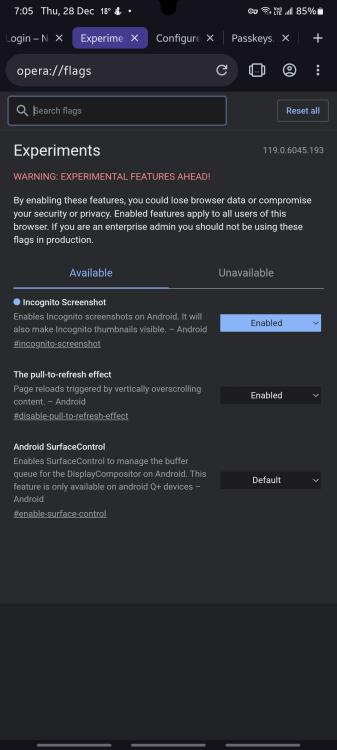
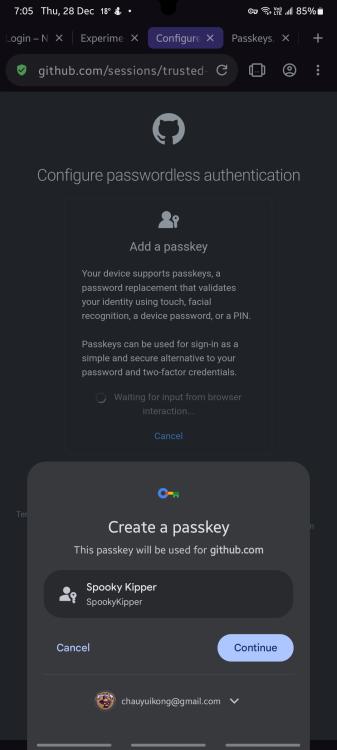
Here are some screenshots on Opera
-
Hello, My device has finally got the Android 14 update and I can test out the passkeys function on Android. It seems that it does not work with Opera. It works with Chrome after setting the required flag, but that flag does not exist in the Opera browser for Android. Software info: OS: Android 14 / One UI 6.0 Phone Mode: Samsung Galaxy A23 5G (SM-A2360) Enpass Android Version: 6.9.3.892 Opera for Android Version: 79.3.4195.76674 (Chromium 119.0.6045.193) Tested site: Github (works on Chrome after setting flag, does not work on Opera and cannot find such flag) I believe this has to be changed on Opera's side but if any solutions or workarounds can be provided here will be awesome
-
=== Edit 1: I am able to add a Enpass Passkey to Cloudflare, but not google Edit 2: I am able to add Enpass Passkeys to Github, Porkbun. However, I am unable to add a Enpass passkey to Google & Roblox Edit 3: I am able to create an Enpass passkey for Google on Ubuntu. Roblox does not work on linux too. All works fine after i switched to the website version!