

Skip to content
View in the app

A better way to browse. Learn more.

Enpass Discussion Forum

A full-screen app on your home screen with push notifications, badges and more.

To install this app on iOS and iPadOS
  1. Tap the Share icon in Safari
  2. Scroll the menu and tap Add to Home Screen.
  3. Tap Add in the top-right corner.
To install this app on Android
  1. Tap the 3-dot menu (⋮) in the top-right corner of the browser.
  2. Tap Add to Home screen or Install app.
  3. Confirm by tapping Install.

rafleo

Members
  • Joined

  • Last visited

Everything posted by rafleo

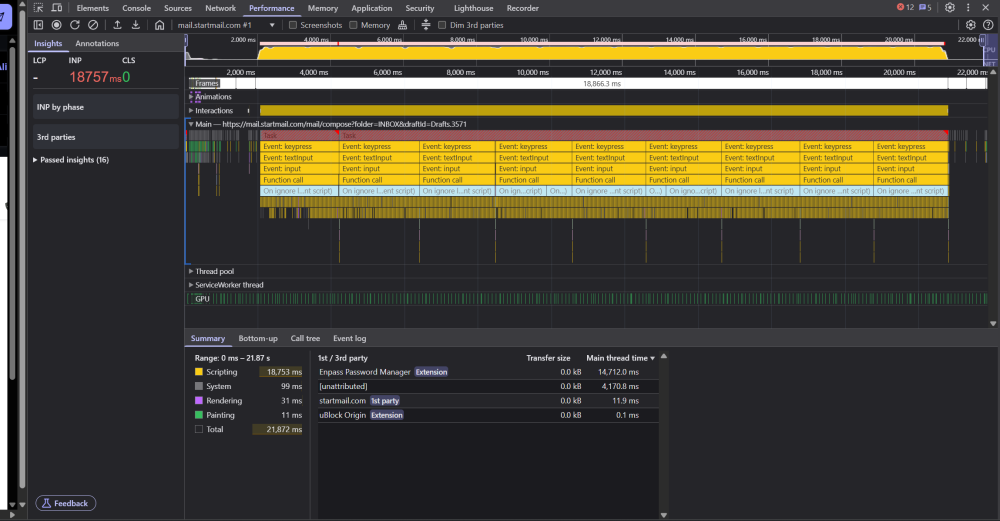
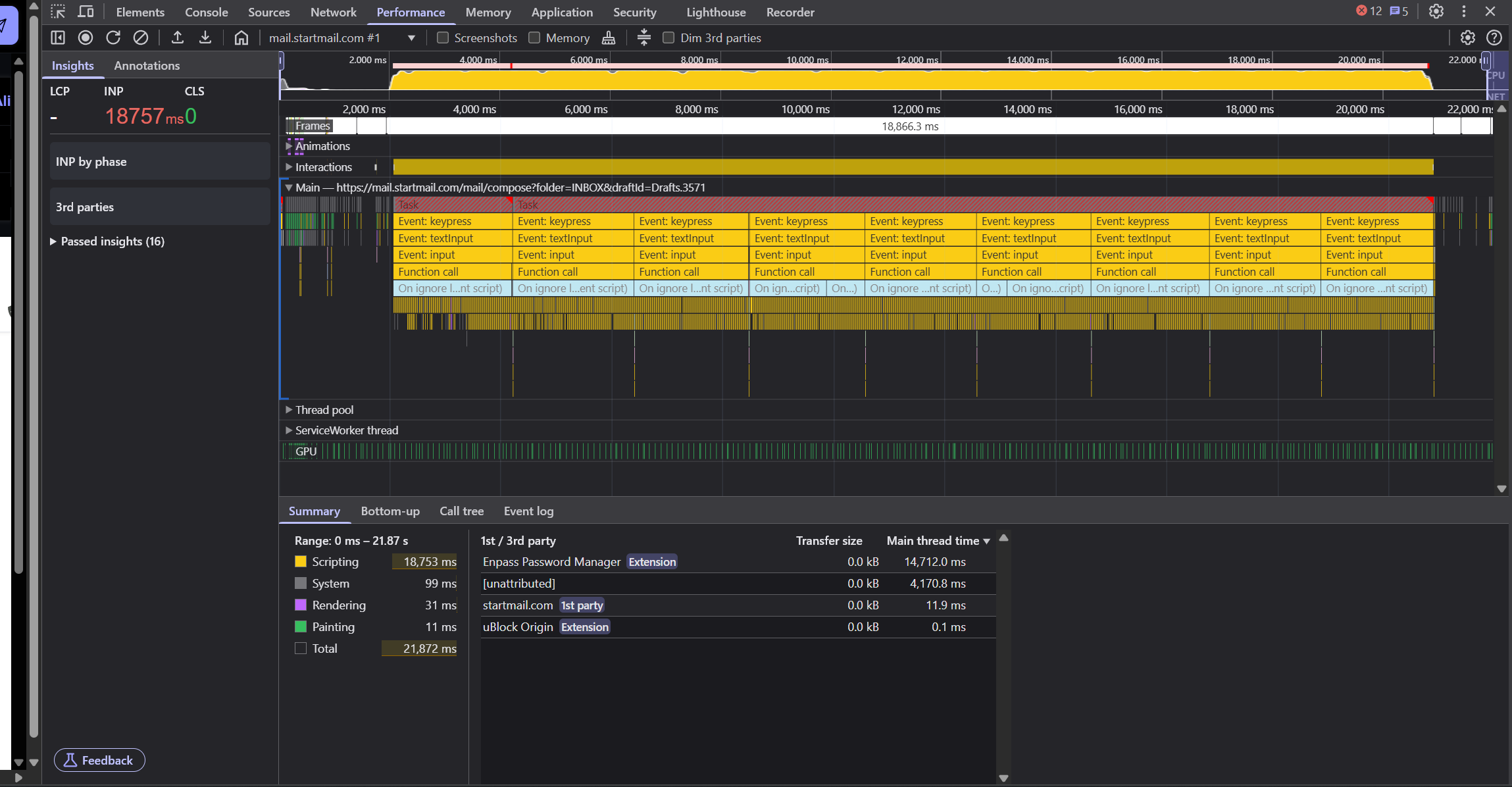
  1. Hi there, for a few months now, I am unable to use Startmail's web mailer. When trying to write an e-mail, text input lags by up to 20s (!), meaning I type a character or word and they would only appear 15-20 seconds later. When looking at the DevTools, it's clearly visible Enpass is the cause. I don't have the problem on any other website. Disabling the extension immediately fixes the problem. I'm running: Brave 1.80.124 (Official Build) (64-bit) Chromium: 138.0.7204.168 Enpass extension 6.11.5 Enpass 6.11.12 (1994) The problem first started a couple of months ago - I initially thought Startmail (startmail.com) was the problem, but now realized this is due to Enpass. Any help would be greatly appreciated.
Account

Navigation

Search

Search

Configure browser push notifications

Chrome (Android)
  1. Tap the lock icon next to the address bar.
  2. Tap Permissions → Notifications.
  3. Adjust your preference.
Chrome (Desktop)
  1. Click the padlock icon in the address bar.
  2. Select Site settings.
  3. Find Notifications and adjust your preference.