Marko2180
Members
-
Joined
-
Last visited
-
@Tarun Singh Rawat 1. 430 Items 2. Google Drive Sync 3. Yes 4. Random Items 5. No I use website Icon not the custom one. For example I have 5 Amazon accounts 4 of the 5 are OK the last one I don't get an icon. By the way I use German as language but I see the error on English as well. And can you tell me how the Website Icon search is working ? I see a lot of pages where I get an different favicon.ico if I Google it, and enpass fetch an old icon I don't know from where??
-
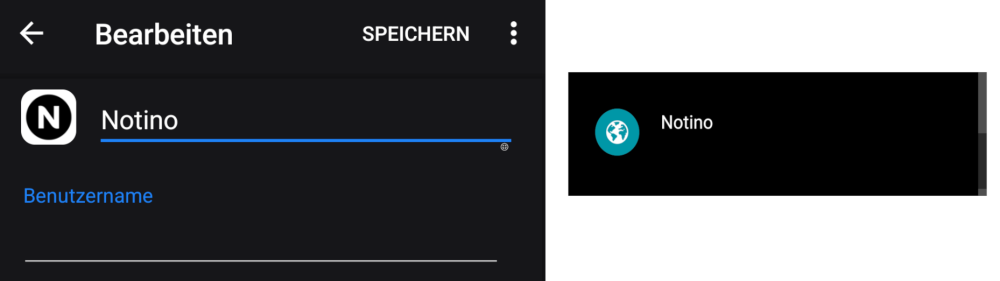
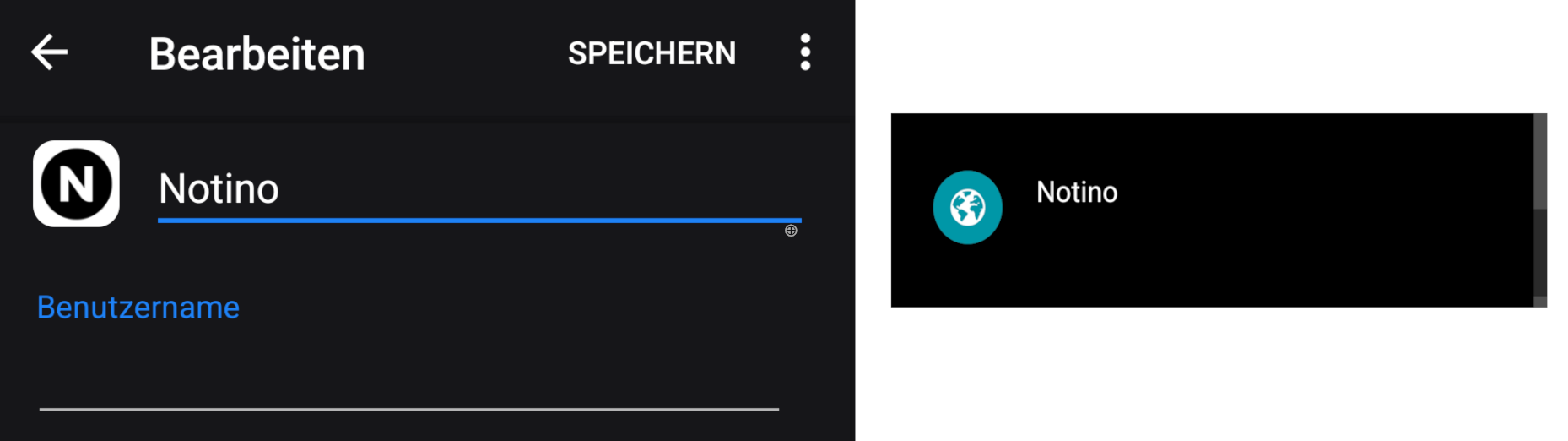
Hello everyone, I've been experiencing a recurring issue for several months now. For password entries that include a favicon or custom icon, the icon sometimes disappears from the main overview/start page over time. When I click on the specific entry, the icon is usually visible again. However, after going back to the overview, the icon may reappear — or disappear again. It seems to happen randomly. I’ve already tried deleting the icon and even recreating the entire entry, but the problem still persists. The icon keeps randomly disappearing and reappearing. Has anyone else encountered this issue? Is there a known fix? ANDROID: Newest Version : 6.11.12.1147 Thanks in advance!