justaguy
Members
-
Joined
-
Last visited
Everything posted by justaguy
-
Can anyone from Enpass please respond?
-
In the Android app, I can no longer find the option to restore from a backup file. Can anyone tell me where it is? There even used to be a "restore over wifi" service. But I can find no options to restore now. The closest option I can find is "Erase everything", but this will also wipe all settings. I just want to restore a backup file.
-
+1 Agreed. Or, just have an option in settings that brings back the old search.
-
Just to reiterate, I find it quite a downgrade that the new update doesn't let us search everything, and now we have to choose the type of search we want to do. I don't think anyone likes having their search limited like this. I really hope the Enpass devs reconsider this change.
-
In the new Enpass (6.0.0) for Windows, search is no longer universal--I can't just search for a field or password. Now we have to manually select "Title", "Field", or "Passwords" before searching. Why has the useful functionality of universal search been downgraded? By the way, I have "Search in all items" checked in settings, but that doesn't seem to change anything.
-
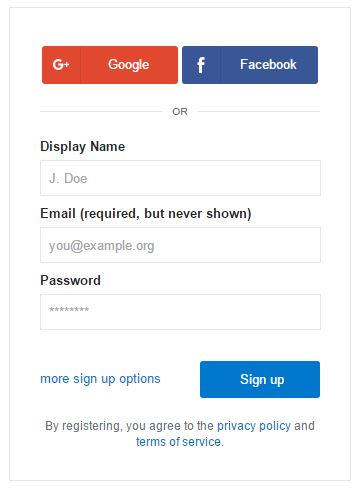
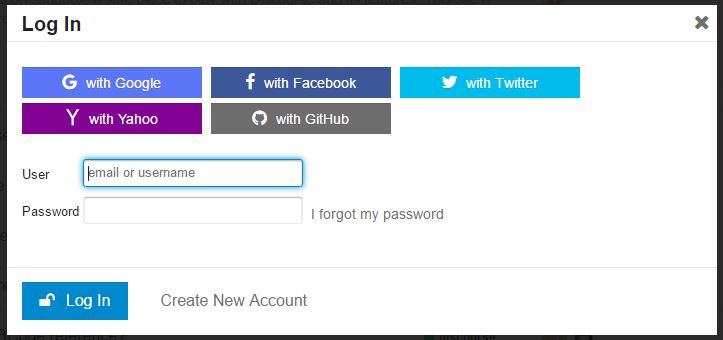
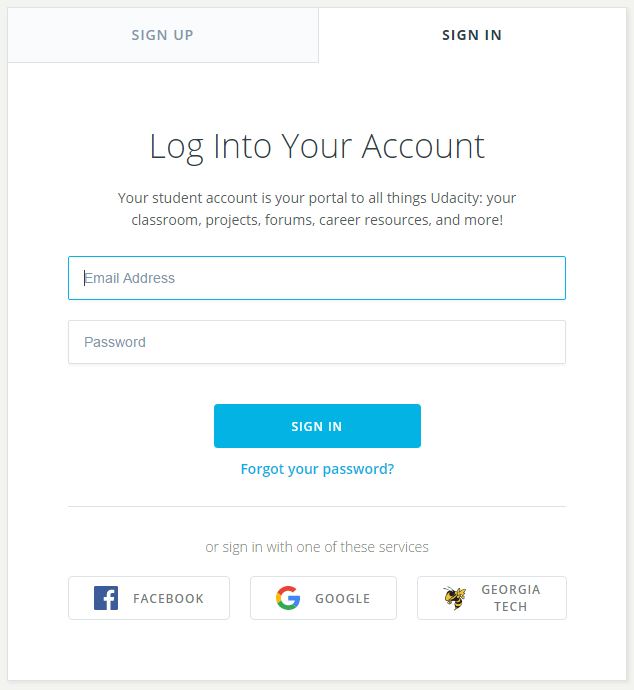
Most websites nowadays allow you to sign up and login with your Google or Facebook account. As it stands, Enpass has no solution for this; my only workaround is to put a note for myself in Enpass that I should login with Google. But this option is a bit cumbersome, as I have to open up Enpass desktop in order to add the note field. Can Enpass please have options for "Login with..."?