xakraz
Members
-
Joined
-
Last visited
Everything posted by xakraz
-
Hi @Garima Singh I just installed the update enpass-bin 6.4.0.631-1 and that fixed the problem ! Thanks
-
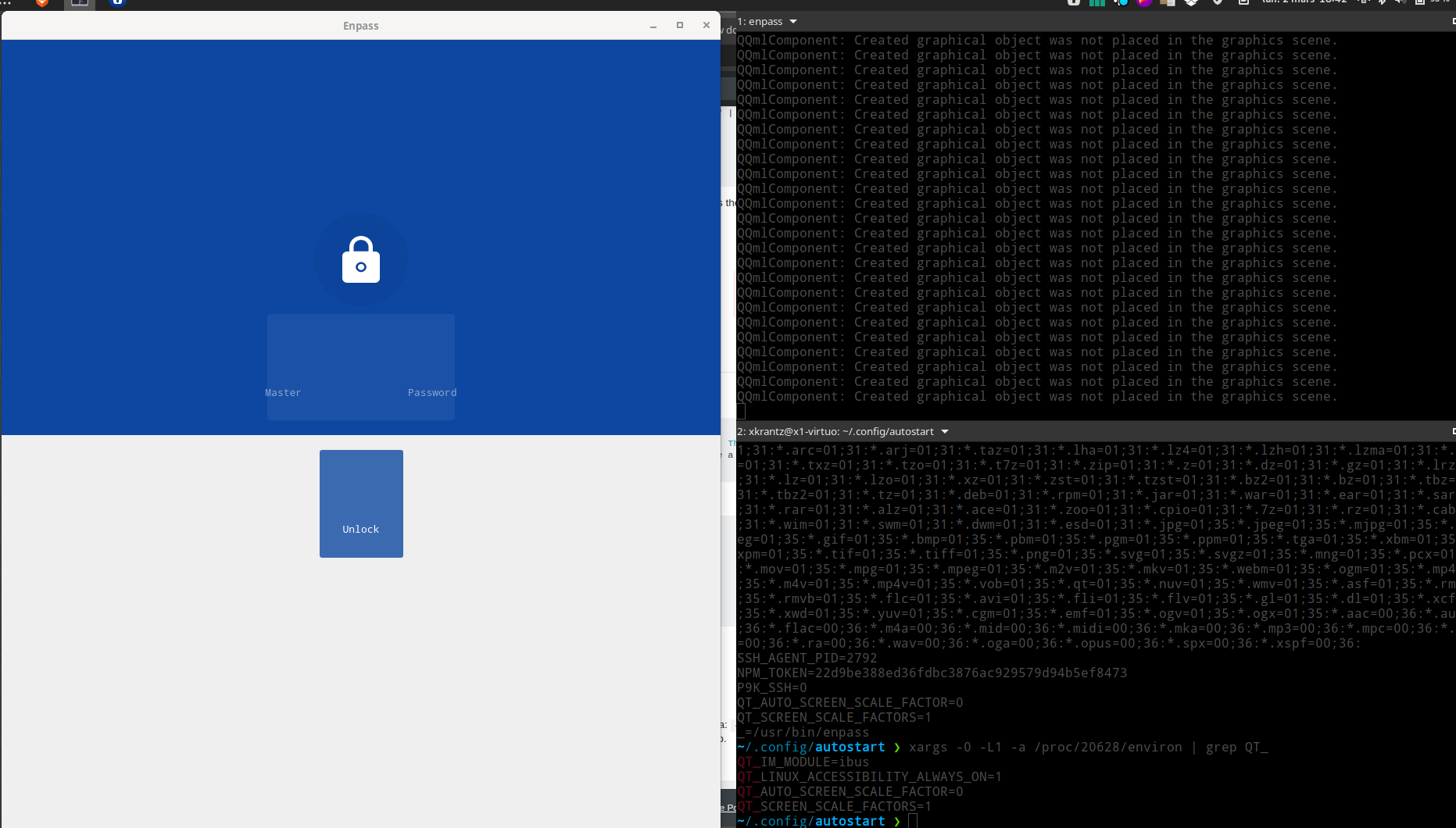
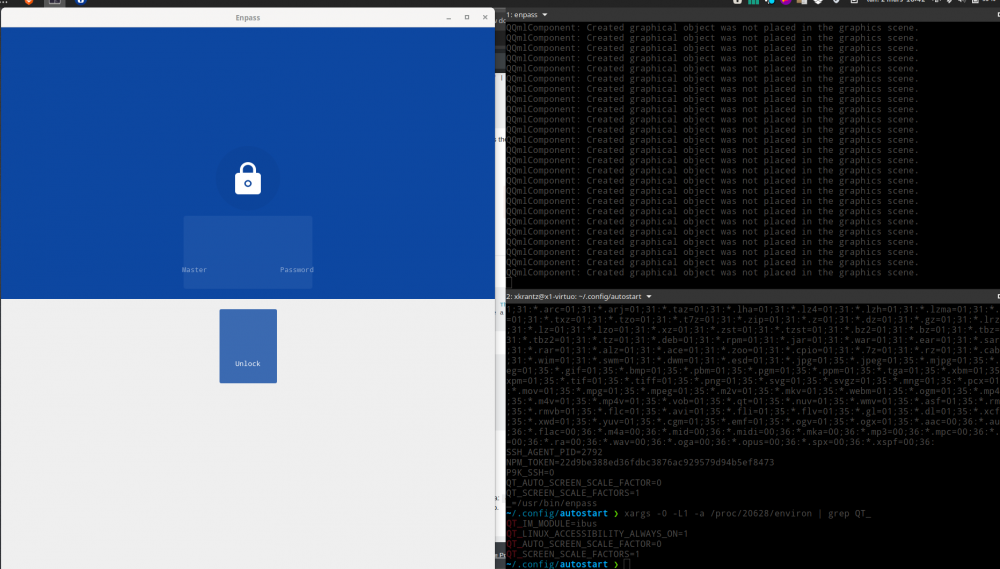
Hi @Garima Singh, Thank you for your suggestion. However it does not seem to fix the issue as you can see in the attached screenshot (I have set the environment variable as suggested and launched Enpass).
-
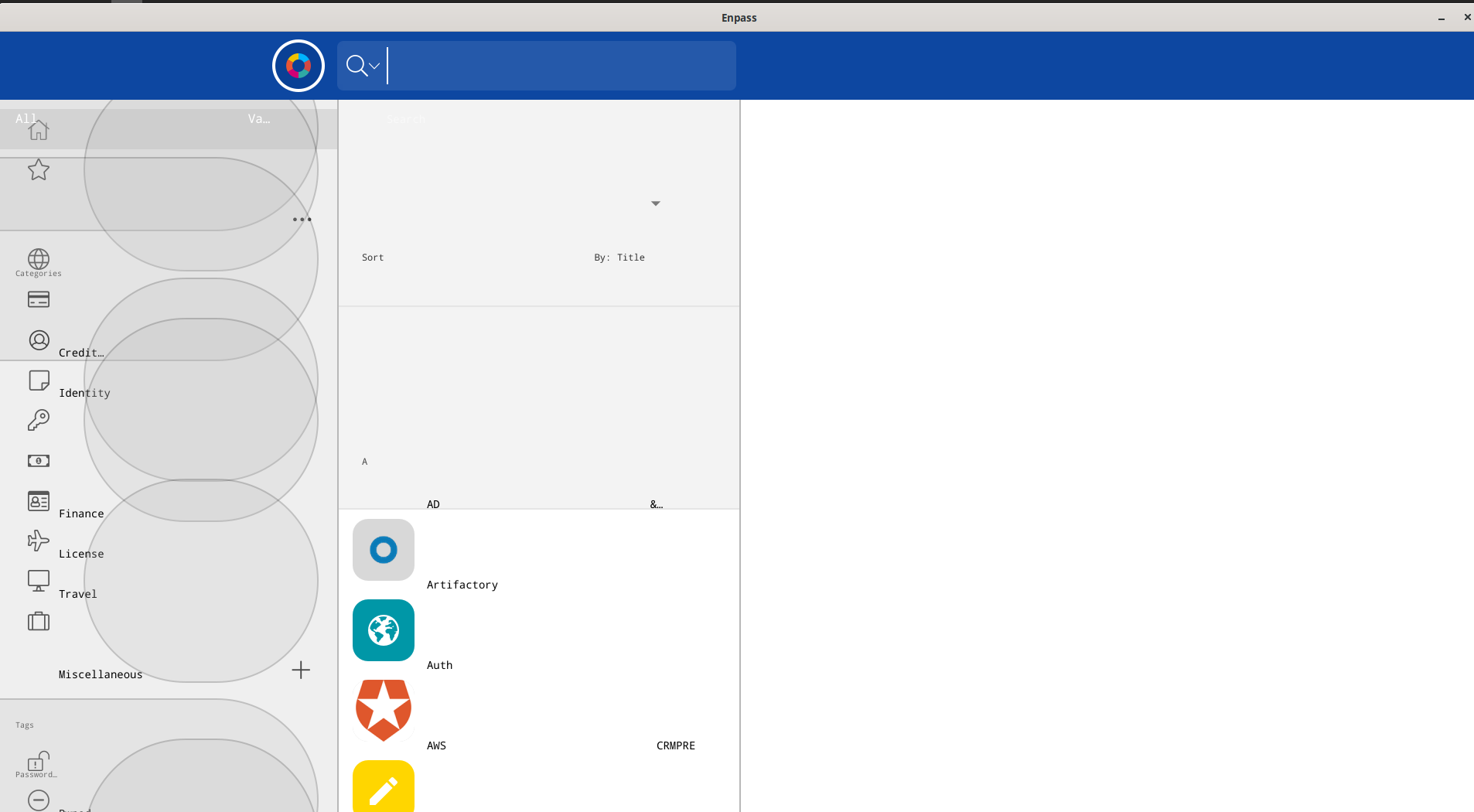
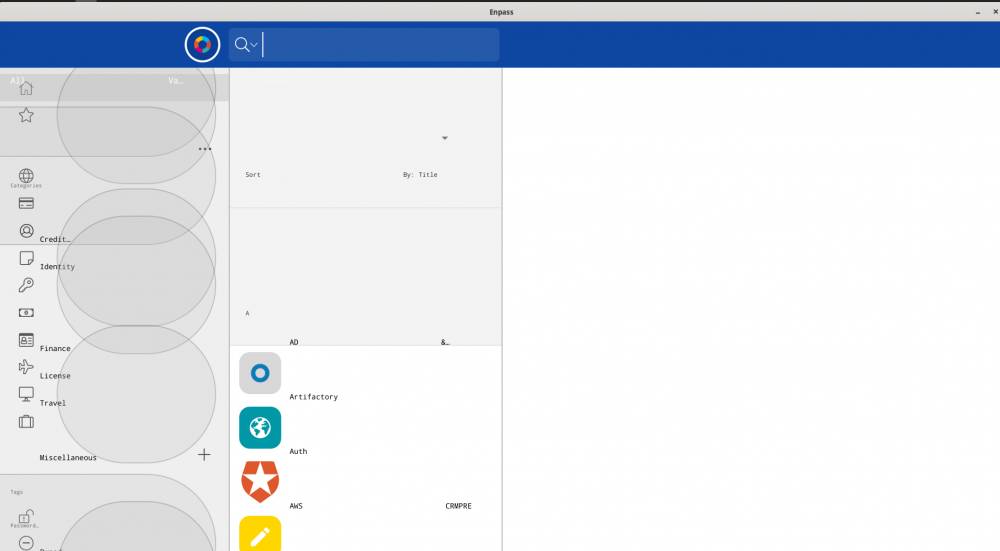
After a recent update, Enpass and assistant looks enormous ... OS: Manjaro Linux x86_64 Host: ThinkPad X1 Yoga 4th Kernel: 5.5.6-1-MANJARO Shell: zsh 5.8 Resolution: 1920x1080 DE: GNOME 3.34.4 WM: Mutter Theme: Adwaita [GTK2/3] Icons: Adwaita [GTK2/3] Terminal: tilix CPU: Intel i7-8565U (8) @ 4.600GHz GPU: Intel UHD Graphics 620 $ pacman -Qd | grep -i qt appstream-qt 0.12.10-2 bluez-qt 5.66.0-1 libaccounts-qt 1.16-1 libdbusmenu-qt5 0.9.3+16.04.20160218-4 modemmanager-qt 5.66.0-1 networkmanager-qt 5.66.0-1 phonon-qt5 4.11.1-1 polkit-qt5 0.113.0-1 poppler-qt5 0.85.0-1 pulseaudio-qt 1.2-1 python-pyqt5-sip 12.7.1-1 python-sip-pyqt5 4.19.19-3 qt5-base 5.14.1-2 qt5-declarative 5.14.1-1 qt5-graphicaleffects 5.14.1-1 qt5-location 5.14.1-1 qt5-multimedia 5.14.1-1 qt5-quickcontrols 5.14.1-1 qt5-quickcontrols2 5.14.1-1 qt5-script 5.14.1-1 qt5-sensors 5.14.1-1 qt5-speech 5.14.1-1 qt5-svg 5.14.1-1 qt5-tools 5.14.1-1 qt5-wayland 5.14.1-1 qt5-webchannel 5.14.1-1 qt5-webengine 5.14.1-1 qt5-webkit 5.212.0alpha3-9 qt5-x11extras 5.14.1-1 enpass-bin 6.3.3.601-1 Any clue ?
-
Hi there, I use Enpass 5.5.6 on Arch linux with i3 (as the main window manager) and XFCE applets and I have the following issues: When I activate the system tray and autostart options, the next time I start the computer the system tray icon is not show (I have to manually uncheck and check it again). Environment: AntergOS (Arch) i3 version 4.13 Enpass 5.5.6 exec --no-startup-id exec /opt/Enpass/bin/runenpass.sh startWithTray Any idea why? Thanks in advance.