l3aronsansgland
Members
-
Joined
-
Last visited
-
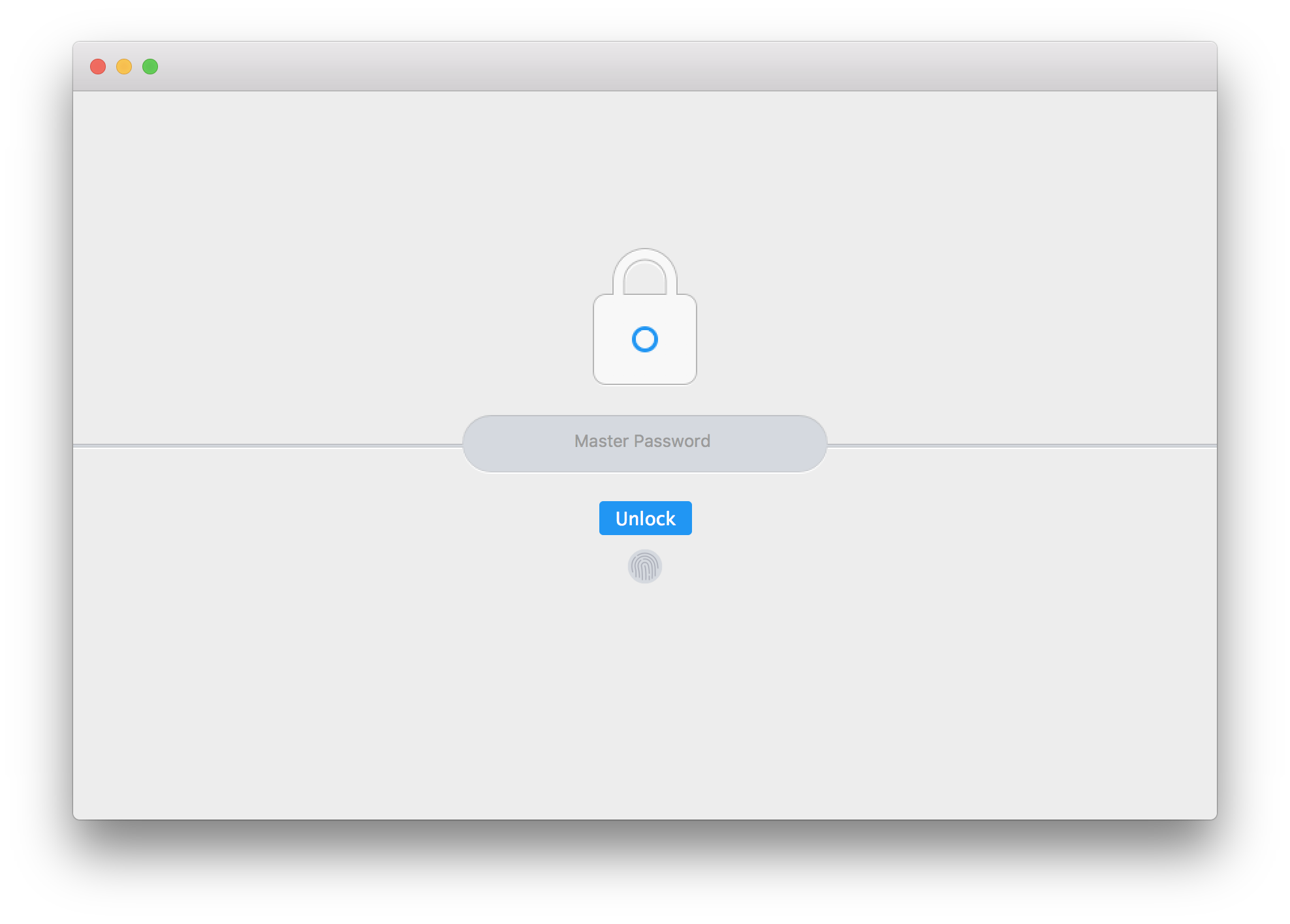
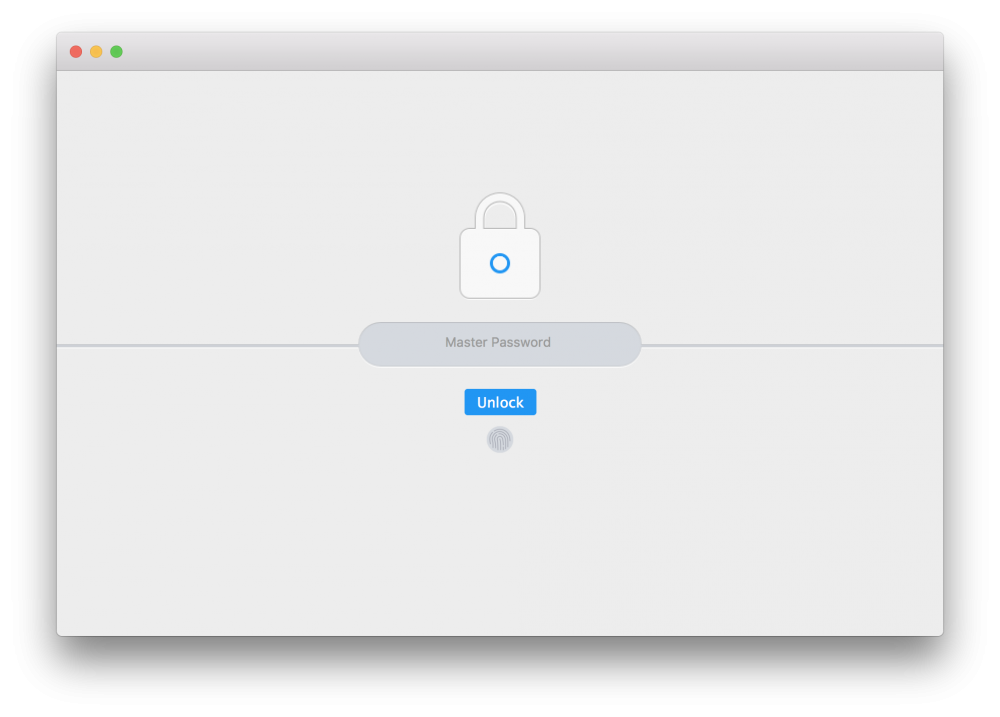
Hi, My feature request is about the TouchBar identification on news Macbook Pros. Here is my workflow to get identified once I started Enpass: I have to click on the fingerprint icon on the TouchBar (image 1) Enpass asks me to put my finger on the TouchId captor (image 2) Another way to proceed is to click on the fingerprint icon on Enpass' window and then put the finger on the TouchId captor (image3). My question is: wouldn't it be possible (at least I wish it was) add for my fingerprint as soon as Enpass is started or brought to the front such as on the image 2? Thanks for your reply. PS: I saw this similar post: quicker access to TouchID, but I don't know if it concerns the MacBook Pro or iOS devices. Image 1 Image 2 Image 3


-
+1 It would give much more credibility to an already great looking software. It could persuade some customers to switch to your software, but also maybe some small firms. See it as an opportunity!