

Skip to content
View in the app

A better way to browse. Learn more.

Enpass Discussion Forum

A full-screen app on your home screen with push notifications, badges and more.

To install this app on iOS and iPadOS
  1. Tap the Share icon in Safari
  2. Scroll the menu and tap Add to Home Screen.
  3. Tap Add in the top-right corner.
To install this app on Android
  1. Tap the 3-dot menu (⋮) in the top-right corner of the browser.
  2. Tap Add to Home screen or Install app.
  3. Confirm by tapping Install.

Piotrek

Members
  • Joined

  • Last visited

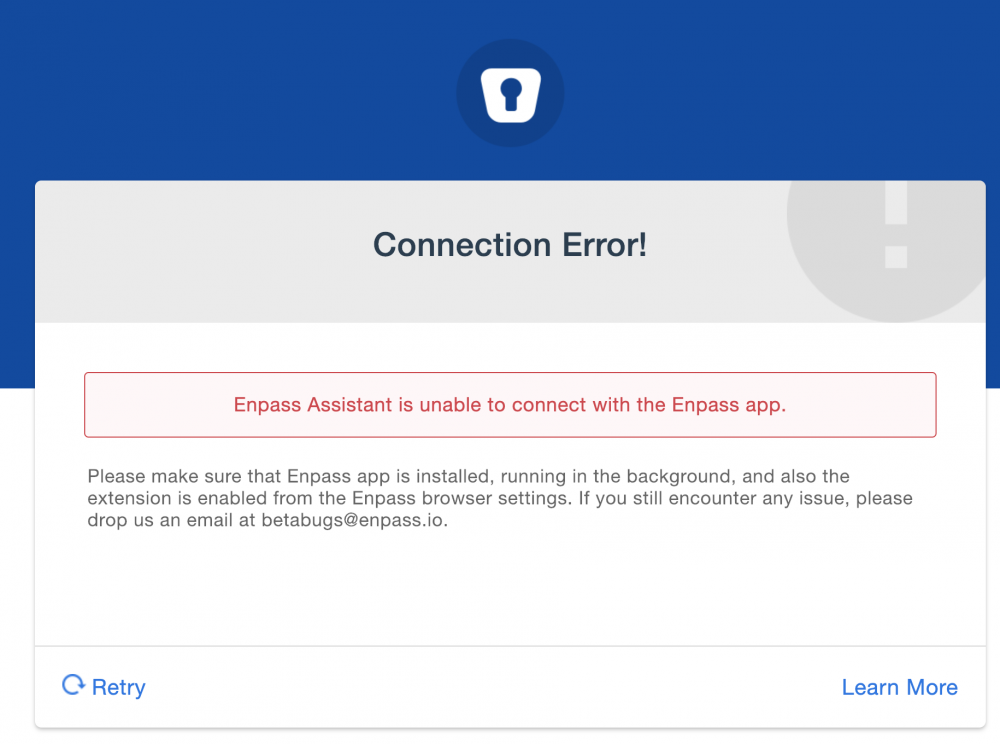
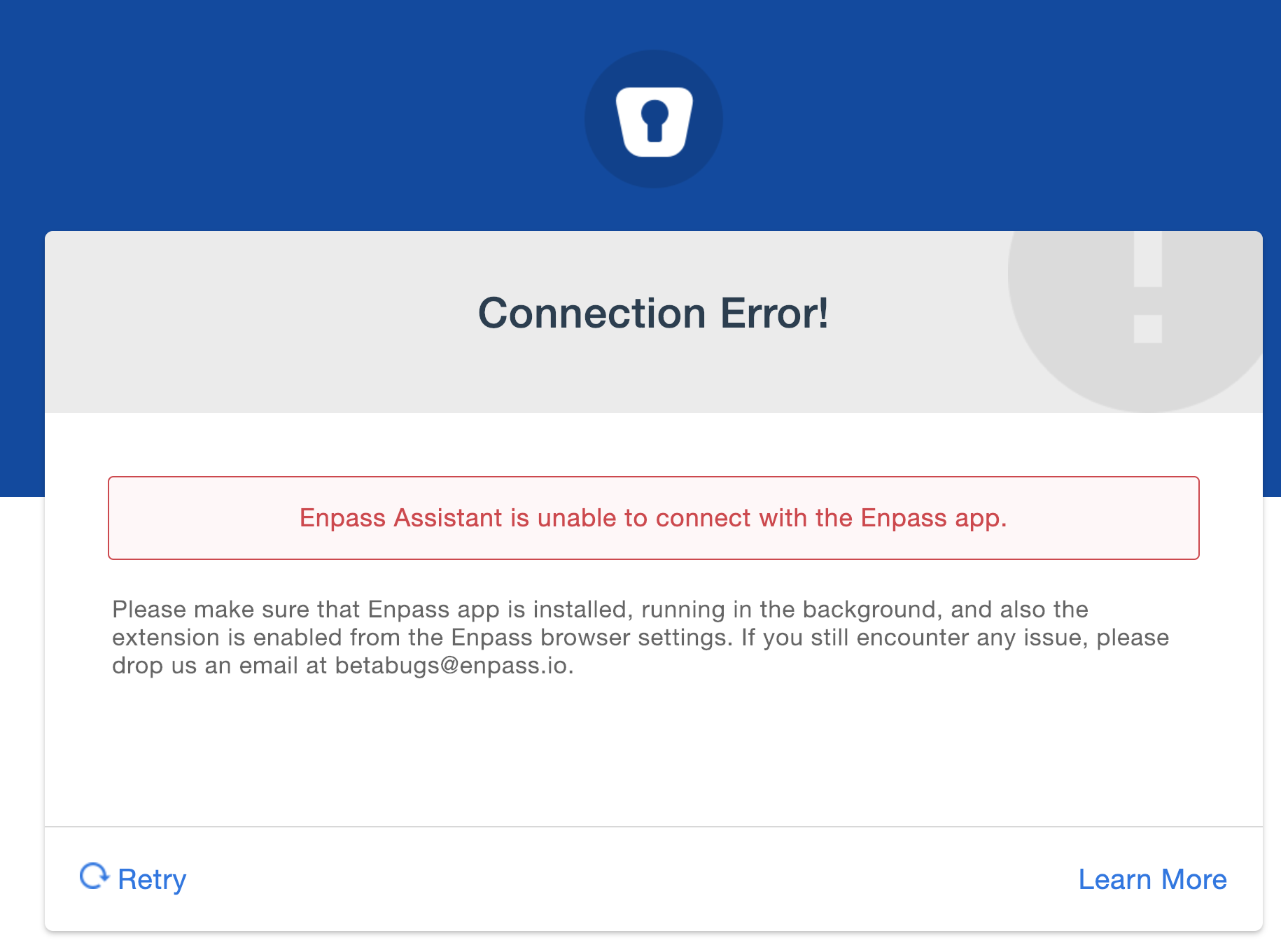
  1. Today I tried to connect the new Chrome extension to my MacOS Enpass 6 beta but it doesn't work: it opens a browser prompt to open Enpass app and the app is shown but then the main windows is shown and nothing happens. In the browser after a few seconds I get this message: Any ideas what can be wrong?
  2. I have the same issue - I have created a backup (walletx file) in Enpass 5 and I cannot import it in Enpass 6 on Android (I click on that walletx file in a file manager and choose Enpass to open it).
  3. Hello @Anshu kumar, Could I provide you more information that would help in investigating the issue? (log files etc). Best regards, Piotr
  4. Hello @Akash Vyas I use: Mac OS X Sierra 10.12.6 Chrome 59.0.3071.115 Enpass extension 5.4.3 Enpass Mac OS app 5.5.7 (98) The issue occurs for all websites. Best regards, Piotr
  5. Hello, I noticed that when I use keyboard shortcut or click on Enpass extension icon in Chrome then after choosing login its details are filled in in the page's form but Chrome focus is lost and I have to click the browser window in order to be able to submit login using keyboard. I found the issue has been reported previously and reportedly fixed but it stills occurs on my machine. Best regards, Piotr
Account

Navigation

Search

Search

Configure browser push notifications

Chrome (Android)
  1. Tap the lock icon next to the address bar.
  2. Tap Permissions → Notifications.
  3. Adjust your preference.
Chrome (Desktop)
  1. Click the padlock icon in the address bar.
  2. Select Site settings.
  3. Find Notifications and adjust your preference.