folmedov
Members
-
Joined
-
Last visited
-
Hello @jross1205: I contacted the technical service and finally they were able to help me. To solve the problem, what I had to do was: 1. Uninstall the application 2. Reinstall the application 3. Don't sync my Google Drive account (working with an empty database) 4. Go to Settings -> Security -> and increase the time for "Lock After" to 1 hour of inactivity. 5. Deactivate the "Lock on Leaving" option After verifying that the application ran smoothly, I went through the reverse steps: 1. I activated synchronization of my Google Drive account (I tried to keep the application running) 2. Decreased the "Block After" time to 30 seconds (I retested that the application was still running) 3. I activated the "Lock on Leaving" option (and retested the application for continued operation) I haven't had this problem since then. I hope it's helpful. Greetings.
-
What a shame, it seemed that the application was very good, but I realize that the technical service is very bad, I have contacted through the forum and email for help and have left me waiting for a response in both media. Also now I realize that for each platform (android and ios) you should buy a separate license. Really a pity...
-
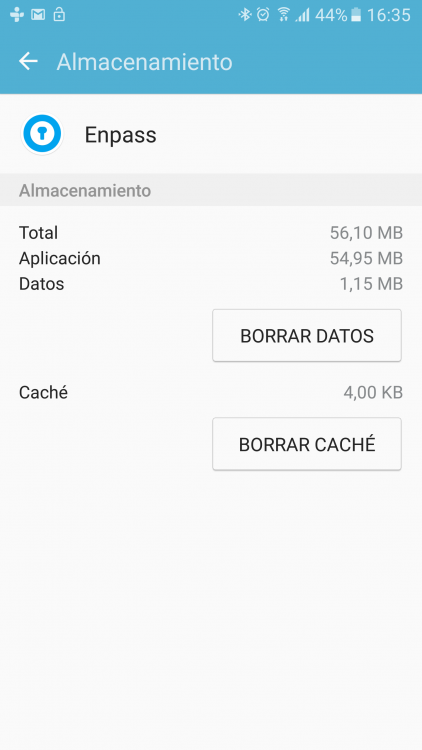
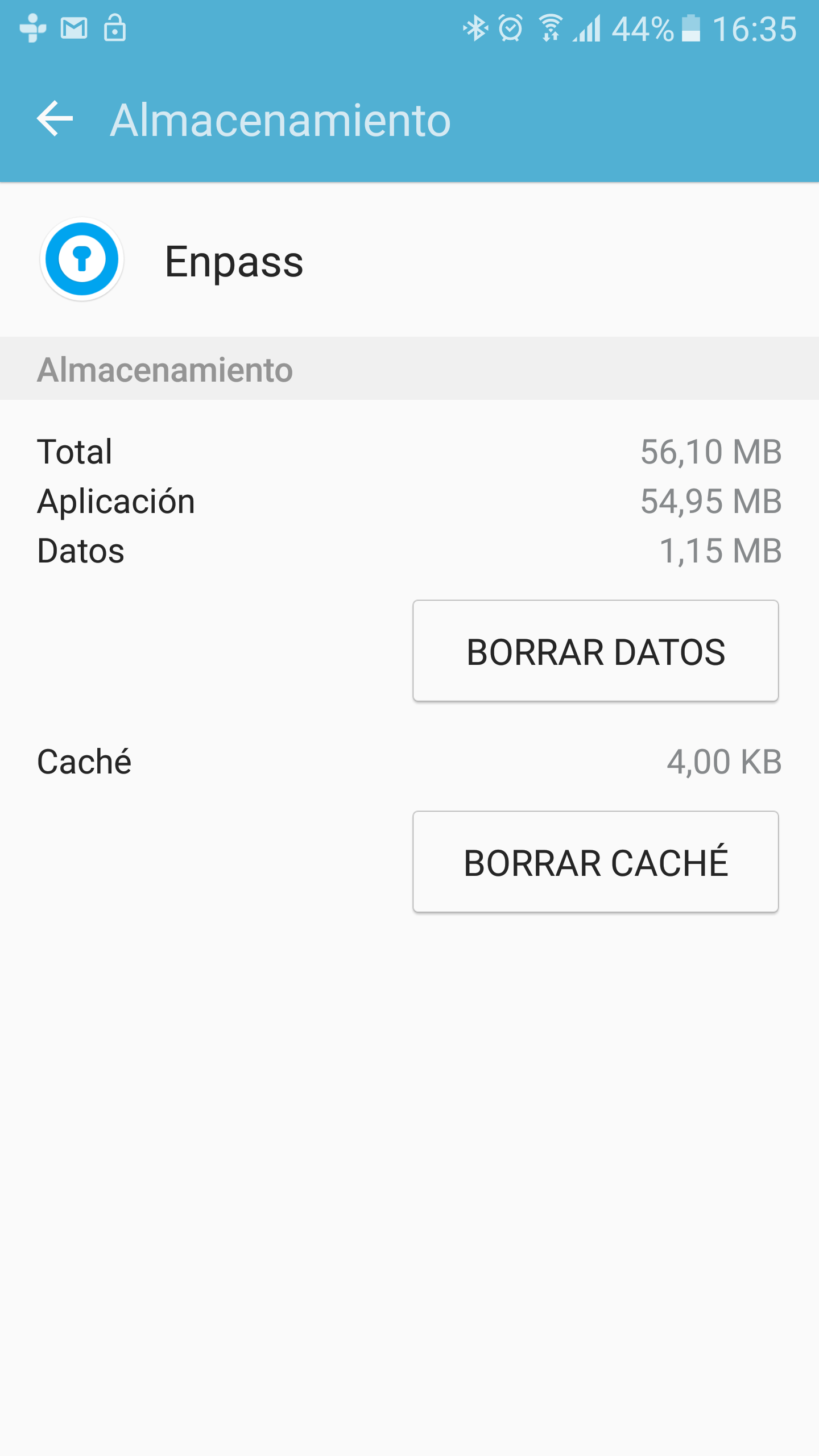
App crash after unlock - Samsung S6 Hi. I used Enpass for almost a year, and never had problems, but for a few weeks I had problems when unlocking my cell phone (Galaxy S6). I am using version 5.5.6 of the app and I use Google Drive to sync my data. If I delete the data of the application in my cell (as shown in the attached photo), the application returns to work for a while, but then again presents problems. Thank you could help me with this problem. Thank you very much. Greetings.