Skip to content
View in the app

A better way to browse. Learn more.

Enpass Discussion Forum

A full-screen app on your home screen with push notifications, badges and more.

To install this app on iOS and iPadOS
  1. Tap the Share icon in Safari
  2. Scroll the menu and tap Add to Home Screen.
  3. Tap Add in the top-right corner.
To install this app on Android
  1. Tap the 3-dot menu (⋮) in the top-right corner of the browser.
  2. Tap Add to Home screen or Install app.
  3. Confirm by tapping Install.

_artem_

Members
  • Joined

  • Last visited

Everything posted by _artem_

  1. hi, I extracted secret and qr from my humblebundle authy. scanned it to enpass.. now i'm getting 6 digits codes.. however humblebundle authy codes are 7 digits. and these 6 digits aren't accepted at login upd: and what about autofilling TOTPs ? so you press shortcut for login/pass autofill, and on next page you press it again so TOTP is autofilled then
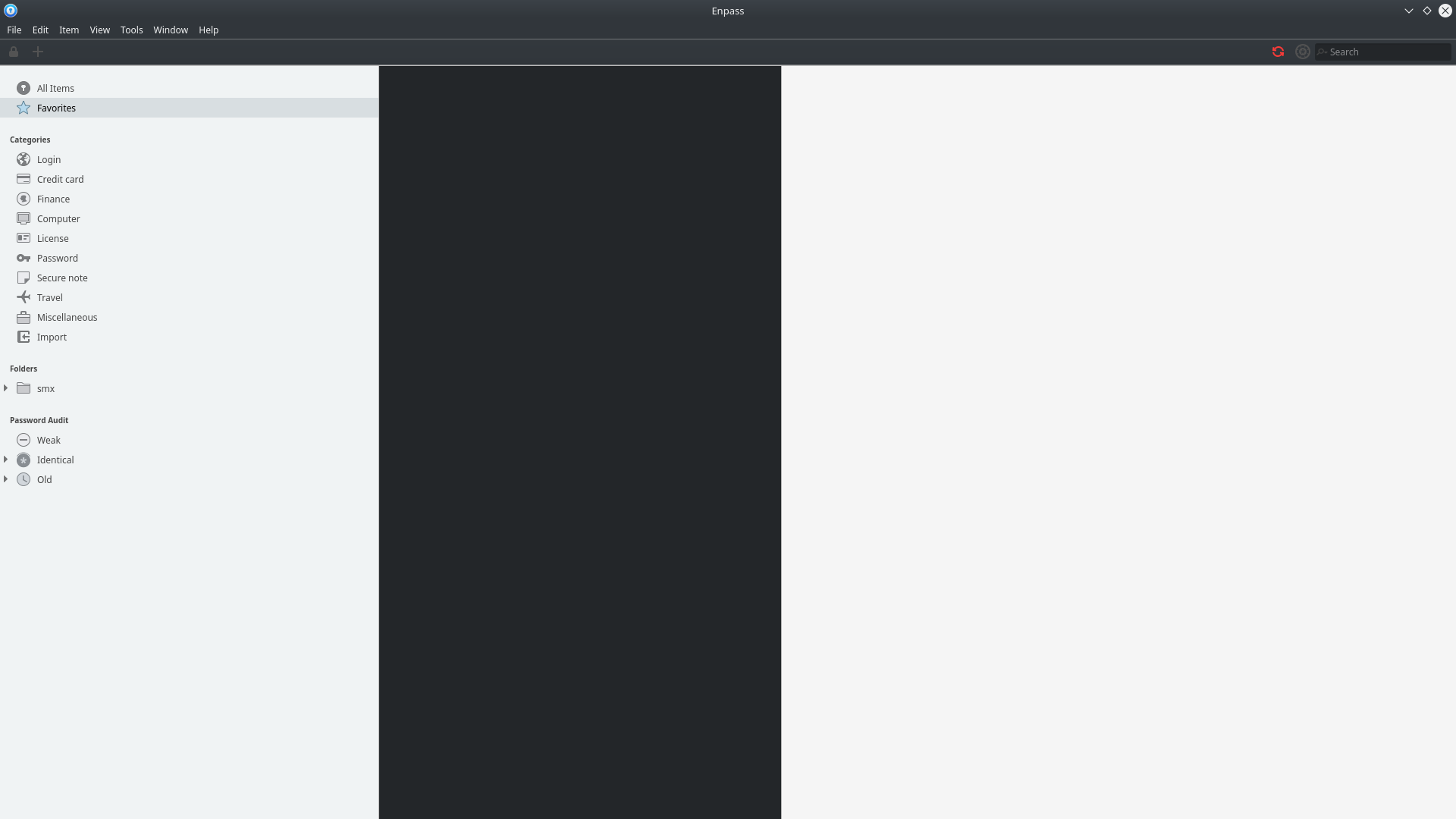
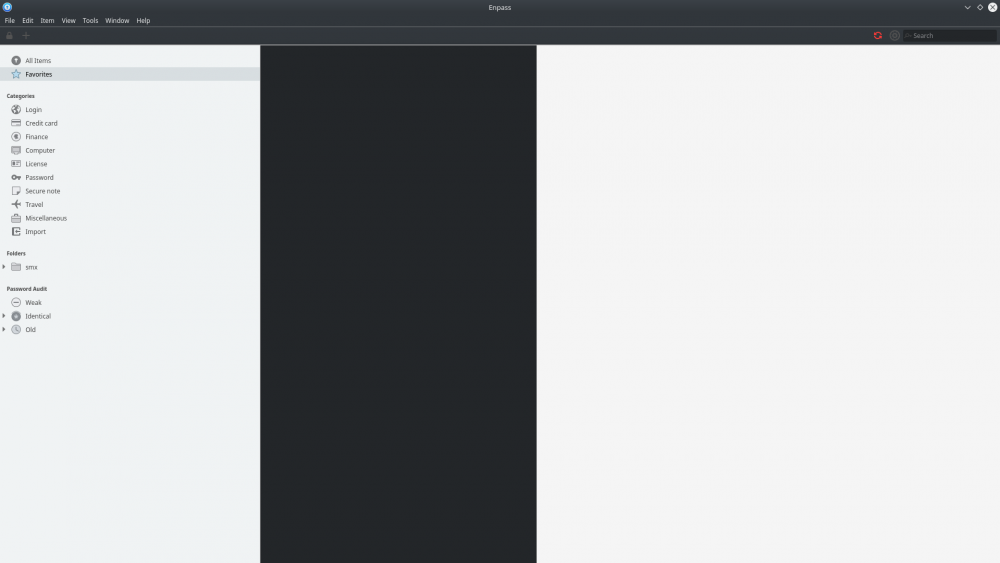
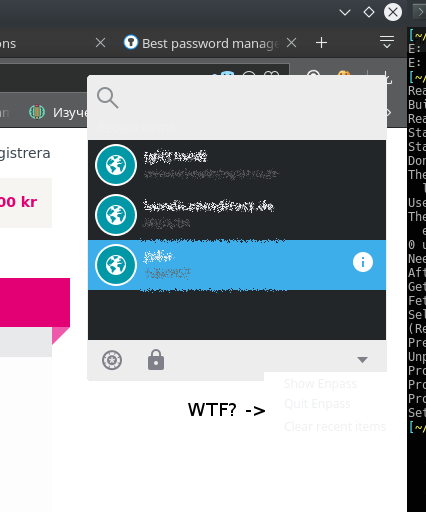
  2. unuglyfy linux theme on a dark kde themes enpass looks like crap.. can you fix it?? maybe switching from gtk shit to qt ??? or just make it look better. please can you please tell me what that dark mid part should represent??? same ugly dark is in browser extension.. and look at unreadable additional actions (arrow -> clear recent items and others.. grey on white.. you should execute your designers)
Account

Navigation

Search

Search

Configure browser push notifications

Chrome (Android)
  1. Tap the lock icon next to the address bar.
  2. Tap Permissions → Notifications.
  3. Adjust your preference.
Chrome (Desktop)
  1. Click the padlock icon in the address bar.
  2. Select Site settings.
  3. Find Notifications and adjust your preference.