Skip to content
View in the app

A better way to browse. Learn more.

Enpass Discussion Forum

A full-screen app on your home screen with push notifications, badges and more.

To install this app on iOS and iPadOS
  1. Tap the Share icon in Safari
  2. Scroll the menu and tap Add to Home Screen.
  3. Tap Add in the top-right corner.
To install this app on Android
  1. Tap the 3-dot menu (โ‹ฎ) in the top-right corner of the browser.
  2. Tap Add to Home screen or Install app.
  3. Confirm by tapping Install.

joji

Members
  • Joined

  • Last visited

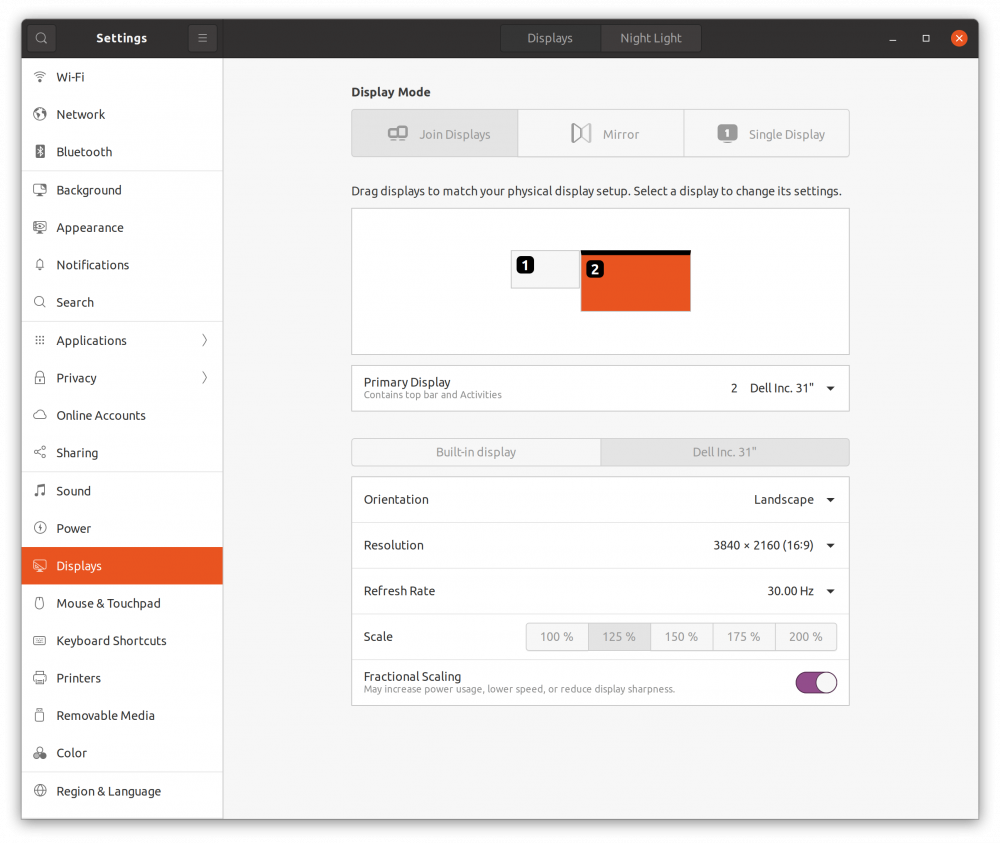
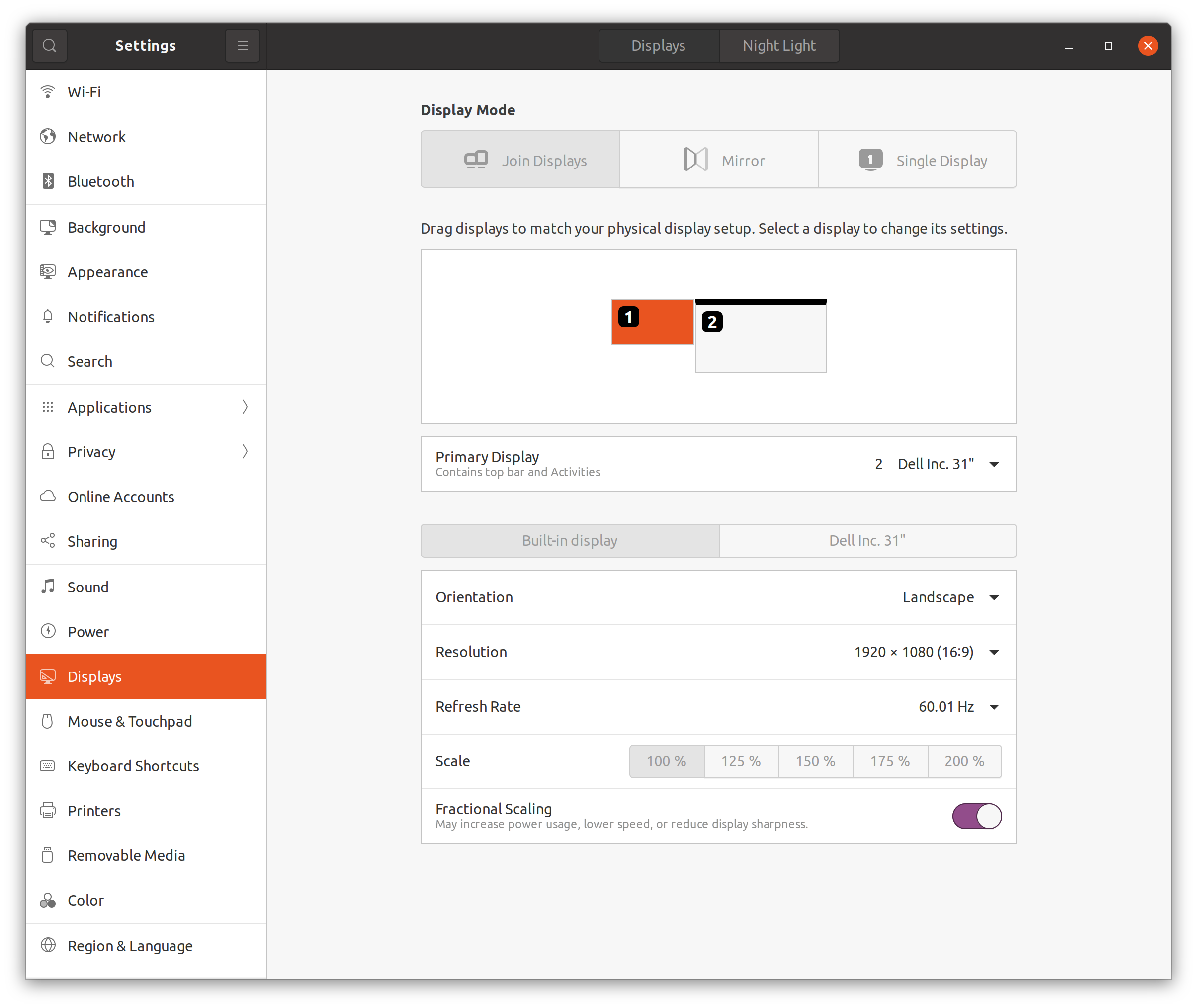
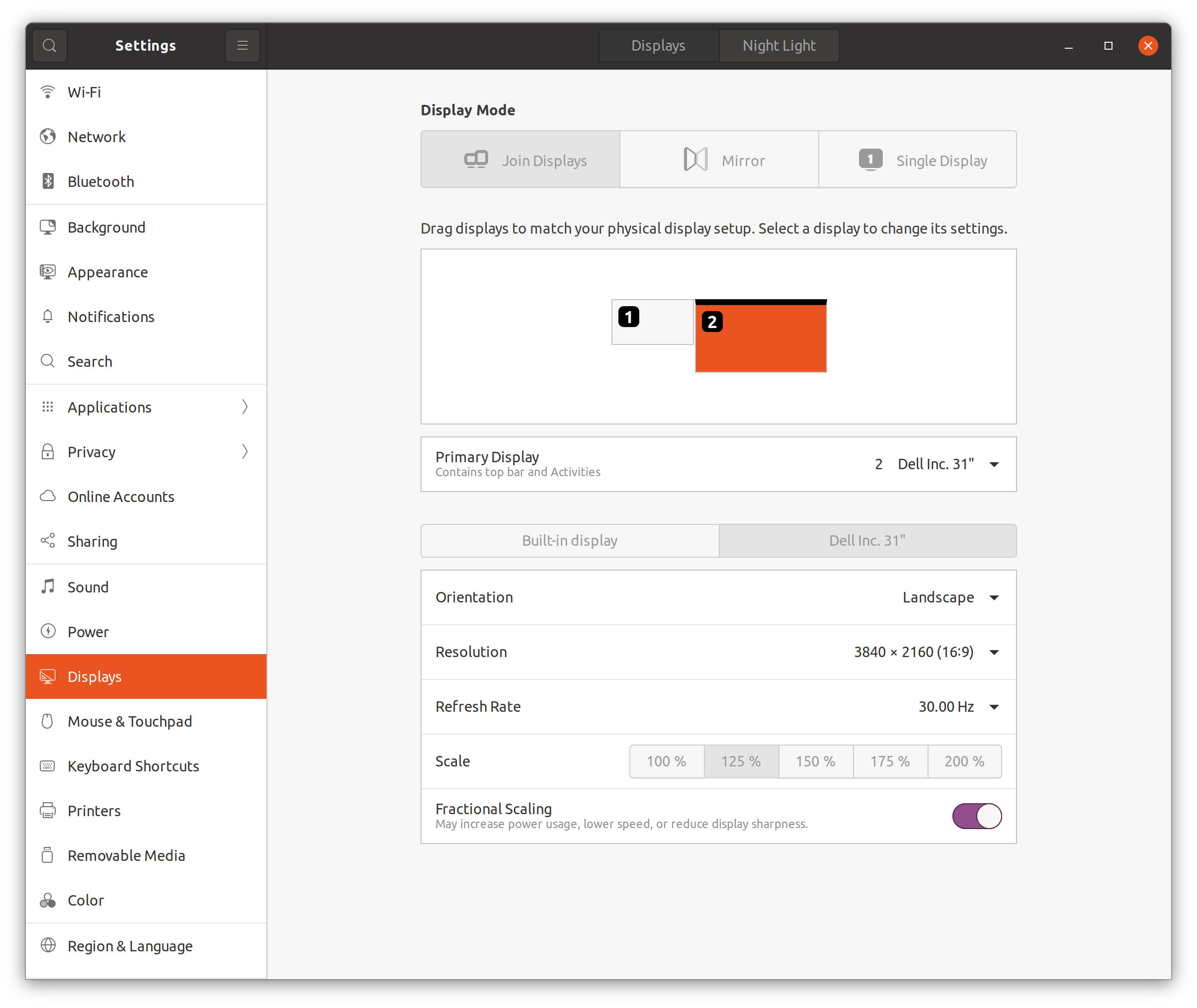
  1. Hi @Pratyush Sharma Sorry for delayed response. Here's the setting you asked for. Interestingly, when I open enpass app for the first time, the problem happens. However, I tried dragging the enpass app to my Laptop monitor display, and back to my main Dell monitor display, and the issue is gone. Very strange work around but I will use that for now.
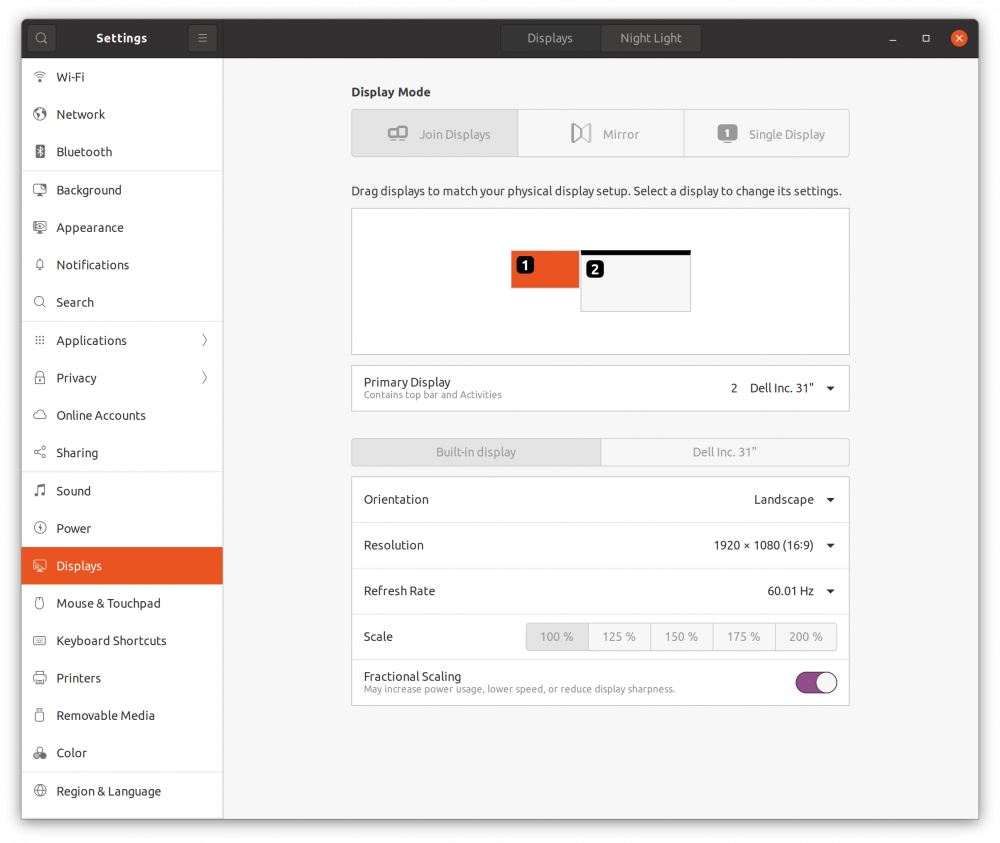
  2. Hi Garima, the problem still is there. I checked that the environment variable got applied by running "printenv" and they are there QT_SCREEN_SCALE_FACTORS=1;1 T_AUTO_SCREEN_SCALE_FACTOR=0
  3. As you can see in the screenshot, in the Brave browser in Ubuntu 20, you can see that the Enpass app overflows beyond what is viewable. As a result, I cannot accept the connection request prompt. Let me know if you need more info.
  4. @Pratyush Sharma Exactly what I needed. Thank you!
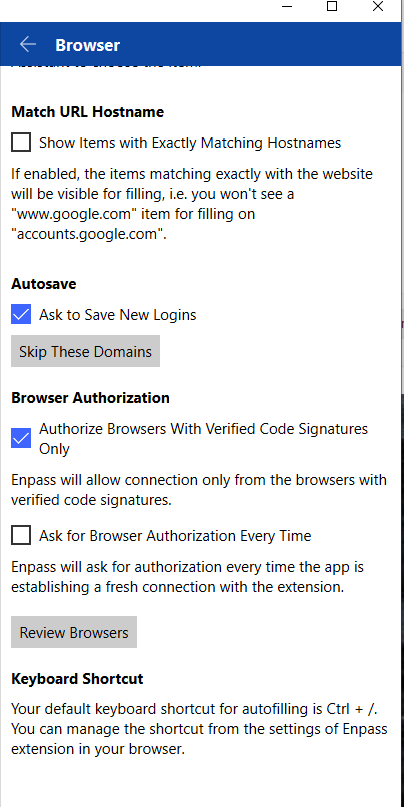
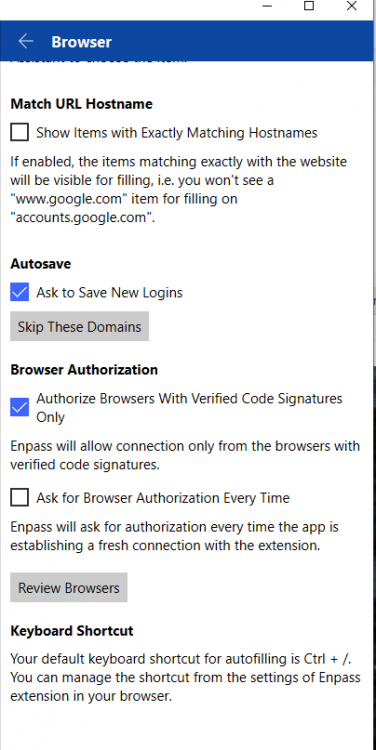
  5. On websites like leetcode.com and repl.com that has code editors, they use the shortcut "Ctrl + /" as a way to comment or uncomment code. Therefore, when I code on these websites, the enpass pops up and it's annoying. I wish I could either disable the enpass popping up or have an ability to change the shortcut. Thanks for a great app. I love Enpass.
  6. Hi all, I bought Enpass for iOS before. Now I ditched iOS and got an Android phone. Do I have to buy the Enpass for Android again? Thanks.
Account

Navigation

Search

Search

Configure browser push notifications

Chrome (Android)
  1. Tap the lock icon next to the address bar.
  2. Tap Permissions โ†’ Notifications.
  3. Adjust your preference.
Chrome (Desktop)
  1. Click the padlock icon in the address bar.
  2. Select Site settings.
  3. Find Notifications and adjust your preference.