

Skip to content
View in the app

A better way to browse. Learn more.

Enpass Discussion Forum

A full-screen app on your home screen with push notifications, badges and more.

To install this app on iOS and iPadOS
  1. Tap the Share icon in Safari
  2. Scroll the menu and tap Add to Home Screen.
  3. Tap Add in the top-right corner.
To install this app on Android
  1. Tap the 3-dot menu (⋮) in the top-right corner of the browser.
  2. Tap Add to Home screen or Install app.
  3. Confirm by tapping Install.

Binh Truong

Members
  • Joined

  • Last visited

Everything posted by Binh Truong

  1. Enpass for Android already support TOTP. Thanks Enpass Team. @Hemant Kumar When will your team release TOTP feature for Windows 10 Mobile? In this month?
  2. Very nice. Hope to see this feature on Android and Windows 10
  3. Yeah I agree with @steelew. We should embed autofill into user's keyboard.
  4. It's nice. I love Enpass and like to join beta for Windows and Android. Do you have any plan for Beta testing?
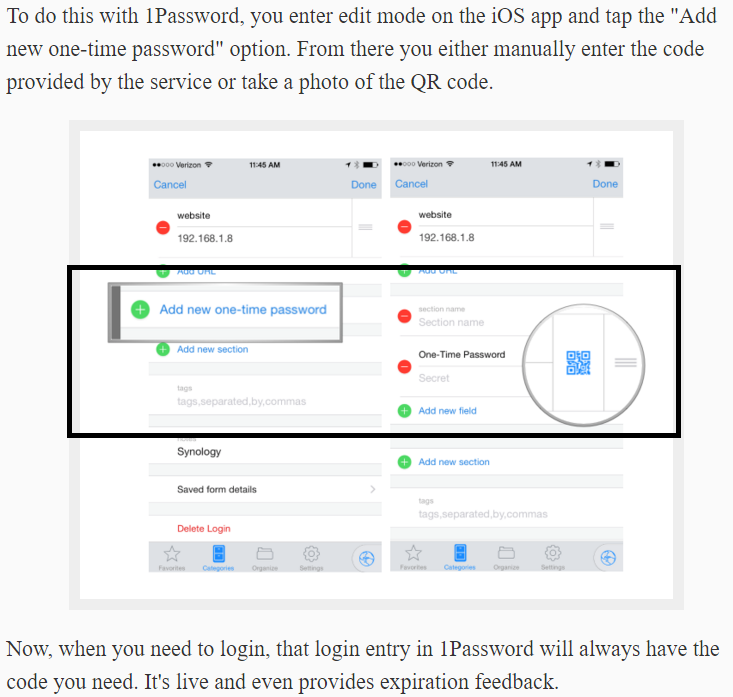
  5. Hi All I'm requesting this feature from Twitter and now there is official forum so I also request again. As latest 1Password, they update "two factor authentication" feature for saved services. This feature is nice for app password manager so I suggest please bring feature in next version. Thanks

Account

Navigation

Search

Search

Configure browser push notifications

Chrome (Android)
  1. Tap the lock icon next to the address bar.
  2. Tap Permissions → Notifications.
  3. Adjust your preference.
Chrome (Desktop)
  1. Click the padlock icon in the address bar.
  2. Select Site settings.
  3. Find Notifications and adjust your preference.
