Skip to content
View in the app

A better way to browse. Learn more.

Enpass Discussion Forum

A full-screen app on your home screen with push notifications, badges and more.

To install this app on iOS and iPadOS
  1. Tap the Share icon in Safari
  2. Scroll the menu and tap Add to Home Screen.
  3. Tap Add in the top-right corner.
To install this app on Android
  1. Tap the 3-dot menu (⋮) in the top-right corner of the browser.
  2. Tap Add to Home screen or Install app.
  3. Confirm by tapping Install.

the509man

Members
  • Joined

Everything posted by the509man

  1. Hello @Anshu kumar I am an old LastPass user, now I got it. What about the recent items list, anyway to automatically clear it? Would be good if it could be cleared out when the app logout.
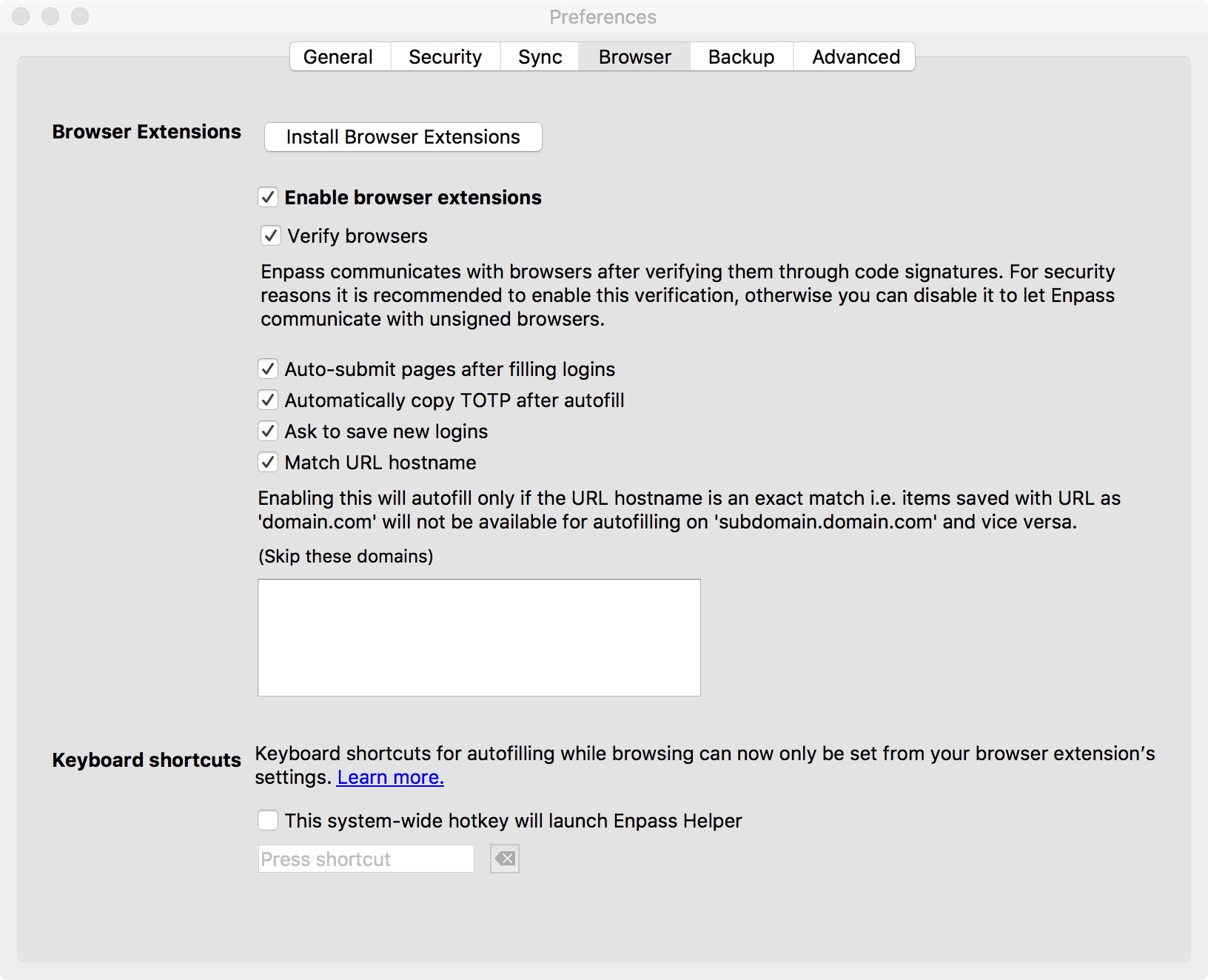
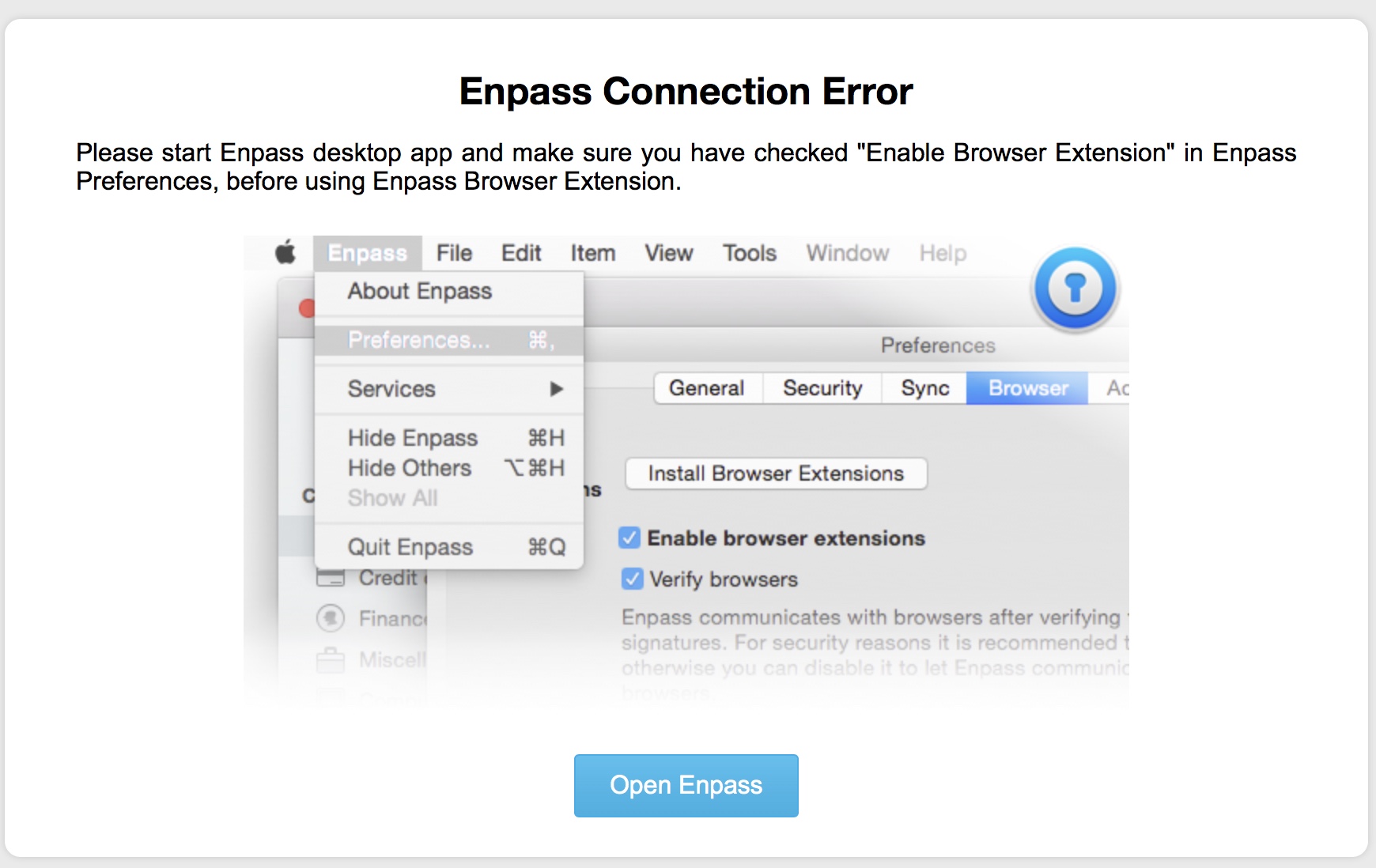
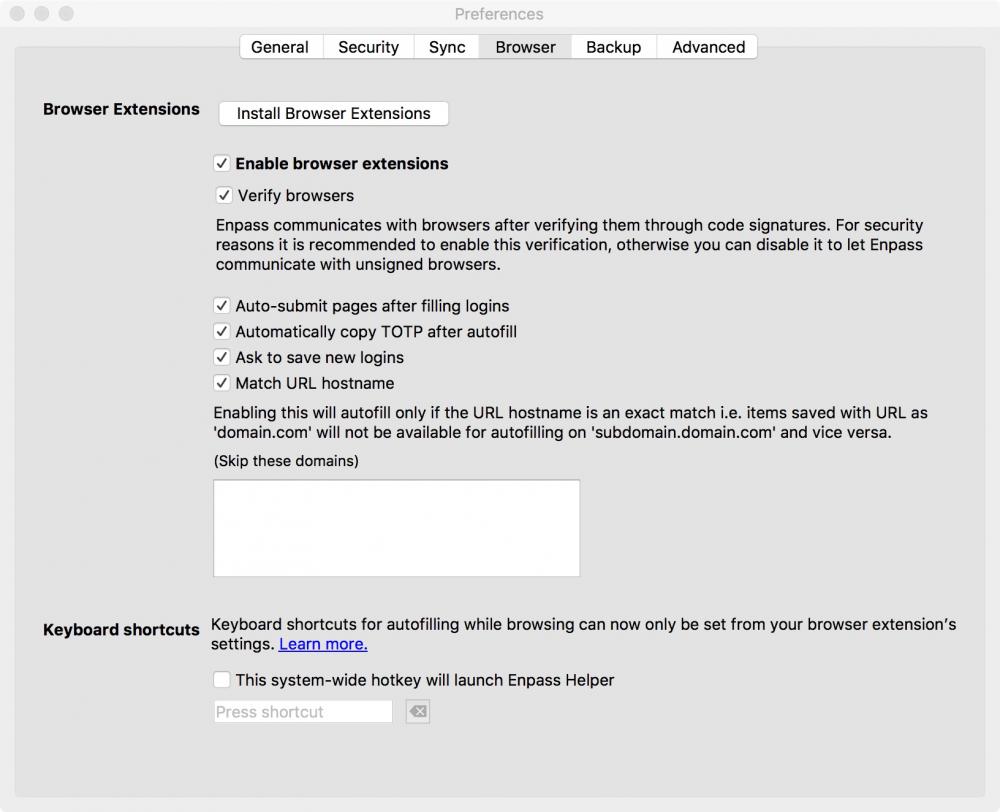
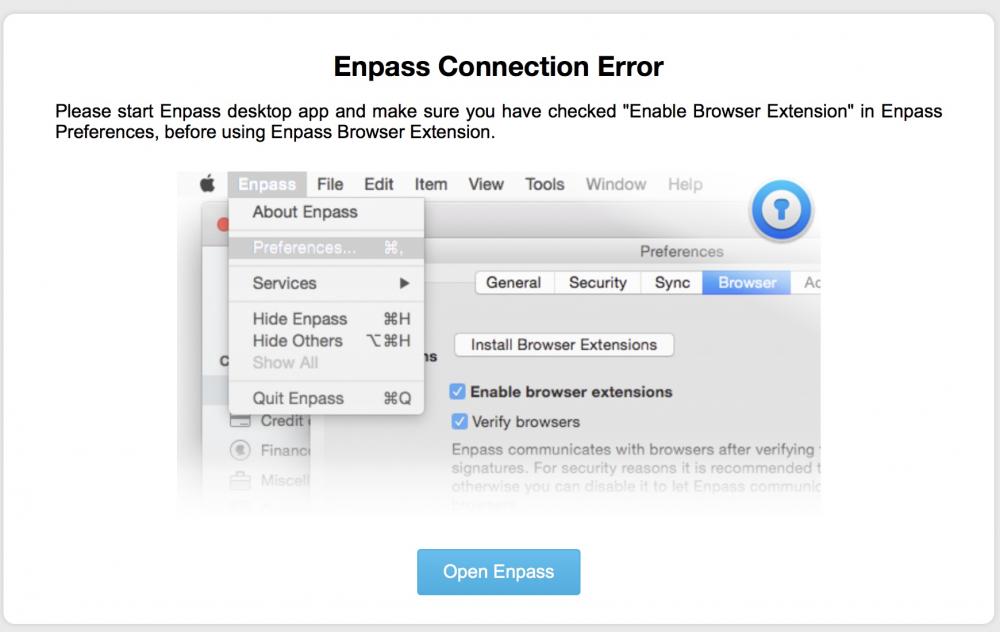
  2. Hey, As I just started using Enpass, a few hours ago, I am already facing two major issues with the Enpass extension for Safari: 1-Enpass Connection Error 2-How to disable the "Recent Items" field. The clear recent items option is not enough. The only way I found to make the extension to work is to keep the main app open, which is certainly not normal. Yes, the browser extension settings are enabled. See the attached photos. Safari Version 11.0.2 (13604.4.7.1.6) Enpass Safari Extension Version 5.5.2 Enpass Version 5.6.3(139) macOS Version 10.13.2 (17C205) Please advise.
Account

Navigation

Search

Search

Configure browser push notifications

Chrome (Android)
  1. Tap the lock icon next to the address bar.
  2. Tap Permissions → Notifications.
  3. Adjust your preference.
Chrome (Desktop)
  1. Click the padlock icon in the address bar.
  2. Select Site settings.
  3. Find Notifications and adjust your preference.