biz78
Members
-
Joined
-
Last visited
-
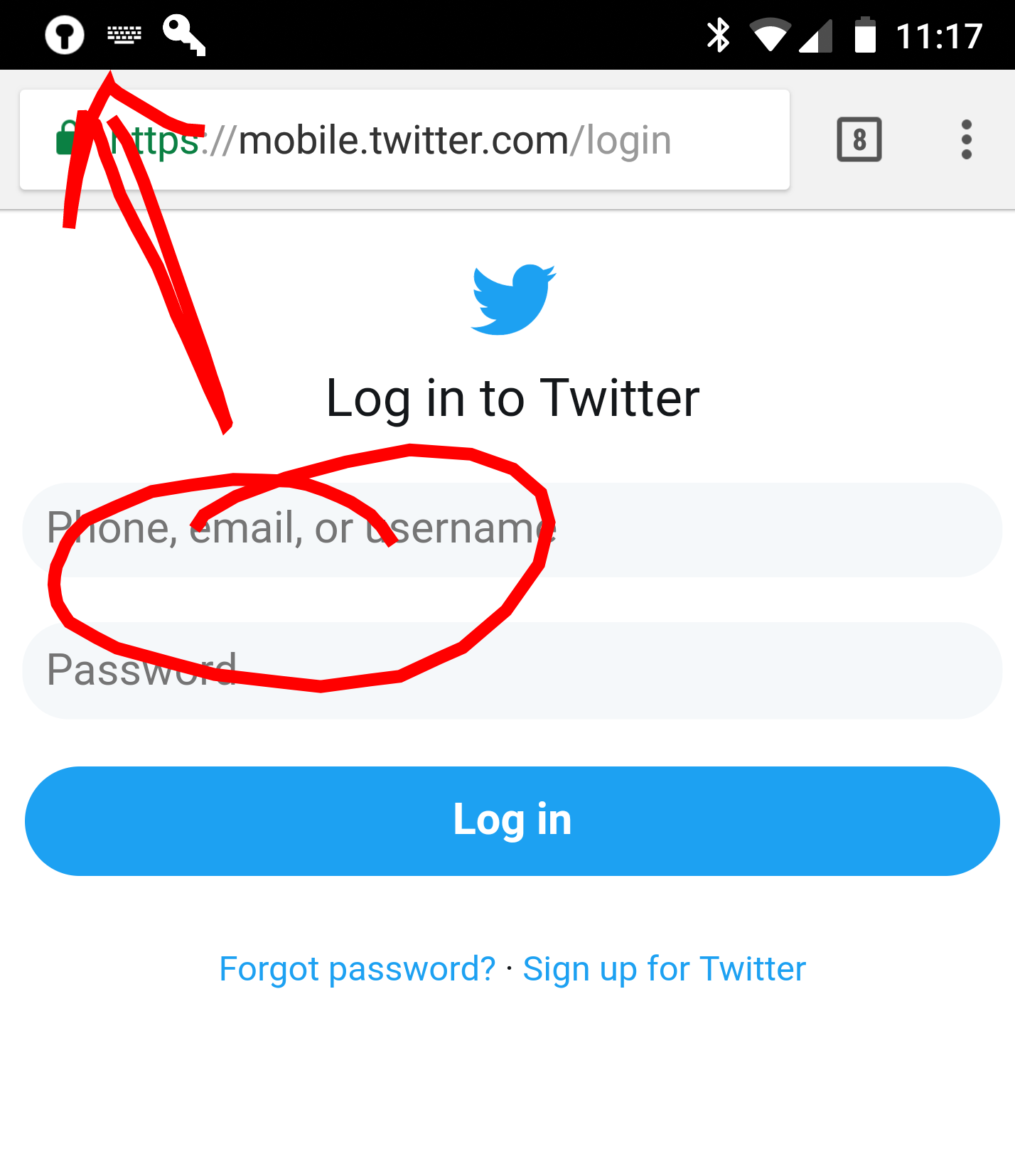
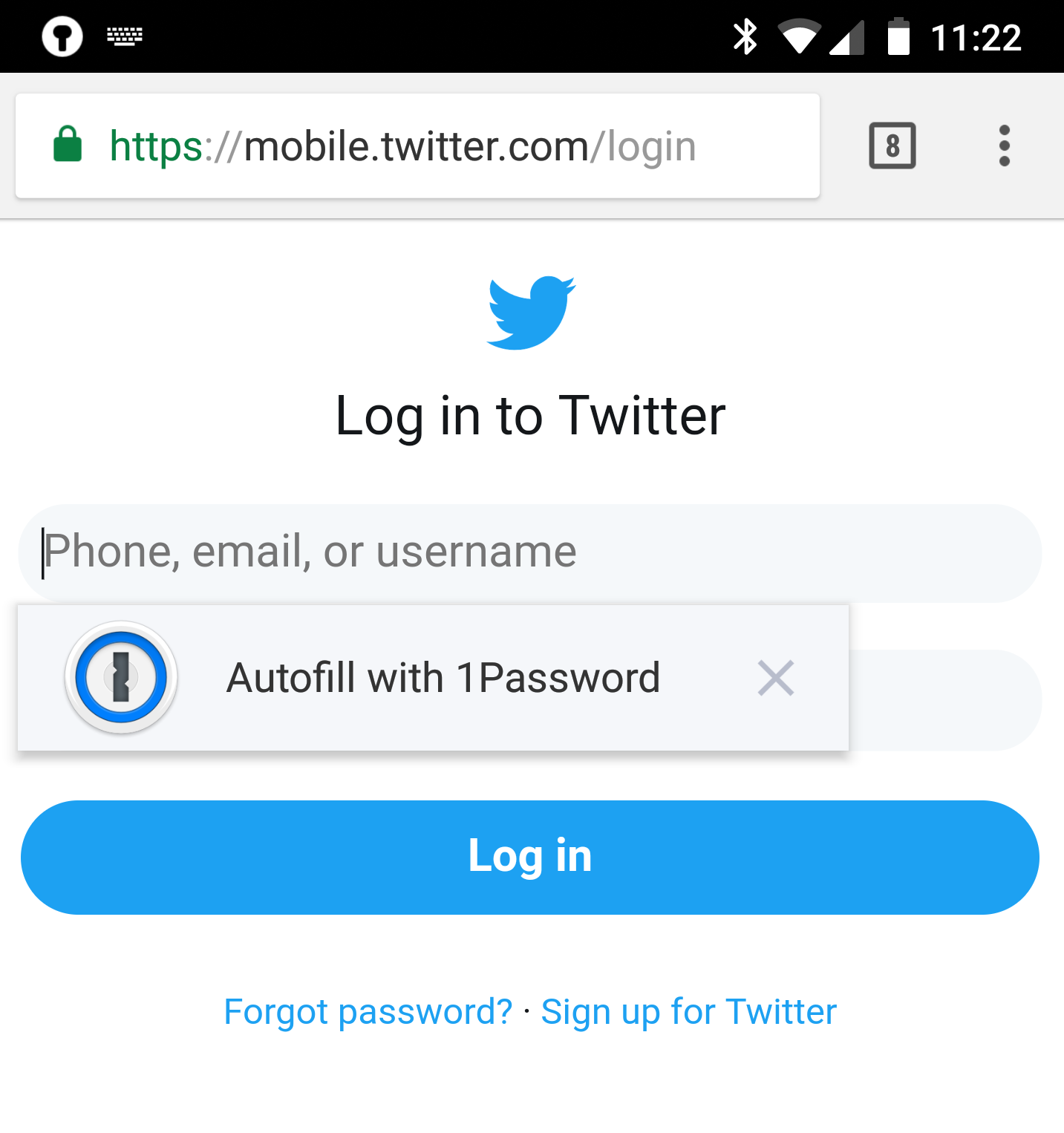
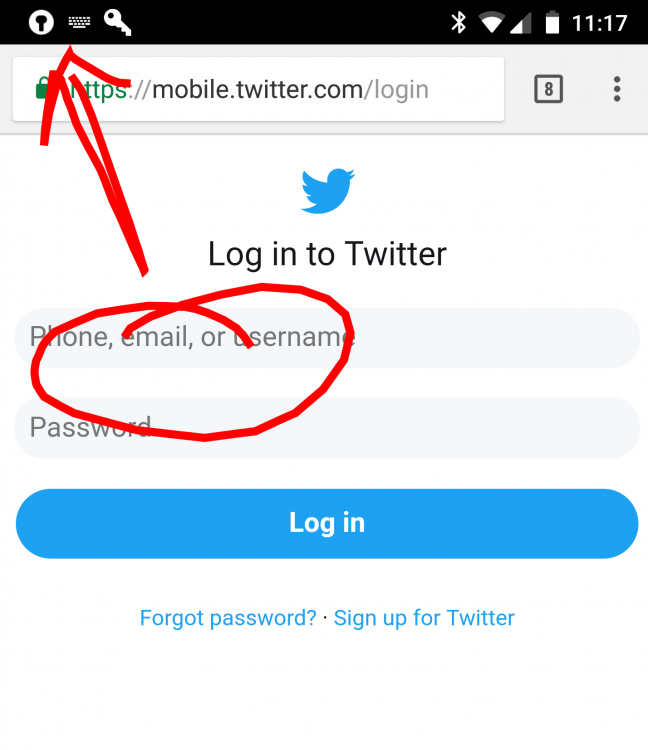
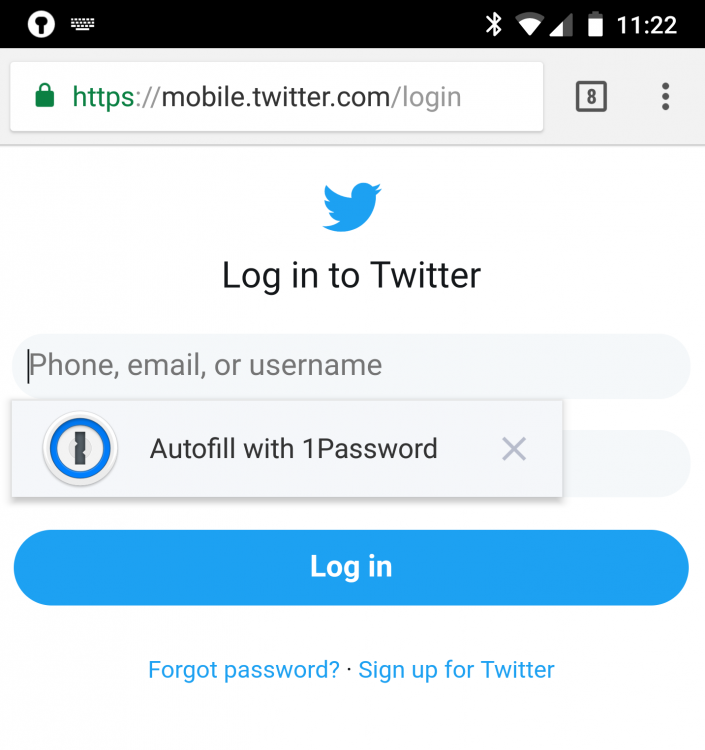
Just curious, I also have 1password which works flawlessly with chrome and every other app unlike enpass, using the Oreo autofill. See below.. First is using enpass and the second is 1password in chrome. So, I don't understand when you say chrome hasn't implemented the autofill.
-
The only way i can autofill is using the notification as the autofilling feature on 8.0 (that the little box with the fingerprint drawn over apps) isn't working here which is the main and only reason i keep going back to 1password. It works in the built in enpass browser but that's it. I have to use the notification everywhere else. I hate the notification method because my notification is always filled up and i find it a little hard to notice the enpass lock at times. When i noticed there was a new beta I was happy hoping it might have been fixed but was wrong. Please advise