

Skip to content
View in the app

A better way to browse. Learn more.

Enpass Discussion Forum

A full-screen app on your home screen with push notifications, badges and more.

To install this app on iOS and iPadOS
  1. Tap the Share icon in Safari
  2. Scroll the menu and tap Add to Home Screen.
  3. Tap Add in the top-right corner.
To install this app on Android
  1. Tap the 3-dot menu (⋮) in the top-right corner of the browser.
  2. Tap Add to Home screen or Install app.
  3. Confirm by tapping Install.

honeykid

Members
  • Joined

  • Last visited

Everything posted by honeykid

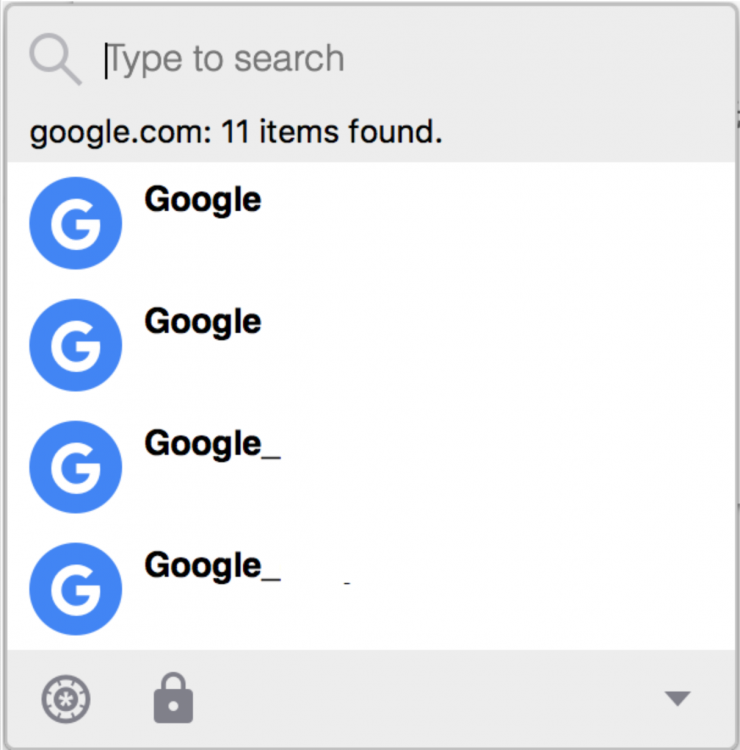
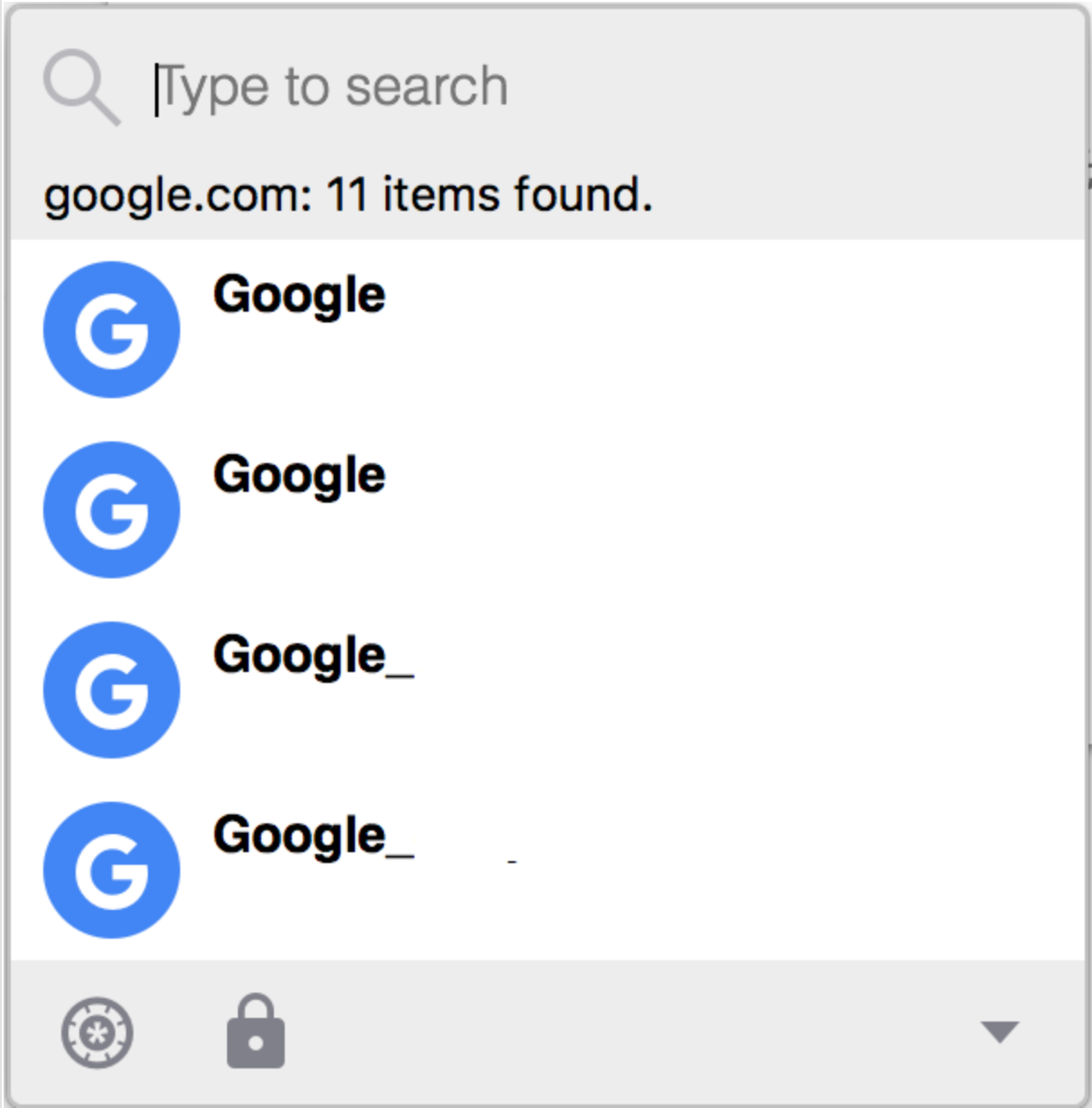
  1. First of all, thank you for developing this great tool and provide it at a very low cost. This is not a feature for everyone, but could be very helpful if you have multiple accounts for one site. I have 11 Google accounts. When enpass detects google, it only shows me related entry. But i want to search within these results so that I don't need to manually pick one. Currently, if i search something, it always looks for it in the whole database. I have abandoned 1passwod long ago. I don't remember exactly, but I think 1passwod has this feature.
Account

Navigation

Search

Search

Configure browser push notifications

Chrome (Android)
  1. Tap the lock icon next to the address bar.
  2. Tap Permissions → Notifications.
  3. Adjust your preference.
Chrome (Desktop)
  1. Click the padlock icon in the address bar.
  2. Select Site settings.
  3. Find Notifications and adjust your preference.