


nephilim
Members
-
Joined
-
Last visited
-
Hi, we are using Sophos Firewall... But even when bypassing the problem still exists
-
Hi unfortunately not, I already tried manual proxy settings... OneDrive itself works as expected.
-
today there is an error message: Errorcode: 504056
-
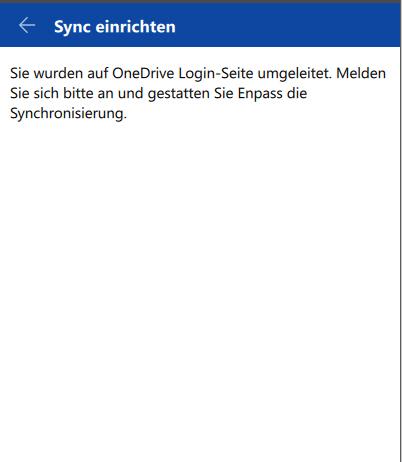
Hi, there is no error message; when trying to enable cloud-sync to onedrive, the login window in the browser appears, I can log in and the success message shows up, but Enpass hangs at this point. no further messages. I tried it with different standard browsers (Chrome, IE), stays the same.
-
hey @Anshu kumar I am using Enpass 6.0.3 (263) and the extension for Chrome. I get the same problem using IExpore, but it worked out that maybe some proxy-config is causing the problems. I will investigate further and report here. When I connect directly to the internet it is working...must be something new in Enpass 6...
-
Unfortunately same problem here... Sync to Onedrive is not working from Desktop-Machine... Mobile works as expected.
-
Same problem here, chrome extension throws connection error, Firefox-Browser is working... EDIT: Now working with all new Chrome Version 70.0.3538.67... Unfortunately, this problem is recurring, this was the 6th or 7th time the plugin did not work... EDIT: Now stopped working again, same version, another day....