heimi
Members
-
Joined
-
Last visited
Everything posted by heimi
-
Thank you for this information. It would be great to share more information about the Chromebook support status here as soon as you know more about the availibility. I switched to ChromeOS and it is the only OS where I cannot use my favorite Password manager. Thank you
-
The Import from a 1PIF File went fine, but the sync to Google Drive produces no data. The sync itself runs and also takes a while but after syncing there is no folder on my Drive. When I check the latest changes on Drive there is no change at all. Same with Dropbox. The sync runs, an my Dropbox client is pointing out that there are files synced with dropbox, but they cannoz be found on dropbox by an Enpass6 Android Beta sync process. The files that I synced are in Dropbox Apps Enpass. There is also an empty Enpass Beta folder. But the sync seems not to find these data.
-
-
-
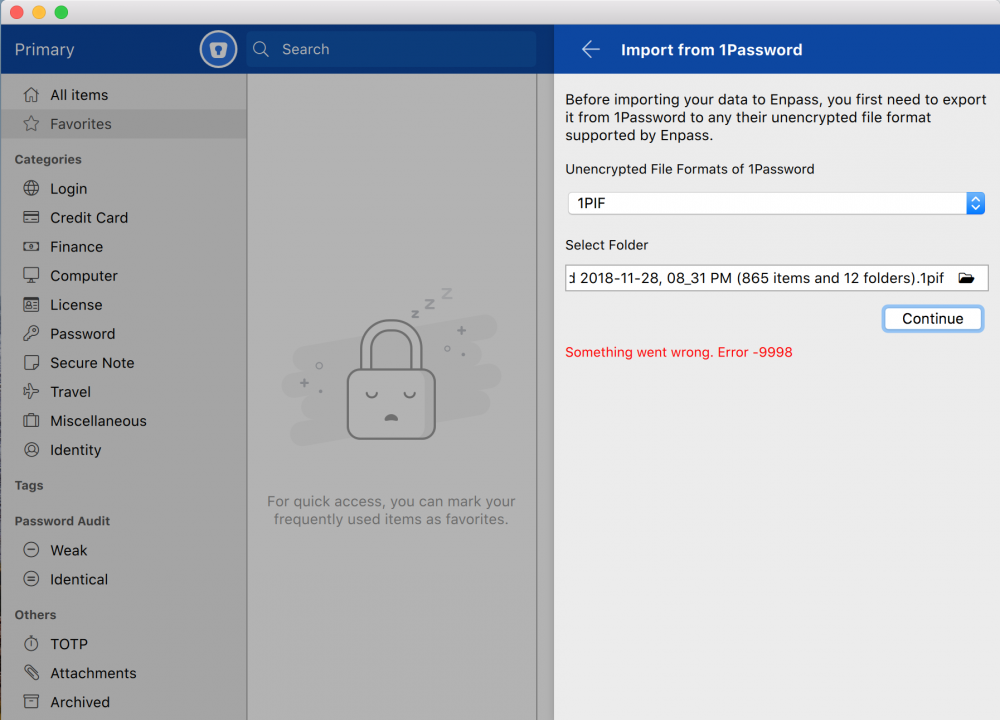
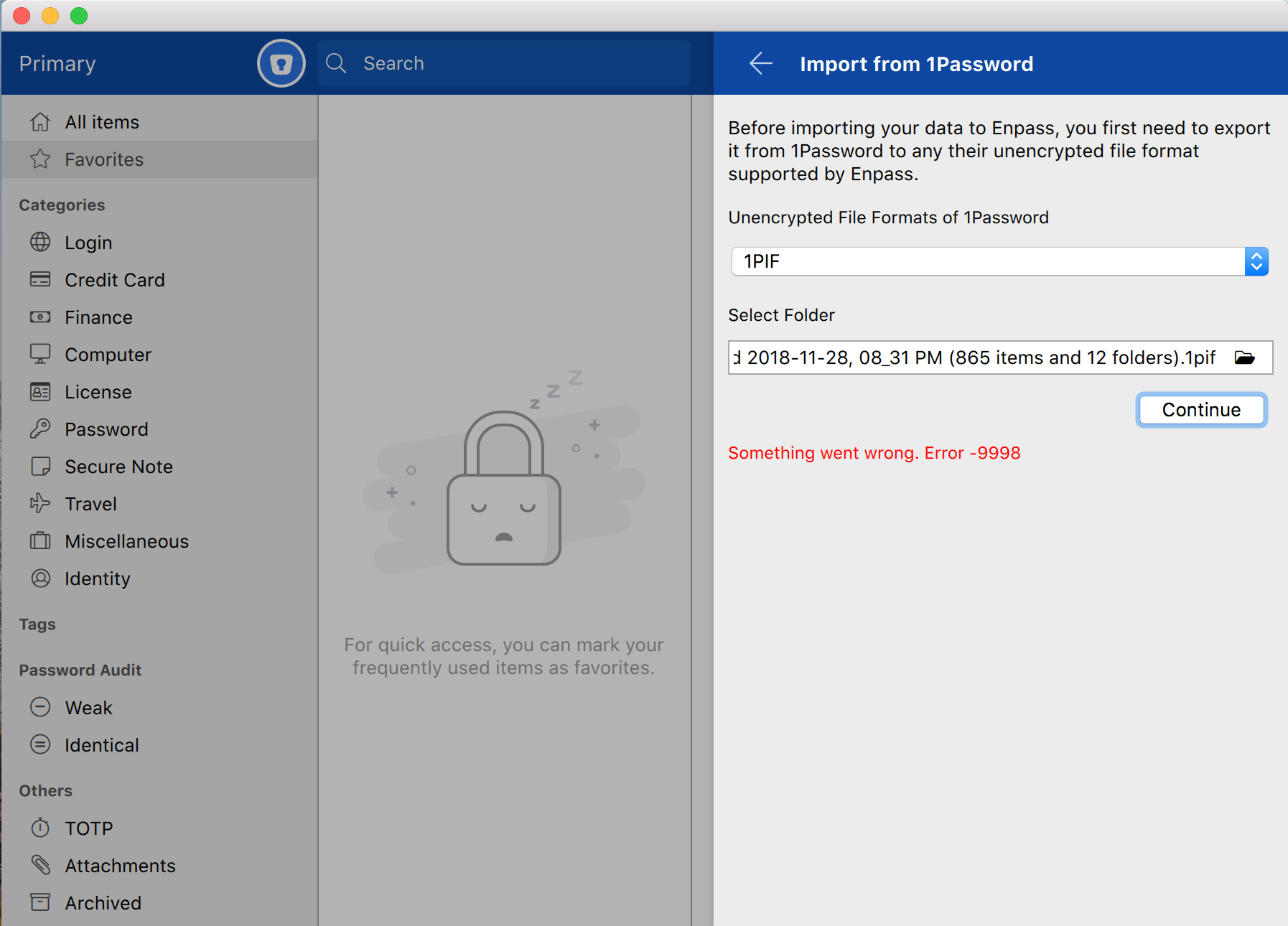
I tried the Beta in October but it was not possible to import 1Password data in any way. I emailed the bug to betabugs@enpass.io. Seems as if this Bug is still not addressed. It is still impossible to import a 1PIF file exported from 1Password into Enpass. There is a short error message immediately shown that says: "Something went wrong, Error -9998". When will it be possible to import 1Password Export files ? Is there any way to overcome this ? My 1Passwort file contains app 800 password. It also contains a few attachments (png Files).