
frank2742
Members
-
Joined
-
Last visited
-
So I finally figured out what the problem was. I used to be able to just type in the URL and Enpass just synced to the Folder, but apparently when the Folder is named something other than just "Enpass" it has some kinda problem. So I have to specify the exact folder, that I want to sync to from now on. Anyway, problem solved. Thank you, regardless.
-
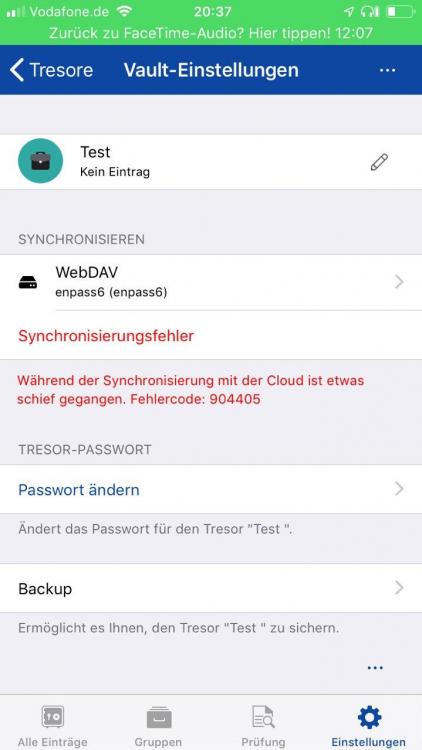
Recently you released an update, which supposedly fixed some issues with WebDAV, but my issue still persists. Are you still working on it, or can I help in some way? Because I have already sent you the credentials for my demo WebDAV account.
-
frank2742 changed their profile photo
-
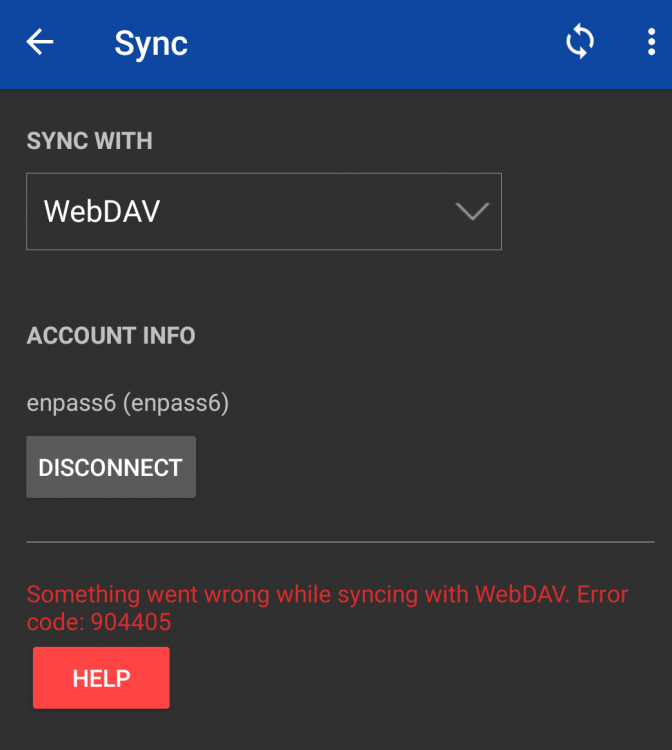
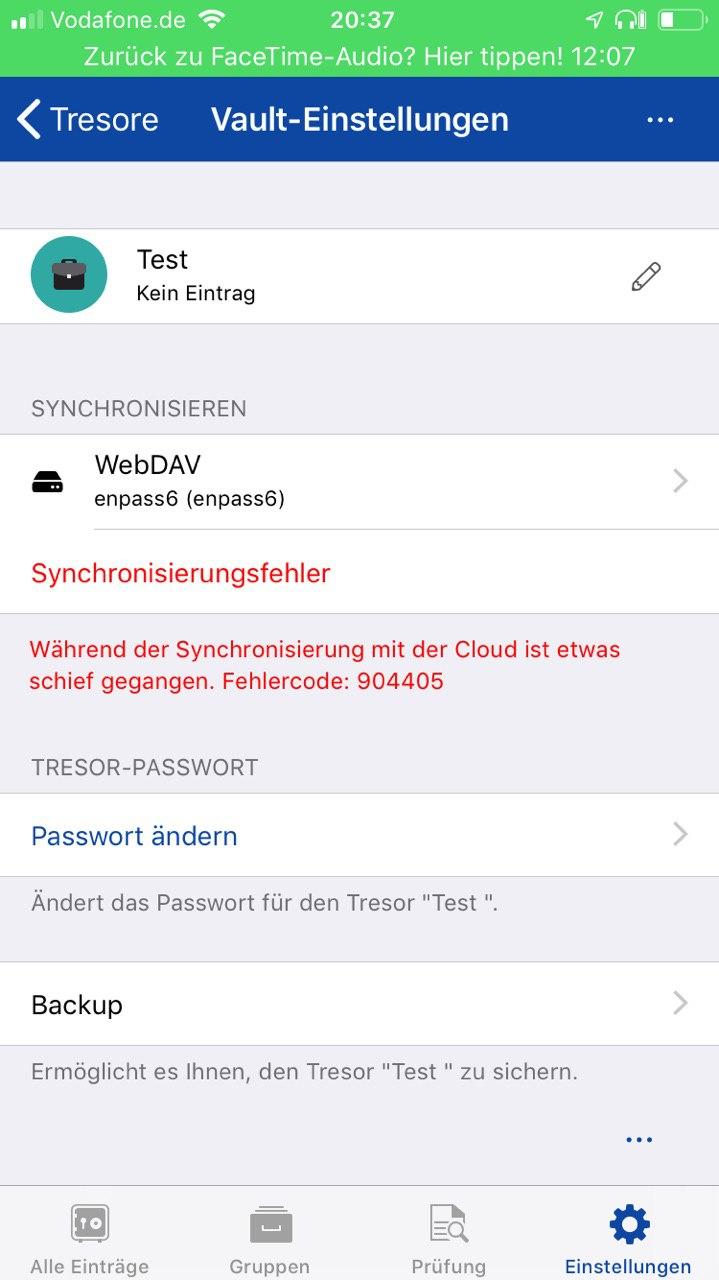
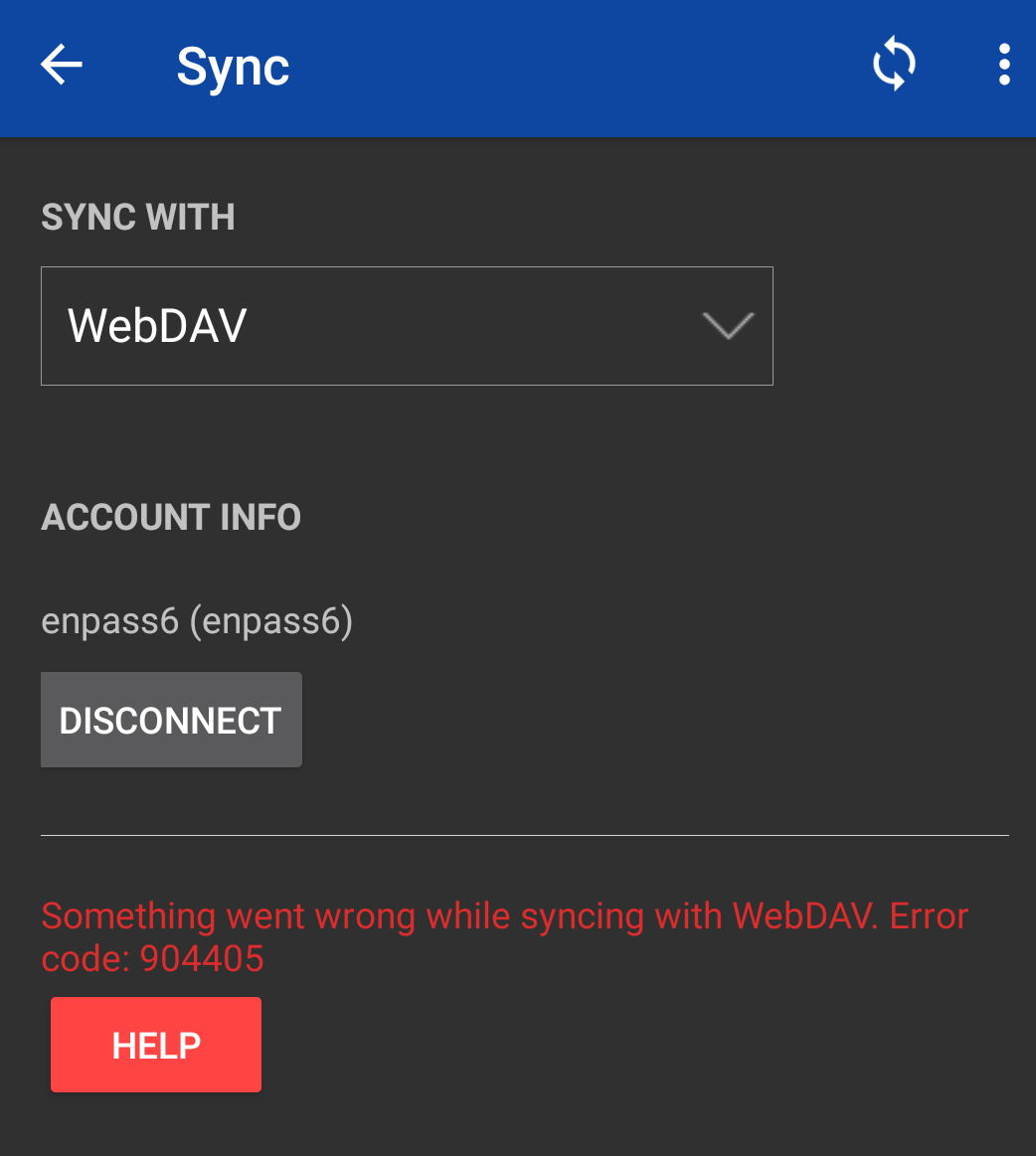
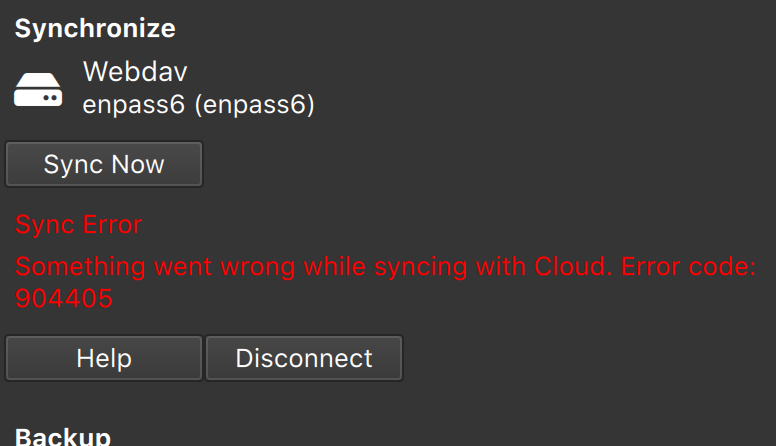
So if I login to my NAS to sync my Enpass 6 Database, it logs in successfully, but when it tries to sync it shows me this. (Attached File) --> Error Code 90440 Am I doing something wrong or is Webdav not fully supported yet? I am using macOS 10.14.1 Mojave.
-
So if I login to my NAS to sync my Enpass 6 Database, it logs in successfully, but when it tries to sync it shows me this. (Attached File) --> Error Code 90440 Am I doing something wrong or is Webdav not fully supported yet? I am using a OnePlus 3 on Pixel Experience 9 (Android 9) with Enpass Version 6.0.0.98