KurtB
Members
-
Joined
-
Last visited
Everything posted by KurtB
-
Hello, re: Identical Passwords Agreed. This is annoying and distracting and makes me think something is wrong. My company infrastructure uses a common Identity Management system, and auth to several hosts and applications will use the same source (LDAP/AD/RedHat IDM). Feature suggestion vs "Identical Passwords": A "toggle" to ignore duplicates on the entry would be appropriate. Thanks, Kurt
-
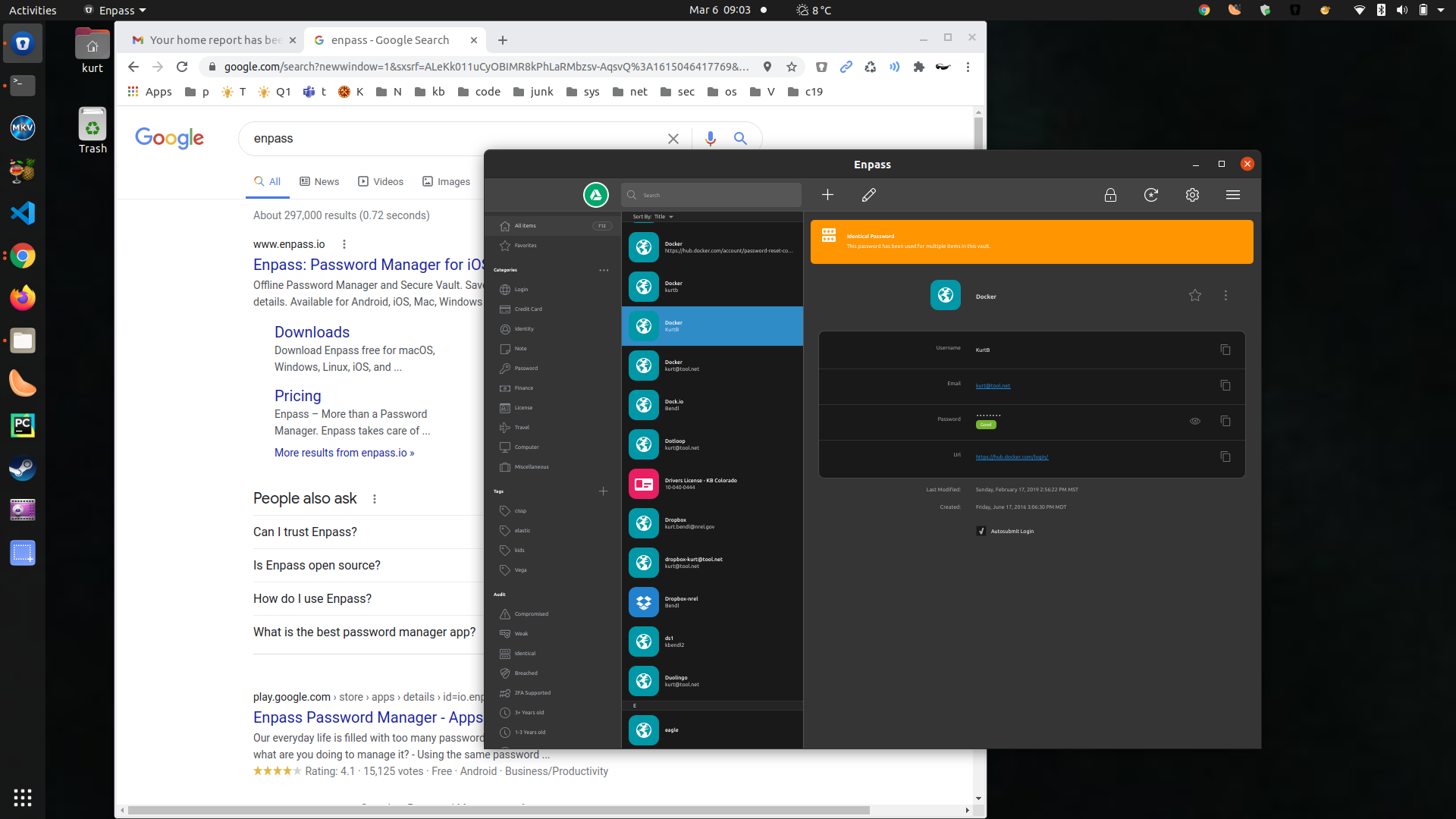
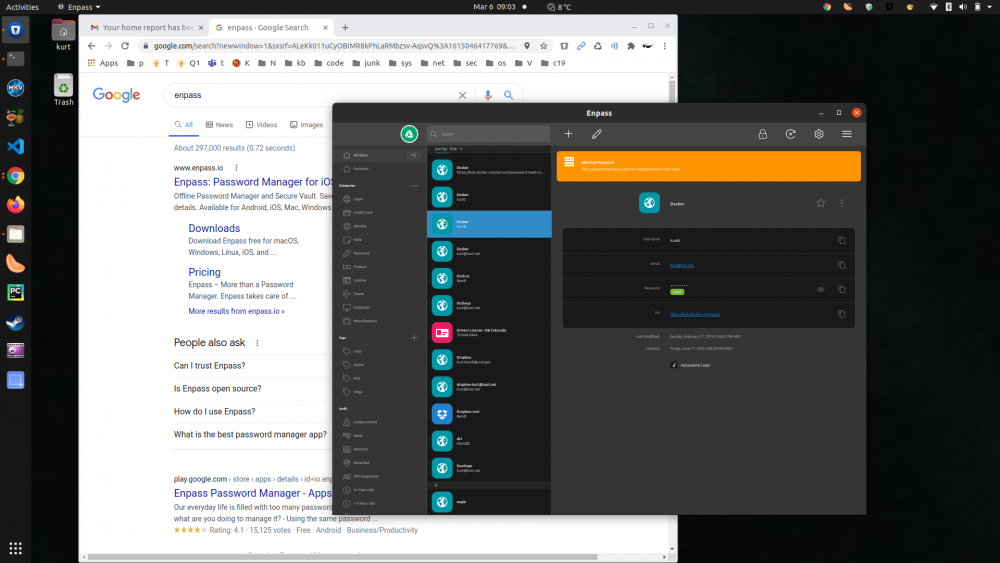
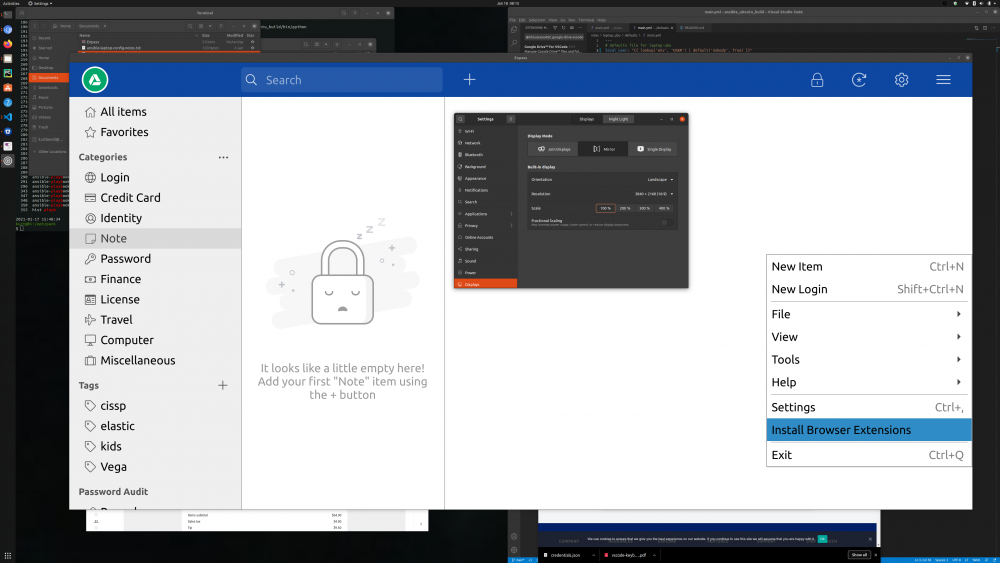
On my linux laptop, enpass renders quite poorly. I've tried several resolutions and the different built-in cards. Attached is a screenshot where the desktop is at 1920x1080. I'm running Ubuntu 20.04.2 LTS with the default Gnome desktop. You can see if one pic that the text is too tiny to read. In the other, you'll notice that the app takes up most of the display window. It would be great if enpass had a configuration option to adjust font sizes, for example. NV137 / Mesa Intel® UHD Graphics 630 (CFL GT2) XPS 15 9570 (087C) Dell Inc. * GP107M [GeForce GTX 1050 Ti Mobile] - NVIDIA Corporation * UHD Graphics 630 (Mobile) 1920x1080 Thanks!
-
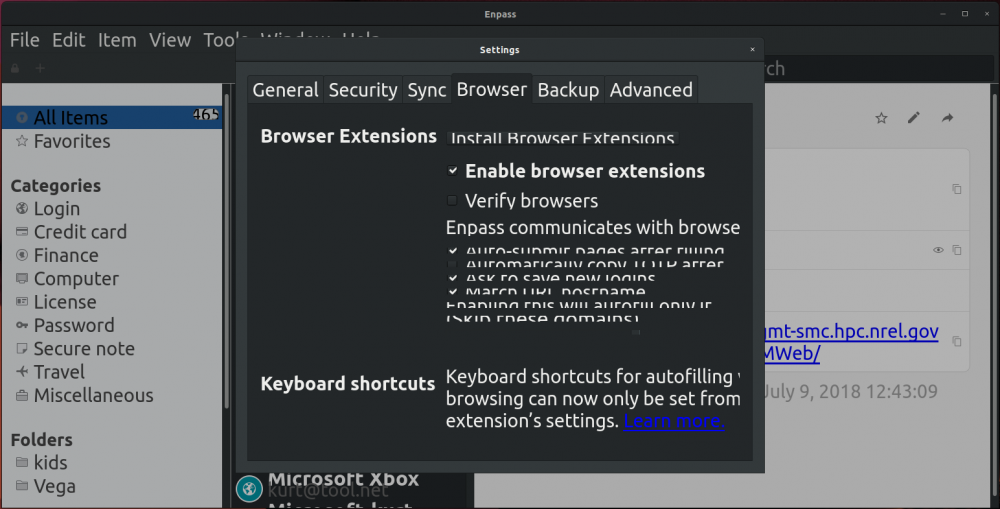
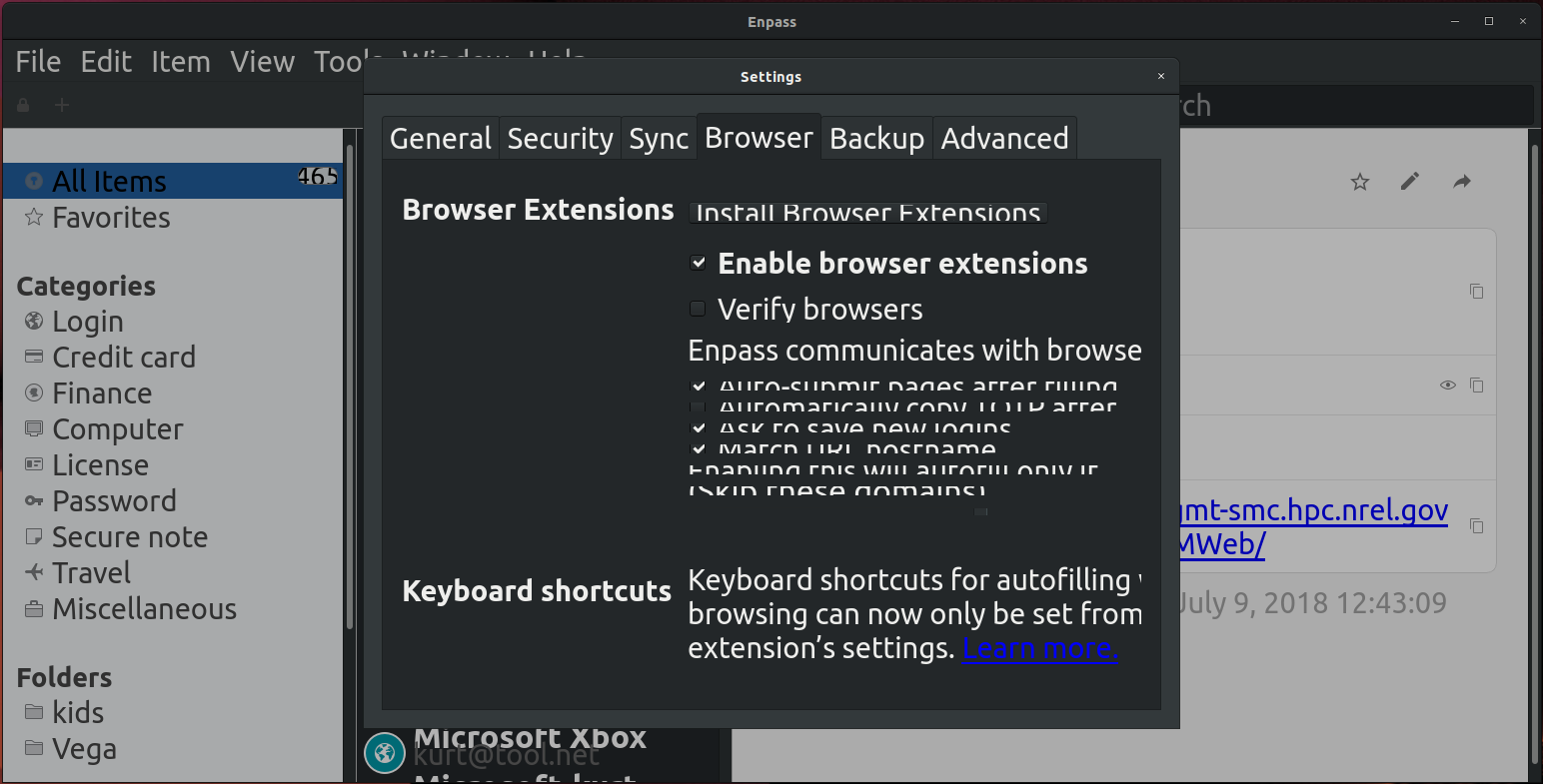
I'd like the ability to define fonts and sizes in the sidebar, browser, detail, and general sections of the desktop app. I use Android (Pixel XL2), IOS, Linux (Ubuntu 18/Gnome), Windows 10, and OS X. On the Ubuntu box at 4K resolution, the font's are too big. See attached screenshot. Having an option to define the fonts/sizes/sections would allow users to set those if their particular display resolution caused issues. Thanks, KurtB