


binghe
Members
-
Joined
-
Last visited
-
你要在手机上购买的话,需要由Google框架,很多中国手机都移除这个支持,需要你自己安装。 另外,你可以在网页版Google play上登陆你的Google账号,看看能不能购买。
-
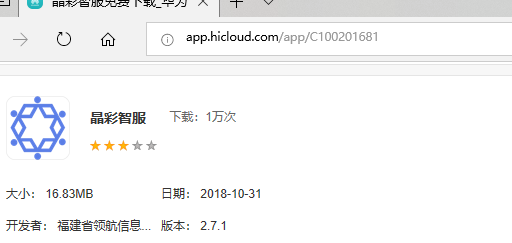
您好,我是来自中国的用户。当我使用交通卡充值软件时,enpass6无法自动填写。这是一款使用NFC为交通卡充电的软件。我希望我能改进它。 由于中国的特殊市场,一些应用程序无法分发到Google Play,只能在中国下载。 应用名称是:晶彩智服 下载地址: Android 8.0 In addition, Android has purchased advanced version, and Windows desktop version can not use Windows Hello? Windows enpass 6.0.0 (228) Also, I saw the price at $6.99, but at Google Play it was $9.99. 以上英文来自谷歌翻译
-
Okay, I see language tools in the options, and I think this function is already available.
-
OS:Windows 10 Pro 1803 (17134.471) OS language:Simplified Chinese Enpass:Enpass Beta 6.0.0 (198) Choosing Chinese (Simplified Chinese) or Chinese (Traditional Chinese), quitting enpass and running again, can not change the language. Restarting Win10 also has the same problem. ------- From Google Translate, I hope you can understand。