

Skip to content
View in the app

A better way to browse. Learn more.

Enpass Discussion Forum

A full-screen app on your home screen with push notifications, badges and more.

To install this app on iOS and iPadOS
  1. Tap the Share icon in Safari
  2. Scroll the menu and tap Add to Home Screen.
  3. Tap Add in the top-right corner.
To install this app on Android
  1. Tap the 3-dot menu (⋮) in the top-right corner of the browser.
  2. Tap Add to Home screen or Install app.
  3. Confirm by tapping Install.

jorgenw

Members
  • Joined

  • Last visited

  1. The dark theme in 6 Beta is now a Pro feature. Dark theme is not a fancy or fashion style change, it is an accessibility feature for those who have trouble with bright screens. As it will relieve those having trouble with bright screens, please add this feature to the standard functionality of Enpass. Thanks
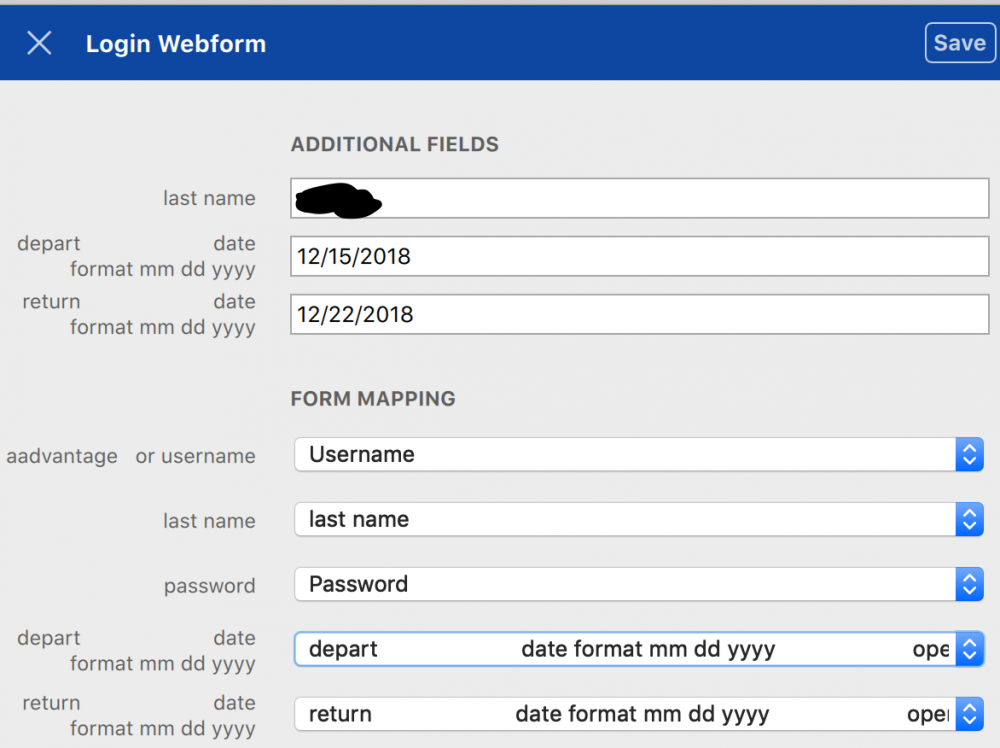
  2. I have the same question as above. I just wanted to test to unlock Enpass UWP with Windows Hello, and got informed that I have to buy a Pro version. 1. Why not unlock all beta testers for Pro as a thank you for our time and efforts? 2. How to test Pro features when not being unlocked? 3. Please confirm that lifetime license owners will be upgraded to the Vnext versions, or at least give us a discount for being loyal customers. Thanks.
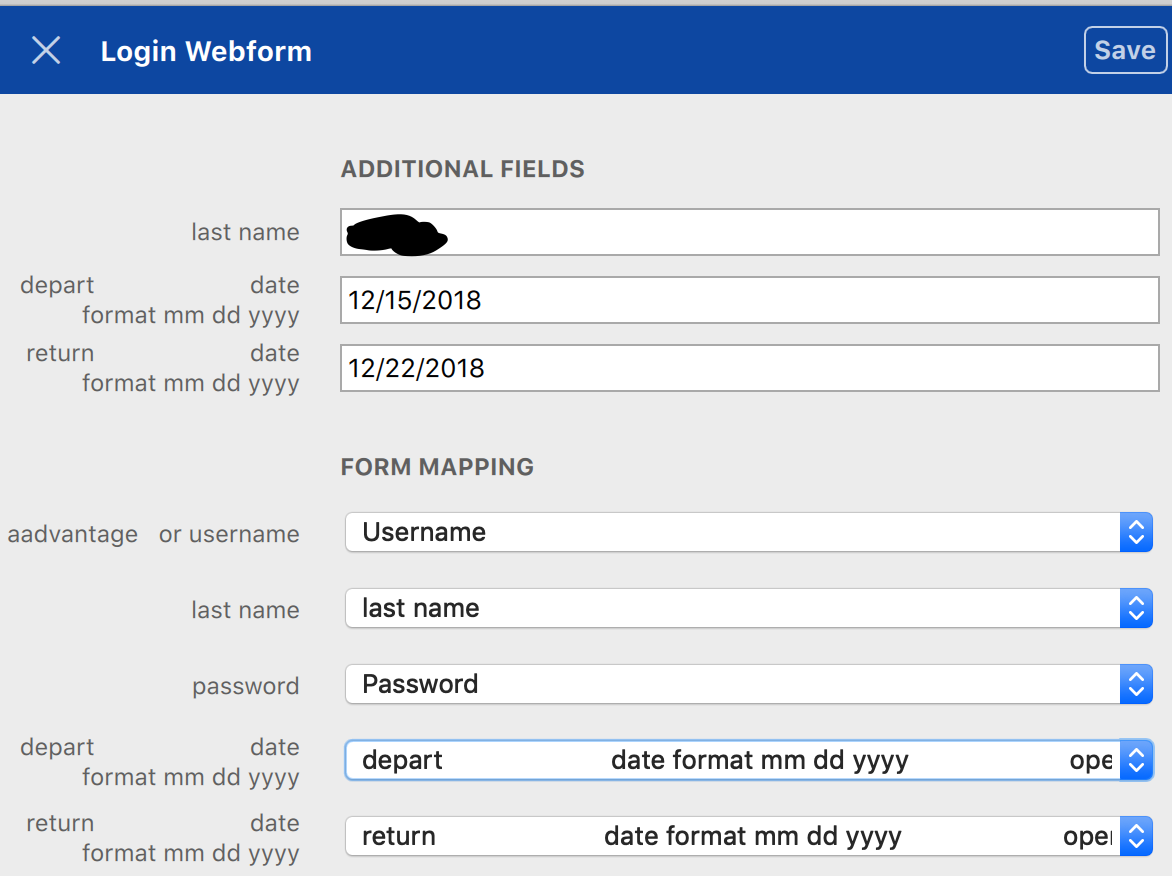

Account

Navigation

Search

Search

Configure browser push notifications

Chrome (Android)
  1. Tap the lock icon next to the address bar.
  2. Tap Permissions → Notifications.
  3. Adjust your preference.
Chrome (Desktop)
  1. Click the padlock icon in the address bar.
  2. Select Site settings.
  3. Find Notifications and adjust your preference.