eMarcel
Members
-
Joined
-
Last visited
Everything posted by eMarcel
-
OKAY! fixed by updating enpass.desktop in /usr/share/applications Exec=env QT_AUTO_SCREEN_SCALE_FACTOR=0.5 /opt/enpass/Enpass %U but still getting some errors when running enpass: ╰/opt/enpass/Enpass QApplication: invalid style override passed, ignoring it. QQmlComponent: Created graphical object was not placed in the graphics scene. QQmlComponent: Created graphical object was not placed in the graphics scene. QQmlComponent: Created graphical object was not placed in the graphics scene. QQmlComponent: Created graphical object was not placed in the graphics scene.
-
-
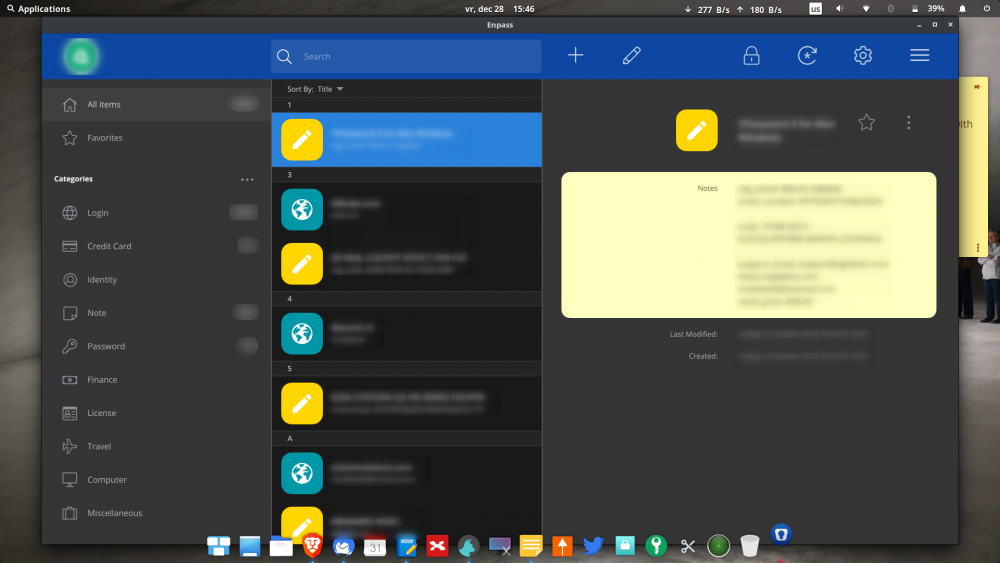
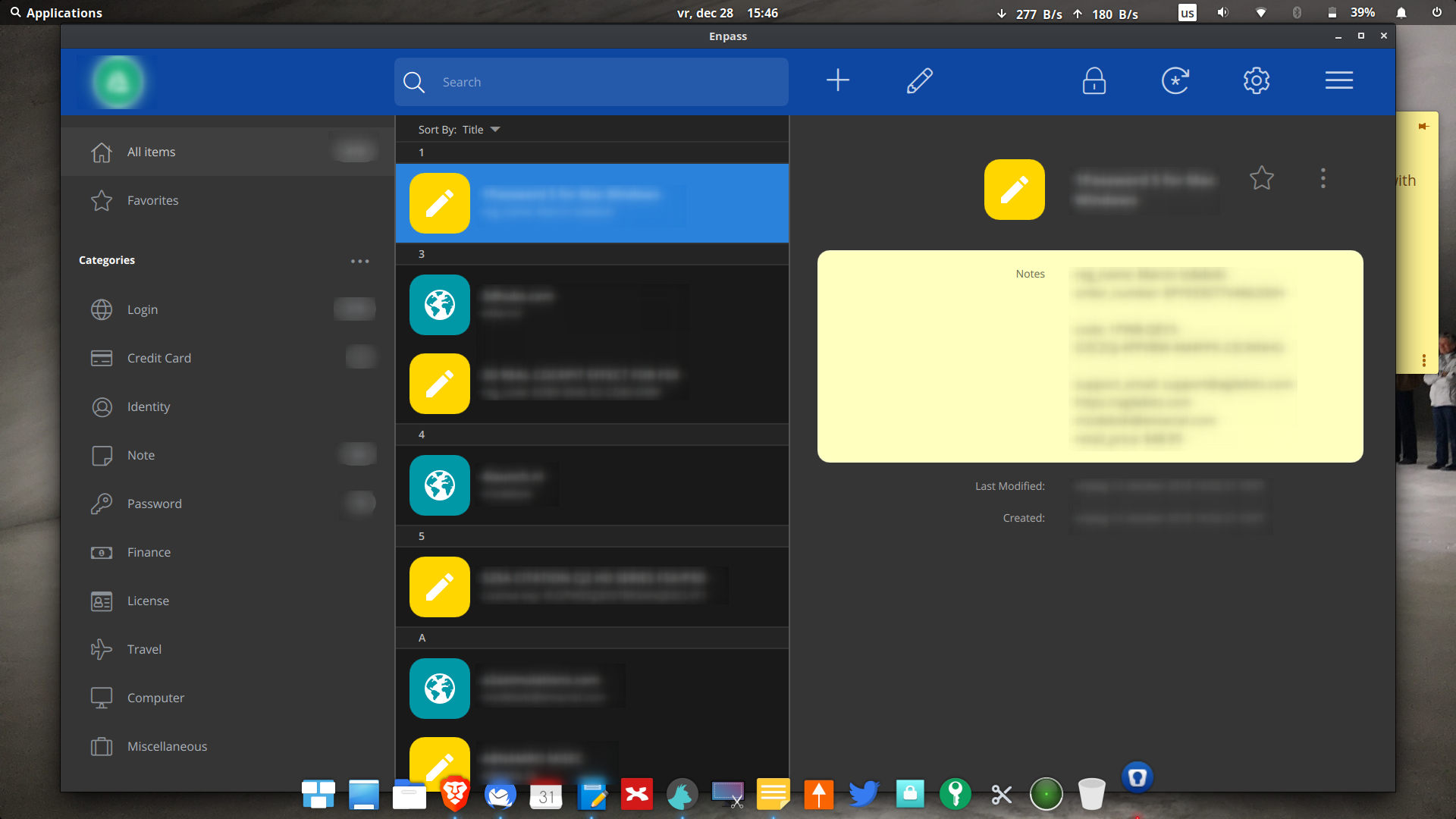
What have you done to GUI and chrome extensions it is huge now, it is taking all my screen! Chrome extension is also taking half of the screen! I run Elementary OS Juno Linux. See screenshot attached. How to make it smaller and look like normal app and not like a tablet app!???? What have you done!? I would rather downgrade to 5.x! Please help!