

Skip to content
View in the app

A better way to browse. Learn more.

Enpass Discussion Forum

A full-screen app on your home screen with push notifications, badges and more.

To install this app on iOS and iPadOS
  1. Tap the Share icon in Safari
  2. Scroll the menu and tap Add to Home Screen.
  3. Tap Add in the top-right corner.
To install this app on Android
  1. Tap the 3-dot menu (⋮) in the top-right corner of the browser.
  2. Tap Add to Home screen or Install app.
  3. Confirm by tapping Install.

Andy

Members
  • Joined

  • Last visited

Everything posted by Andy

  1. Hey thanks a lot! I had to edit ~/.profile and change the scale factor to 0.5. Happy new year!
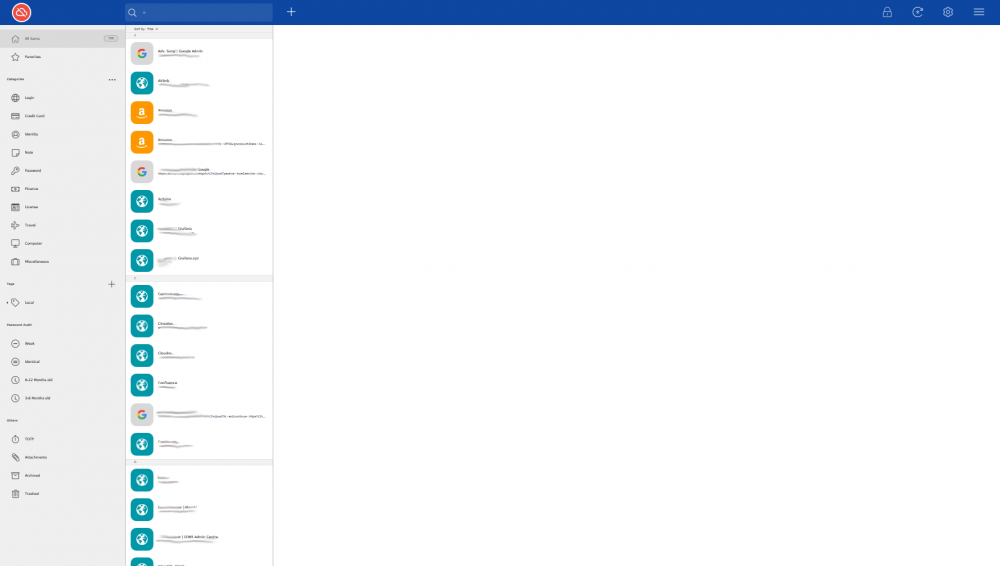
  2. Hey guys, I updated my Enpass app to 6.0 today and have been having issues with scaling since. I can't read anything such as generated passwords. I'm kind of annoyed as I just purchased the Enpass app for Android and now Enpass is broken. My computer setup: OS: arch Linux Window manager: openbox Window compositor: compton Monitors: 1 x 1920x1080 (default = 2560x1440) & 2 x 1680x1080 My guess is that it has something to do with the first monitor as the scaling looks "alright" on the first monitor and awful on the two others. Here's a screenshot of what it looks like on my two 1680x1080p monitors; Has anyone encountered this and if so, are you aware of a fix?
Account

Navigation

Search

Search

Configure browser push notifications

Chrome (Android)
  1. Tap the lock icon next to the address bar.
  2. Tap Permissions → Notifications.
  3. Adjust your preference.
Chrome (Desktop)
  1. Click the padlock icon in the address bar.
  2. Select Site settings.
  3. Find Notifications and adjust your preference.