

Skip to content
View in the app

A better way to browse. Learn more.

Enpass Discussion Forum

A full-screen app on your home screen with push notifications, badges and more.

To install this app on iOS and iPadOS
  1. Tap the Share icon in Safari
  2. Scroll the menu and tap Add to Home Screen.
  3. Tap Add in the top-right corner.
To install this app on Android
  1. Tap the 3-dot menu (⋮) in the top-right corner of the browser.
  2. Tap Add to Home screen or Install app.
  3. Confirm by tapping Install.

Oleh

Members
  • Joined

  • Last visited

Everything posted by Oleh

  1. The Mac App is Great! It's everything you need but design looks like it was made for Windows 10 and Android and wasn't adopted in design for MacOS. It just doesn't look clean. Especially bar helper with sharp edges don't fit in MacOS at all.
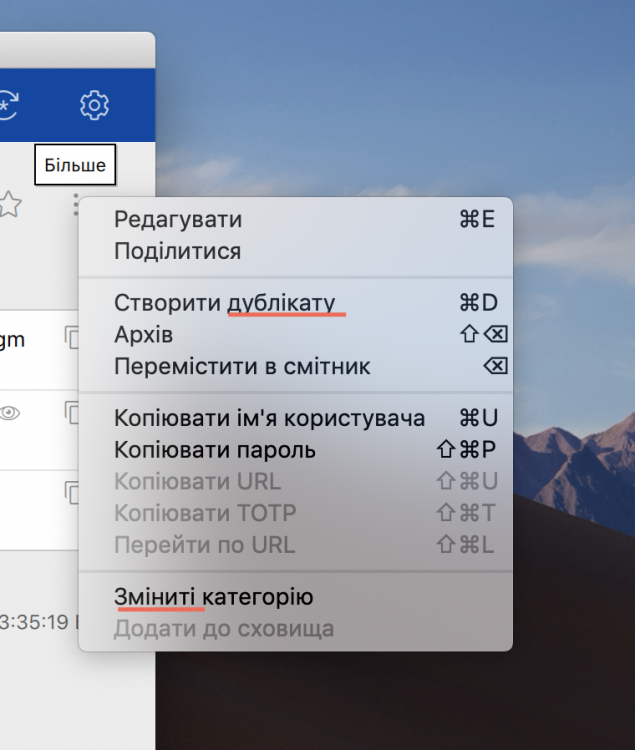
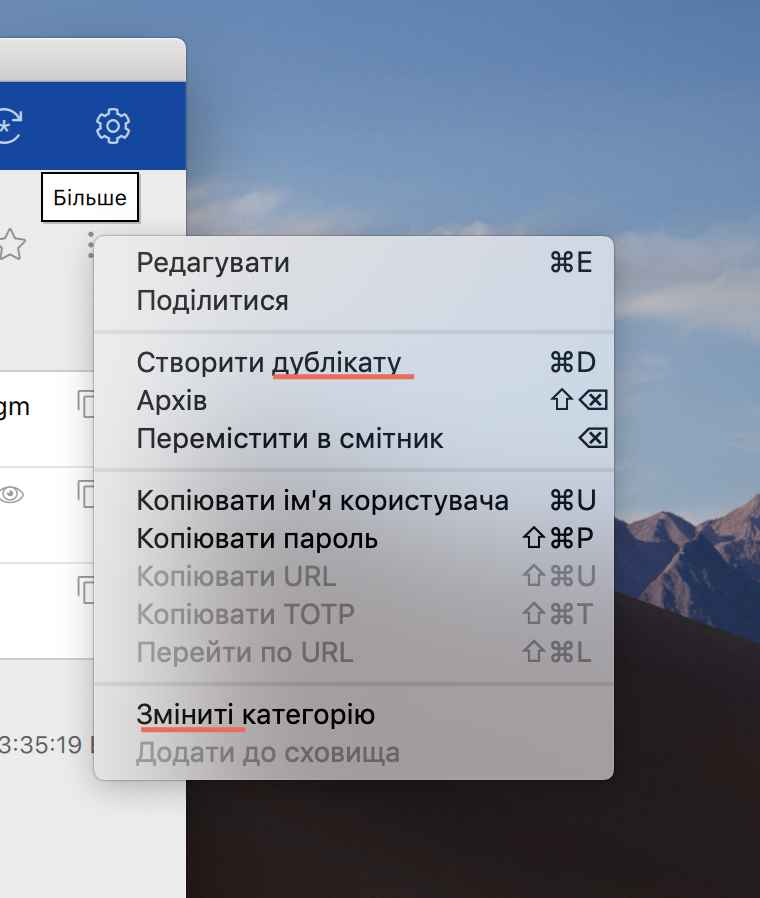
  2. Hi, in Ukraine - CREATE DUPLICATE - should be Створити Дублікат - CHANGE CATEGORY, should be - Змінити категорію
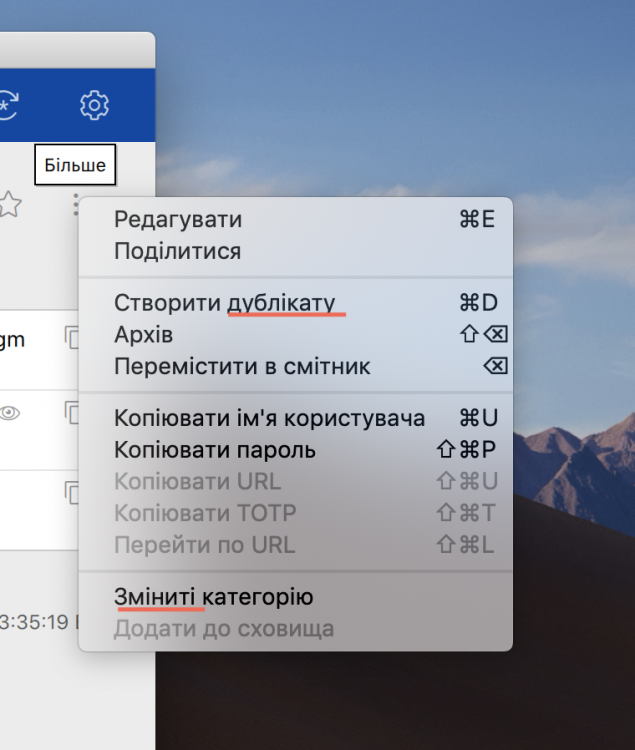
  3. Hi, in Ukraine - CREATE DUPLICATE - should be Створити Дублікат - CHANGE CATEGORY, should be - Змінити категорію
  4. Oleh posted a topic in Feature requests
    Hi, can you make the process of unlocking enpass on Mac with your finger much easier and faster by straight away asking on Touch Bar to put your finger with no need to press on fingerprint icon on the enpass login window first.

Account

Navigation

Search

Search

Configure browser push notifications

Chrome (Android)
  1. Tap the lock icon next to the address bar.
  2. Tap Permissions → Notifications.
  3. Adjust your preference.
Chrome (Desktop)
  1. Click the padlock icon in the address bar.
  2. Select Site settings.
  3. Find Notifications and adjust your preference.