JamesBond
Members
-
Joined
-
Last visited
-
Woah.. Thanks it works :) Just had to change forward-socks5 to forward-socks4
-
Okay, I'm not sure then. Could you please check value of Play Store -> Settings -> Play Protect Certification. What does it say? Device is certified or not certified. Enpass is Play Protect App so won't be visible on not certified devices.
-
Hi @Vinod Kumar, My device was failing SafetyNet checks. I made some changes in my ROM and made it to pass SafetyNet checks and I could now see Enpass in Play store and update it. Probably it's affecting custom ROM users failing SafetyNet checks. Thanks.
-
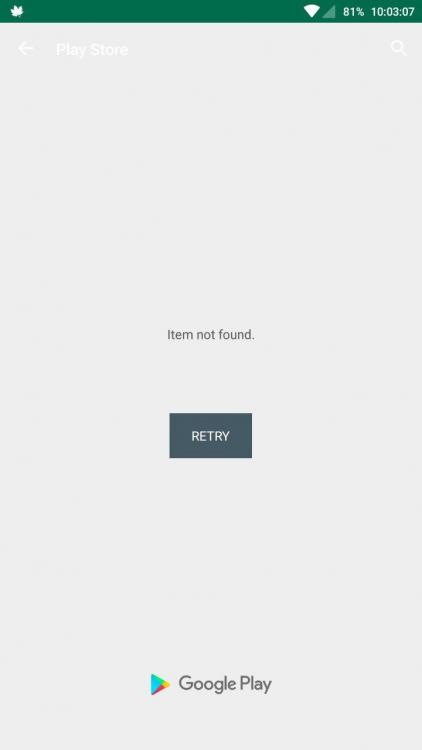
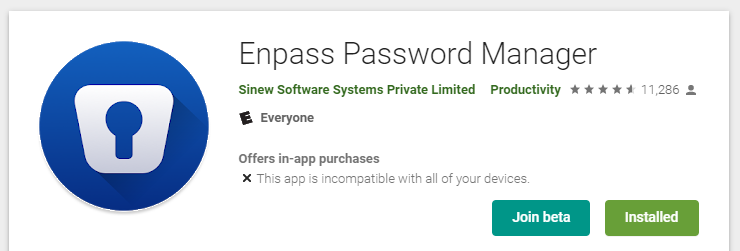
Hello, I'm also using OnePlus One running Android 8.1. Same issue since many days. Now can't sync my passwords running Enpass 6 on Desktop. Android still running Enpass 5.x version and not syncing due to database incompatibility. This is what I see on my Play Store when I open https://play.google.com/store/apps/details?id=io.enpass.app in Playstore App And this is what I see on my Desktop (and again before you mention that it says "Installed" - it's because I'm running older version 5.x of the app): Now please just don't say that everything is good and we should be able to install it without trying even to find a root cause. Cheers