Jyothi
Members
-
Joined
-
Last visited
Everything posted by Jyothi
-
Thankyou Abhishek for your timely reply. I tried troubleshooting steps1,2,3,4 but the issue persisted across all browsers viz. Edge, Chrome, Firefox. I use VPN occasionally hence deep dived system services and noticed 'Nord VPN / Mcafee Total Virus protection' background services were running. This caused icloud sync to hit network authentication error. As I QUIT the VPN app and tried again going through steps 1,2,3, 4 the iCloud Sync worked instantly. I will keep a tab to check if the issue re-occurs when VPN or inbuilt anti-virus VPN is enabled. Hope this helps.
-
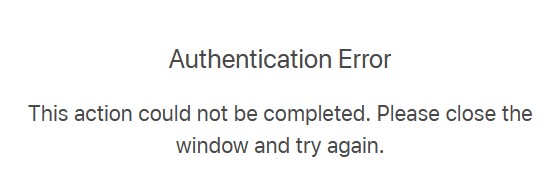
Hi Support team - Over the last 3+weeks - automatic or manual cloud sync not working on Windows 11 Pro. Primary vault is unable to sync with iCloud like before. It keeps trying (synchronizing blue dots circle) to connect to apple cloudkit website but throws network authentication error when correct login credentials are entered. Have tried it on multiple browsers over different days and same error. Note: Between iOS devices - cloud sync is working correctly but not between Windows and iOS devices. Desktop Enpass build version: 6.8.4 (1166) and iOS Enpass build version: 6.8.6 (684) How quickly could this error be fixed? Thanks