Skip to content
View in the app

A better way to browse. Learn more.

Enpass Discussion Forum

A full-screen app on your home screen with push notifications, badges and more.

To install this app on iOS and iPadOS
  1. Tap the Share icon in Safari
  2. Scroll the menu and tap Add to Home Screen.
  3. Tap Add in the top-right corner.
To install this app on Android
  1. Tap the 3-dot menu (⋮) in the top-right corner of the browser.
  2. Tap Add to Home screen or Install app.
  3. Confirm by tapping Install.

calcifer

Members
  • Joined

  • Last visited

  1. Hi @Anshu kumar, any updates? This is still a problem.
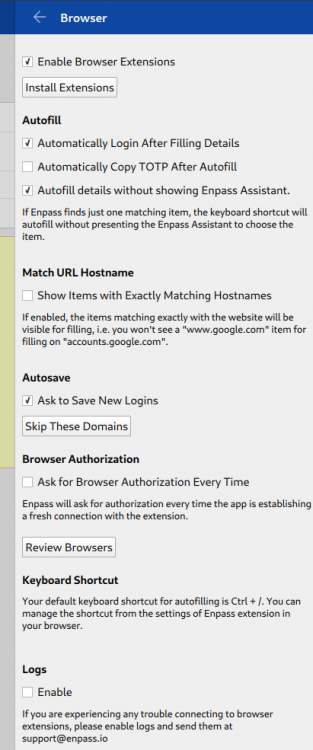
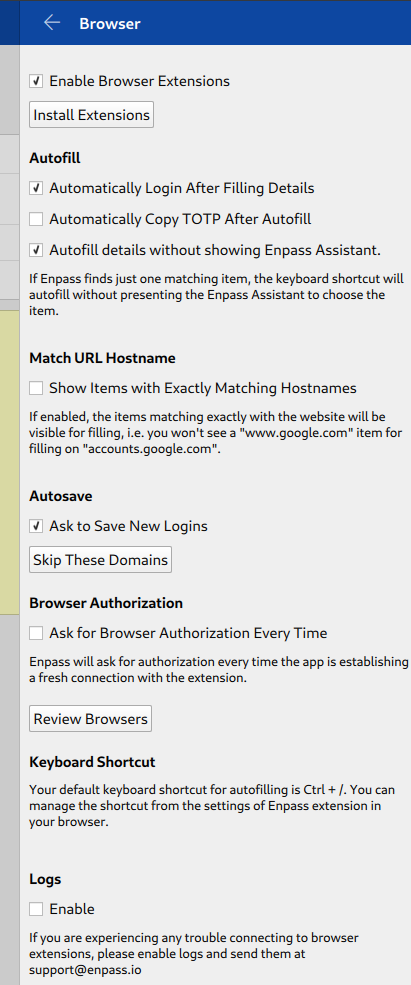
  2. Hi Anshu, thank you for the reply. I've tried doing both, but it didn't help. Here's how it looks now: and here's my browser settings:
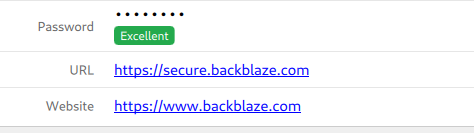
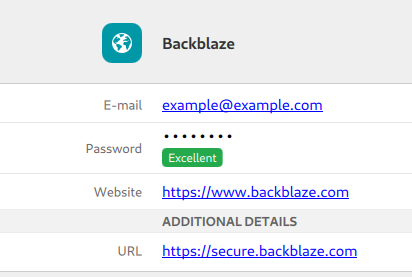
  3. See the attached screenshot. The main website is the one with "www", but the login page is the one with "secure". With Enpass 5, this setup worked fine because it checked all fields with the type "URL", which is ignored by Enpass 6. Even if I manually choose the Backblaze entry in the autofill dialog, it just opens the website in a new tab. Can you please fix this?
Account

Navigation

Search

Search

Configure browser push notifications

Chrome (Android)
  1. Tap the lock icon next to the address bar.
  2. Tap Permissions → Notifications.
  3. Adjust your preference.
Chrome (Desktop)
  1. Click the padlock icon in the address bar.
  2. Select Site settings.
  3. Find Notifications and adjust your preference.