euphonious
Members
-
Joined
-
Last visited
-
Is Enpass still being actively developed? The last update on Android was Sept 2021. That is a long time for a product that should be getting regular security updates.
-
Agreed. While a security audit can be expensive, it's vital in gaining the trust of users. Unless the product is open source, an audit is all that reviewers and users can really go off of.
-
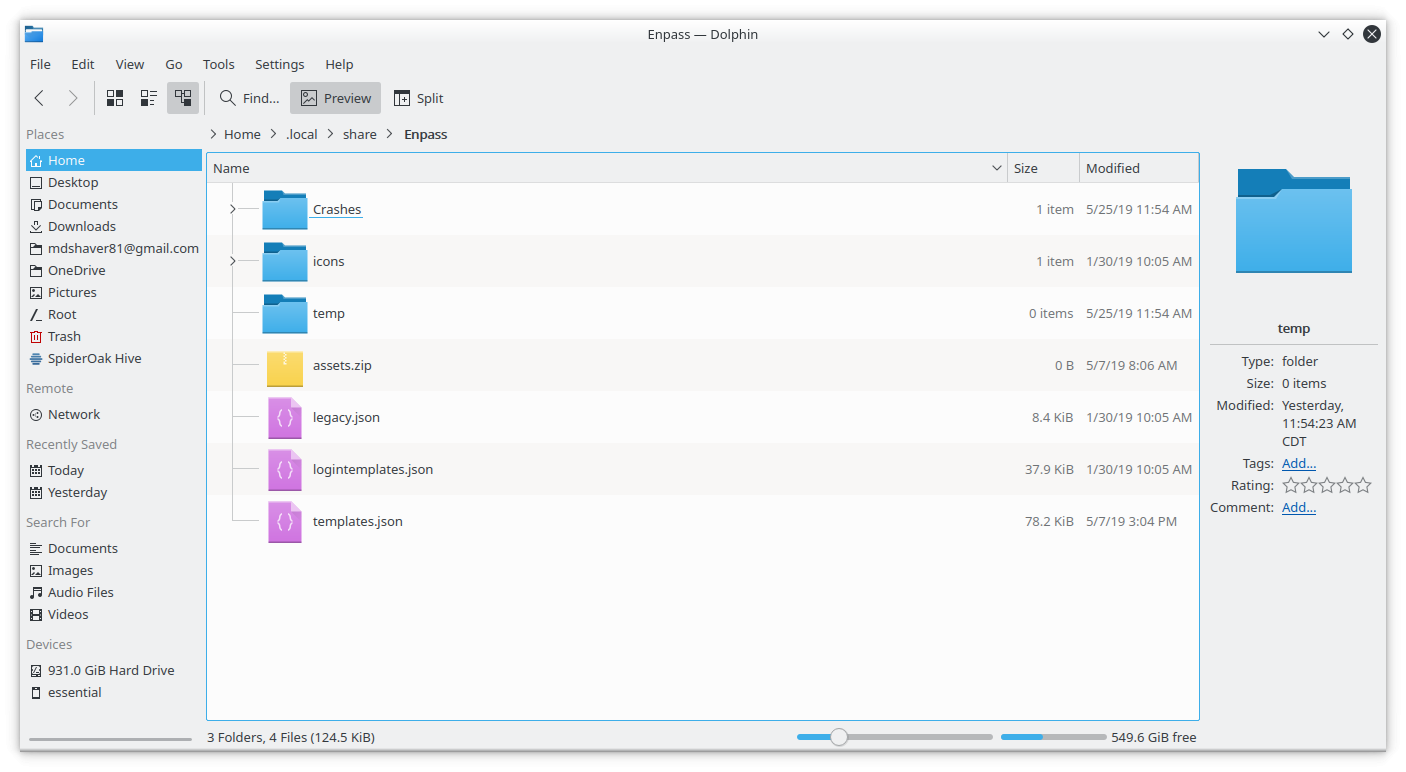
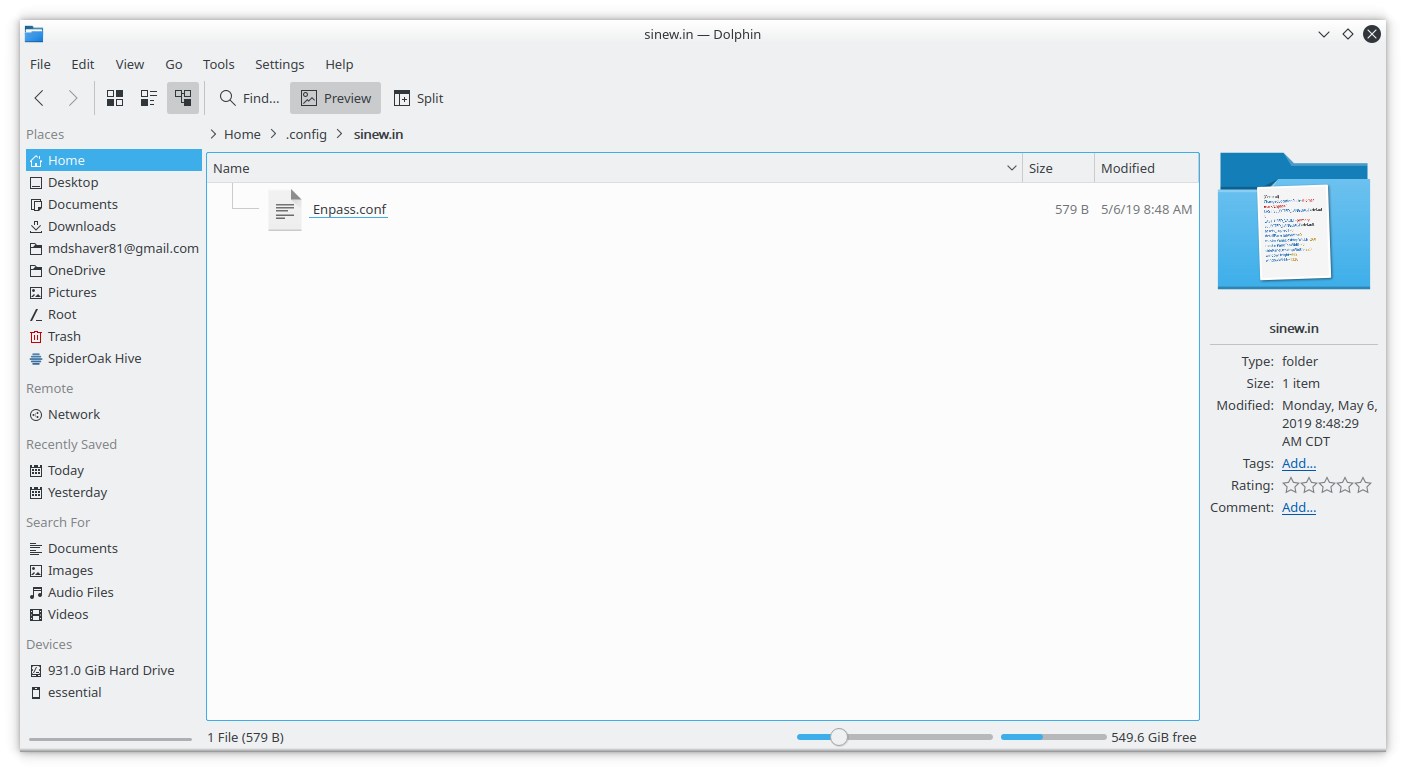
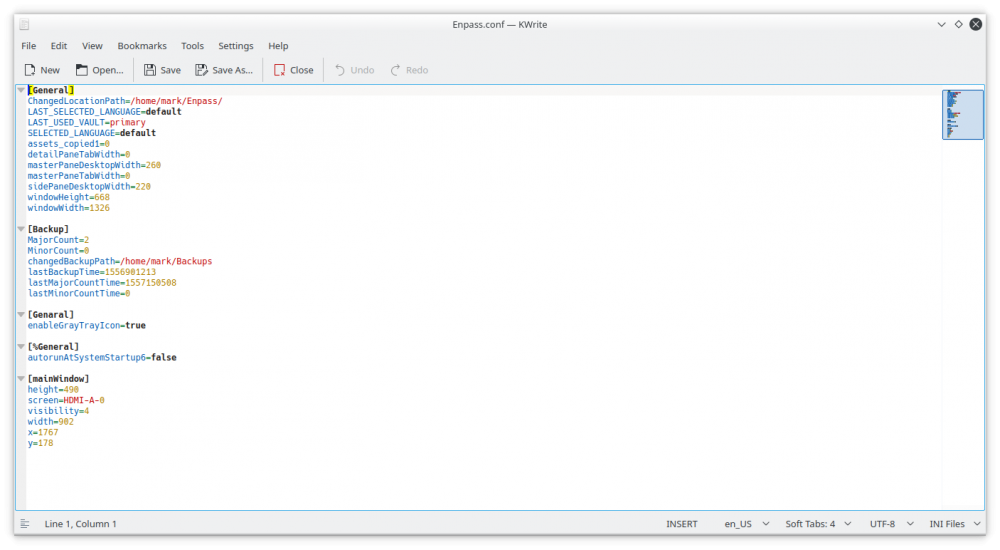
As I have previously replied to you in an email, uninstalling Enpass, deleting the specified folders, and reinstalling Enpass have had no effect on the reported issue. I have attached screenshots of the directories.
-
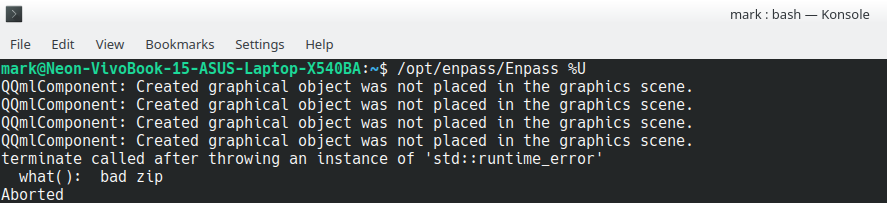
When I attempt to launch on KDE Neon (5.16.0) with the command /opt/enpass/Enpass %U, it crashes. I've attached a screenshot. I believe it first started with KDE 5.15.5. I am speculating that it is related to update of the underlying QT libraries as this is the major distinction with vanilla Kubuntu 18.04 which is the underlying base for the current version of KDE Neon. I have previously contacted Enpass but they not offered any meaningful assistance. I am a paying customer for the Android version but of course this is the desktop Linux version which does not have a paid option. If the packaged could be offered in a universal binary such as Flatpak, Snap, or AppImage I think it would resolve many issues for all Linux users not using stock version of Ubuntu/Debian, OpenSuse, or Fedora. Any thoughts on how to resolve this? Thanks in advance! Mark
-
Hi Eriya, I appreciate you sharing that appimage. However, I did not have luck with it. I am running PCLinuxOS. Below is the terminal output. Any advice would be greatly appreciated. [mark@localhost opt]$ ./Enpass* QQmlApplicationEngine failed to load component qrc:/qml/Enpass.qml:23 Type ApplicationWindow unavailable file:///usr/lib64/qt5/qml/QtQuick/Controls.2/Fusion/qmldir:-1 module "QtQuick.Controls.Fusion" plugin "qtquickcontrols2fusionstyleplugin" not found Segmentation fault