Przemuś
Members
-
Joined
-
Last visited
-
-
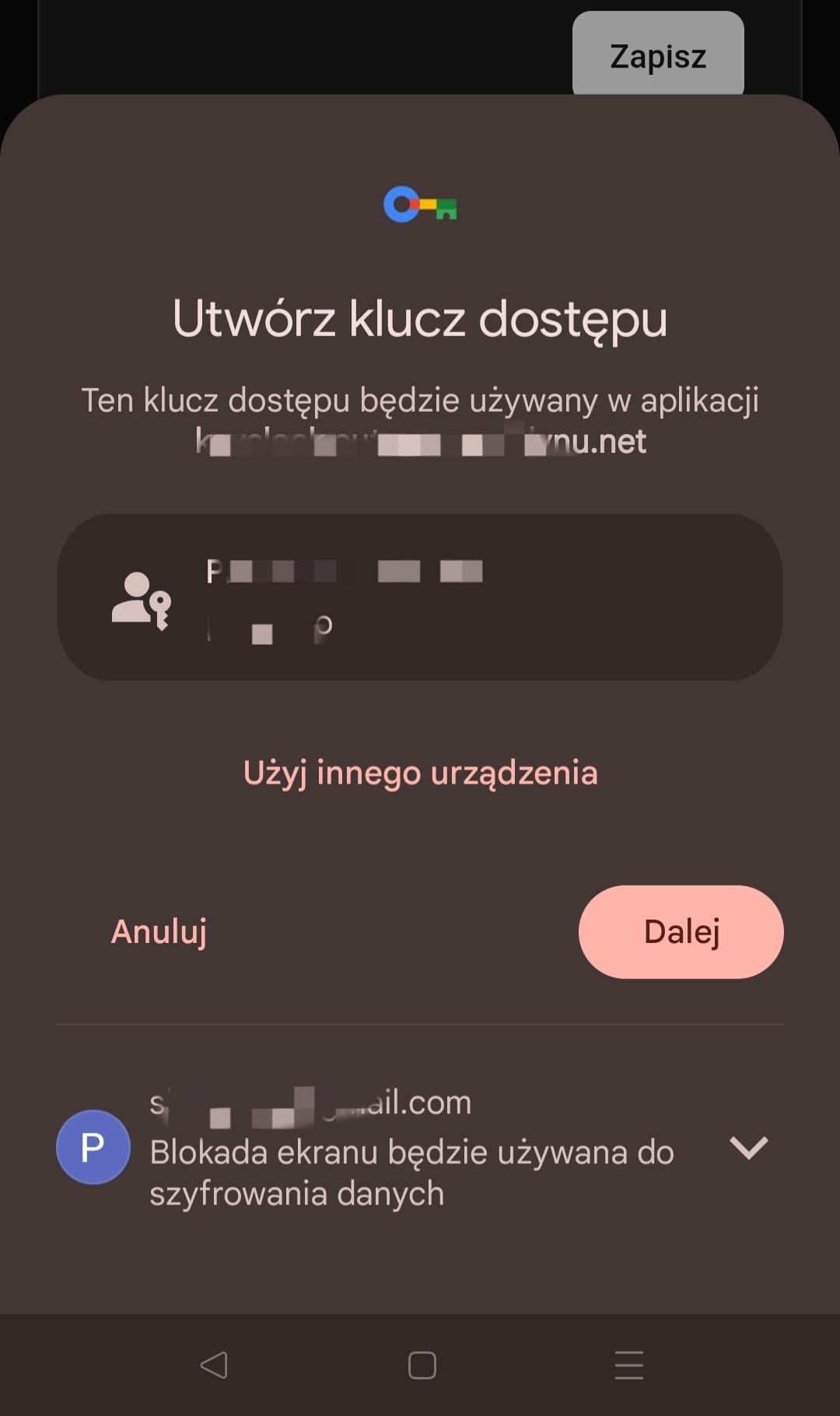
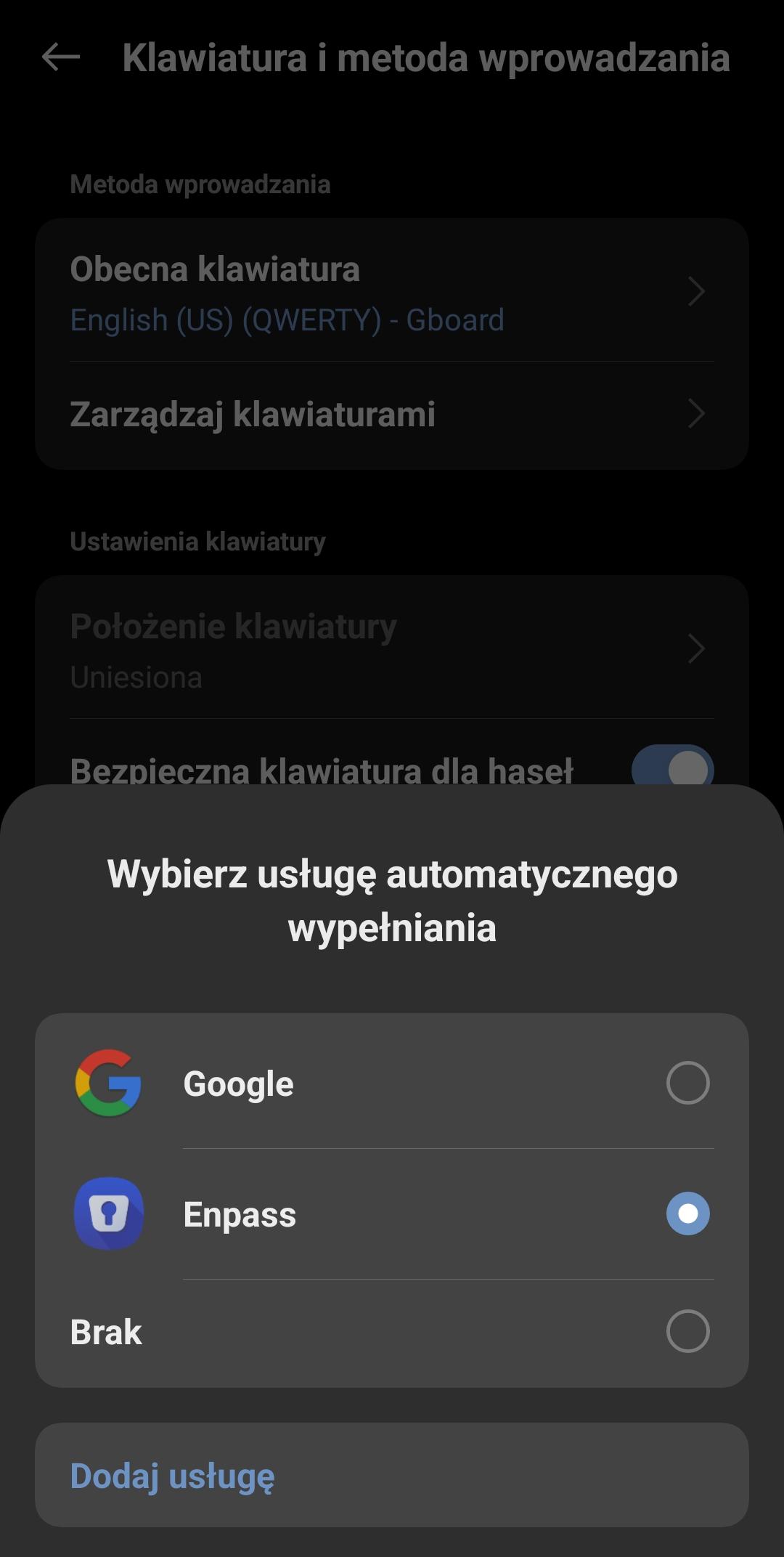
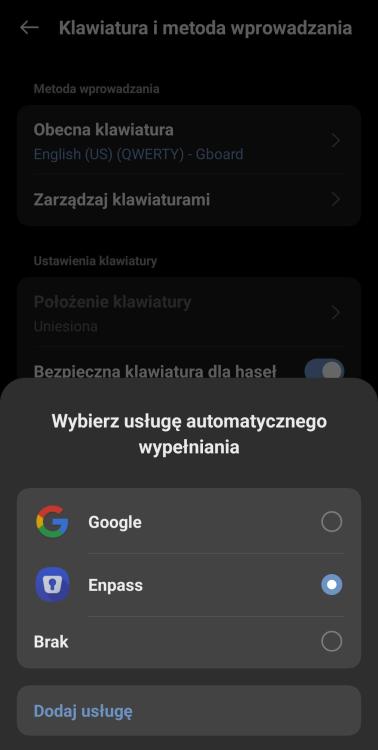
Hello, thanks for Your help. Thanks to You I open my pocketID admin page in smartphone browser and then add new passkey. Then Google password manager save that passkey. Now I can use it. But Enpass don't show as option. I can use passkey from Enpass only in browser on desktop. As You can see on second screenshot I set Enpass as default option for auto fill.
-
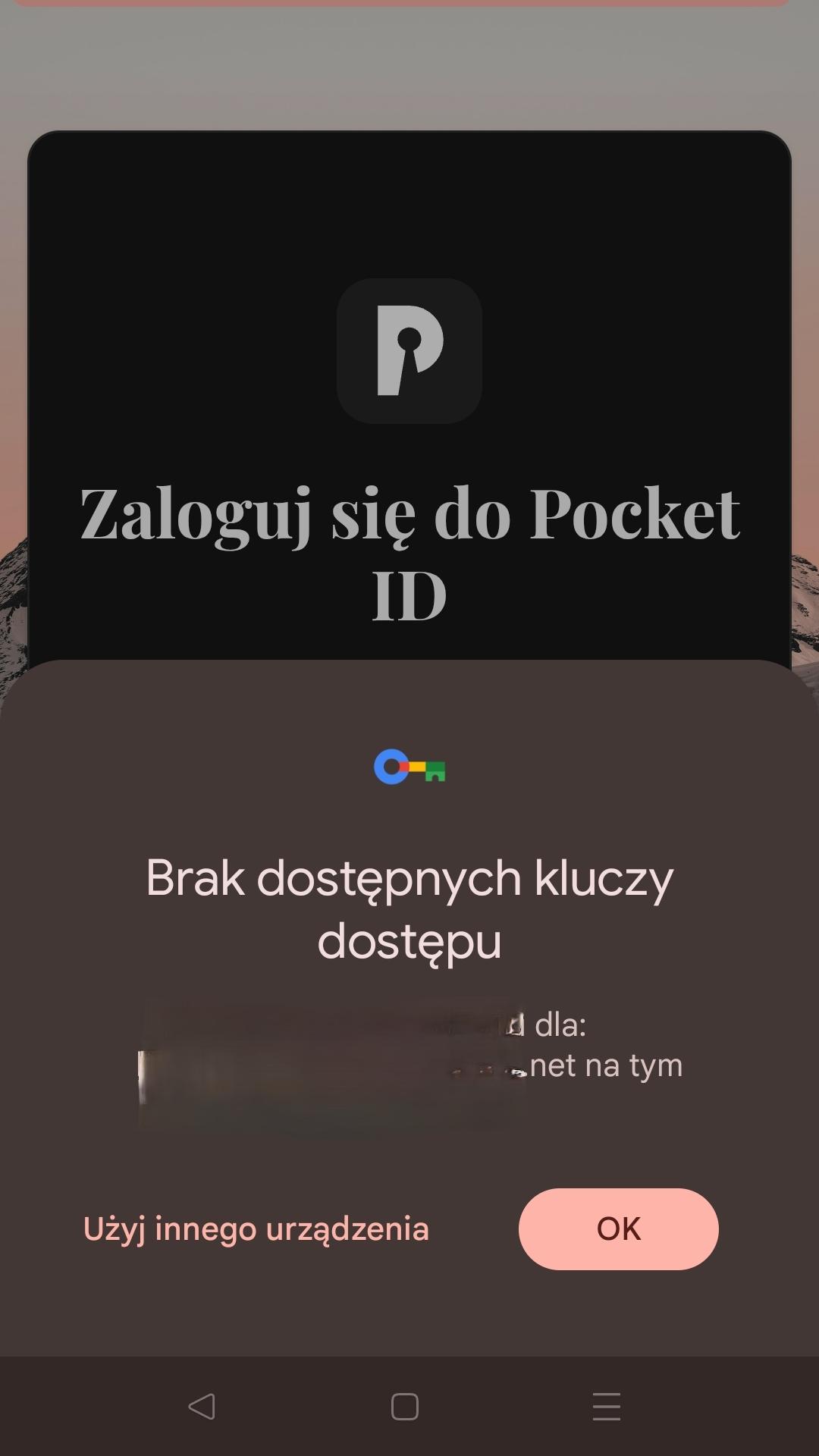
Hello, I have pocketID service selfhosted and add passkeys in browser. Now I can login to pocketID admin page with that passkey trough browser Enpass plugin. I have sync Enpass app on Android 14 smartphone (One Plus 9 pro). I setup in Google to Enpass set autocomple options in android. When I try to login my admin pocketID page I get error that no passkeys found. What I make wrong? Regards.
-
@Dentonthebear Hi, I just wrong thinking about that kind of apps. Now I install browsers extensions and changing my weak passwords manualy. Thanks for help.
-
Thanks for answer @Anshu kumar but I can't find anything about already used logins and passwords. Can You tell me that I have to change every password on any website that I'm logged in and generate new password?
-
Hi, I'm new to that kind of apps so forgive me. I don't understand how Enpass works. Is it only for new registrations on websites? I make entry with my twitter account and generate password. Then I try to login with that password and it don't work.