


YetAnotherAccountIDontWant
Members
-
Joined
-
Last visited
Everything posted by YetAnotherAccountIDontWant
-
Thanks a lot! These fixes took care of the problem. I appreciate your help.
-
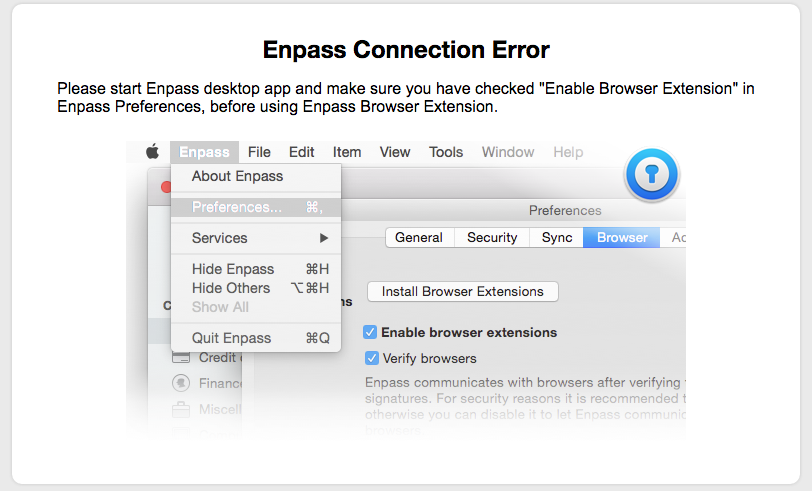
Hi, Thank you for getting back to me. Here's the information: -Enpass version 5.3.1 (60) -Chrome version 53.0.2785.143 (64-bit), Enpass extension 5.3.3 -Firefox version 49.0 (Enpass extension 5.3.3) This is the message I'm receiving using Firefox: Access Denied! Error 403 Browser's code signature verification failed. Filling and other features are disabled until this configuration issue is resolved. Please E-mail the diagnostics below to us at support@enpass.io. Diagnostics Application Name : Enpass Password Manager Version : 5.3.1 Browser Authority-1 : Developer ID Application: Mozilla Corporation Authority-2 : Developer ID Certification Authority Authority-3 : Apple Root CA Connecting Path : /Applications/Firefox.app/Contents/MacOS/firefox-bin Error : Unknown error Identifier : firefox-bin LocalAddress : 127.0.0.1 LocalPort : 10391 Origin : resource://jid1-tpts1z1uvun2fa-at-jetpack PeerAddress : 127.0.0.1 PeerPort : 50529 Operating System Name : OS X 10.11.6 Proxy HostName : localhost Port : 8118 Type : HttpProxy Using Chrome, I'm not seeing these diagnostics, only a message saying that I should start the Enpass Desktop application (which I do have open). Thanks,
-
Hi, I'm still having the same issues, both using Chrome and Firefox and OS X El Capitan. I have updated Enpass, the Browser extensions and the browsers to the latest versions. I think this is still the same problem, as it works if I disable the browser verification (which I'm not willing to do permanently). Do you have any advice or an estimated timeline for a fix? I really liked Enpass while it was working, but will be forced to migrate to another software soon.
