alexjan
Members
-
Joined
-
Last visited
-
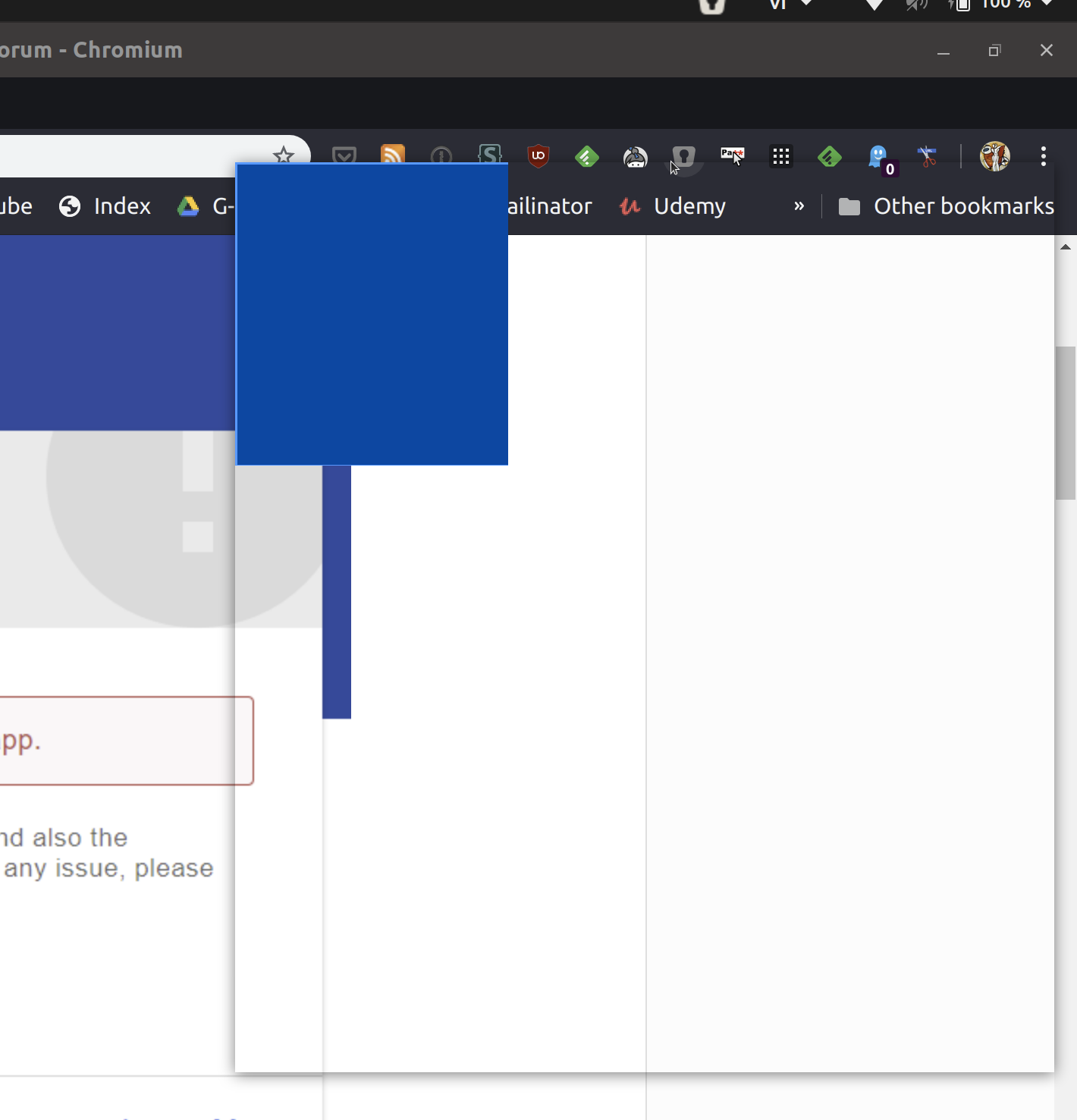
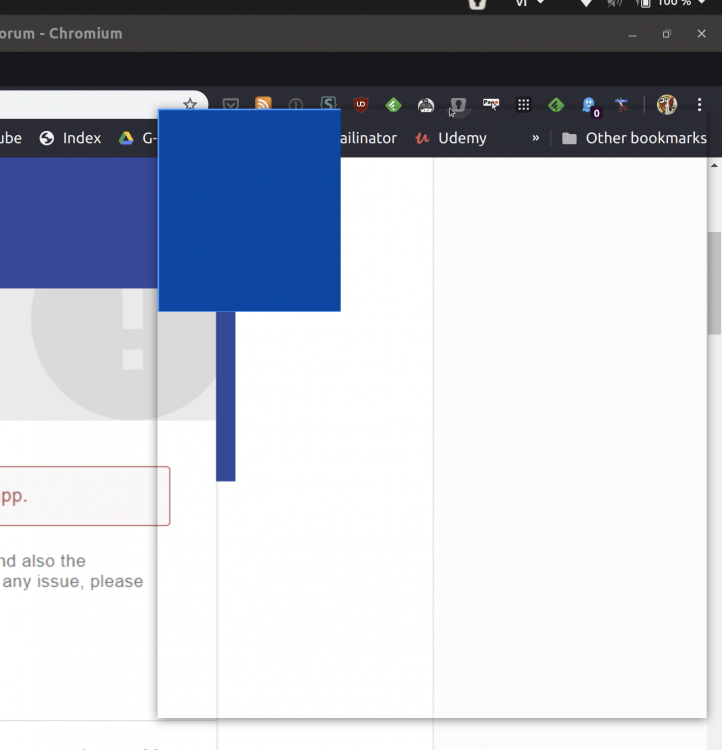
I have installed Enpass Desktop in Ubuntu and using it together with browser extensions and it was totally successful. Unfortunately, when I connected my laptop to an external monitor Dell 2K and set to its native resolution. The browser extensions are no longer working properly as seen in the attached pictures. They work normally again when I disconnected the external monitor. Thus, I suspect that there are some issues dealing with 2K/HiDPI resolution.
-
Hi Enpass Team, Thank you for developing Enpass. I am on the process of switching from a long-time 1Password user to Enpass and have to admit I like it so much more than the others I have tried out. After trying out a while, I would suggest to improve a bit regarding Enpass's UI. Instead of waiting for the user to click 'Unlock', Enpass can automatically unlock if the entered PIN/master password is correct, otherwise, issue a vibration or sound to inform the user to retry. That would save one step and make the interaction flow smoother. It's actually the behavior of 1Password and I have found that it's truly convenient for users. Just my 2c hoping to improve Enpass. Cheers, Alex